


Building on my posts about the agentic insider problem and runtime containment, Microsoft announced Microsoft Perception as generally available on November 17, 2026. The Ignite security announcement confirms the product name and introduces more agents and playbooks. Perception coordinates security work across the estate, from investigating attacks to reducing exposure and securing AI agents.
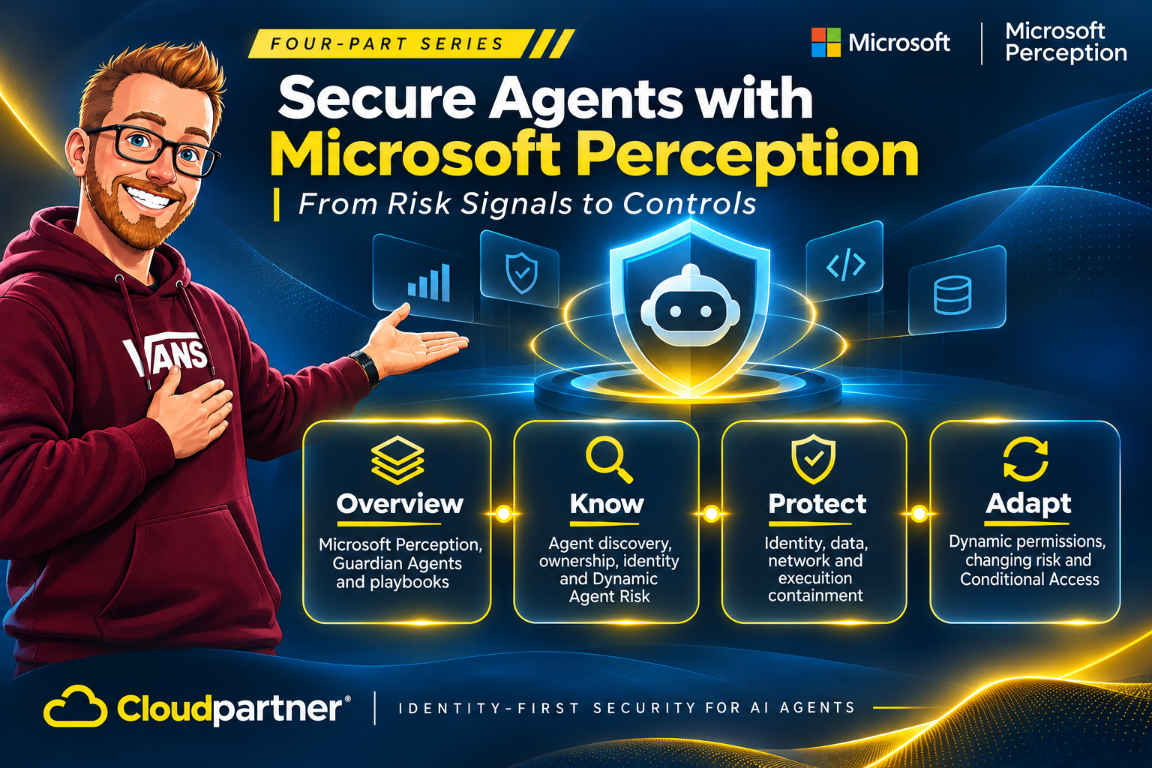
This series focuses on those AI agents: who owns them, what they can access, how they behave, and which protections apply. The articles group that work into three connected parts. Know identifies agents and their risk. Protect applies policies across identity, data, network, and runtime. Adapt adjusts the response as activity and risk change. Containment runs through protection and adaptation: the agent's authority and execution environment need boundaries before work starts and as conditions change.
For security teams, this brings inventory and response into the same workflow. An agent record provides the context for an investigation, a playbook organizes the protection work, and the relevant security products apply the resulting policies. The linked articles cover discovery and risk, protection and Guardian Agents, and adaptive controls separately.
Perception also defends the wider estate
Perception coordinates red, blue, and green team agents. Red agents find exploitable weaknesses. Blue agents triage alerts, investigate attacks, and improve detections. Green agents prioritize exposure and coordinate remediation. These are security agents defending the organization; the business and coding agents they help secure are a separate part of the estate.
The cyber stack starts with signals, sensors, and actuators across Microsoft Security and connected sources. A context layer organizes that information for investigation. Above it, a harness coordinates agents, models, and playbooks within permissions and approval rules. Microsoft describes the responsibilities in its agent categories documentation.
What is available after Ignite
The November 17 release has several availability levels. Use the status of the individual capability when planning a rollout, rather than treating the product announcement as approval to deploy every integration.
| Capability | Availability announced November 17 |
|---|---|
| Microsoft Perception | Generally available. |
| Recon Agent and Posture Prioritization Agent | Generally available. |
| Alert Triage, Attack Investigation, Detection Authoring, and Threat Intelligence agents | Generally available. |
| Risk Reduction Agent | Public preview. |
| Web App Pen Test Agent and vulnerability shielding | Preview. |
| Defender playbook invocation, MCP/API integrations, and AWS, Okta, and Salesforce signals | Preview. |
| Expanded agent discovery, protection, and Dynamic Agent Risk | Preview. |
| Dynamic permissions and Conditional Access dynamic controls | Remain in limited preview. |
| AI Readiness Initiatives in Perception | Preview planned for January 2027. |
| Purview enhanced data classification | General availability planned for January 2027. |
| Purview grounding protection based on sensitive information types and expanded prompt DLP | Preview planned for January 2027. |
Perception's general availability does not remove limited-preview access requirements. Discovery coverage, identity integration, and runtime protection also have different support requirements for each agent and operating system.
Know, protect, and adapt
| Stage | Capability | Security job |
|---|---|---|
| Know | Agent registries, detected local agents, owners, risk levels, and related incidents. | Connect an agent to its owner, activity, exposure, and the systems within its reach. |
| Protect | Guardian Agents and playbooks investigate protection gaps and prepare scoped policy changes for approval. | Move from a risk finding to a control that is enforced by the right product. |
| Adapt | Dynamic Agent Risk connects changing activity and exposure with policy responses. | Adjust access and protection as the agent's task and risk change. |
Discovery, investigation, and protection use a shared agent context. That gives IT and security a way to move from a finding to a policy change without rebuilding the agent's ownership, identity, and exposure information at each step.
Know which agents are in the estate
The preview expansion brings local-agent discovery to 60 agent types, adding 35, and includes third-party cloud agents on AWS and Google Cloud. Agent discovery connects the Agent 365 registry with local agents detected on managed devices. Agent records include publisher, owner, device, last-seen activity, and risk. An operator can move from the estate view to an individual instance and its related incidents.
Dynamic Agent Risk brings together runtime risk, exposure, and blast radius. Runtime risk describes observed behavior. Exposure describes what the agent can reach. Blast radius adds the potential impact on connected resources and business systems. Together, these help the team prioritize agents based on activity and access, rather than installation counts alone.
Microsoft Entra Agent ID gives supported agents an identity separate from the employee using them. This connects agent activity to governance and access policies. Discovery and runtime protection have different support requirements; Microsoft's AI agent support matrix lists coverage by agent and operating system.
Protect with policies people can inspect
Guardian Agents investigate risk and protection gaps, explain their findings, and recommend or perform actions within delegated policy. A playbook organizes the steps for a security outcome. People define that outcome, set approval boundaries, and decide which work to delegate.
For network protection, Global Secure Access policies block high-threat destinations and filter restricted web content for supported local agents. The protection workflow includes policy review, selection of a pilot or broader target group, and approval before assignment.
Microsoft Execution Container (MXC) provides a policy-controlled runtime boundary for local agents. A coding workload can have read/write access to its repository and read-only access to build configuration, while protected system paths remain inaccessible and network access is disabled. The policy is reviewed and assigned to the selected device group. Check the runtime's supported integrations and deployment requirements separately from Perception's GA status.
Microsoft Purview adds data-loss prevention for supported prompts, responses, attachments, and agent interactions. Microsoft Defender provides endpoint protection against unsafe local activity. Expanded prompt DLP for Copilot and local Windows agents is scheduled for preview in January 2027, not general availability in November.
Adapt as agent activity changes risk
Dynamic Permissions grants task-specific access and removes it when the task no longer needs it. Dynamic Conditional Access evaluates supported requests against current risk and context, including activity beyond the initial sign-in. These address two different needs: giving the agent the authority required for its work, and responding when conditions change. Microsoft Entra ID Governance dynamic permissions and Conditional Access dynamic controls remain in limited preview; Dynamic Agent Risk is part of the preview agentic-insider capabilities.
Runtime and data protections address unsafe activity during execution. Defender can block a request to read a protected local environment file. A data-protection policy can block the disclosure of sensitive personal information. Perception brings the associated risk and incident context back into the agent record for investigation and response.
Guardian Agents use that context within playbooks to continue the protection work. An action that requires approval stays with the designated approver; delegated actions remain within the configured policy. This connects changing risk to an ongoing security workflow.
How the security products work together
Agent 365 provides the registry, Microsoft Entra provides agent identity and access controls, and Microsoft Perception connects risk with Guardian Agents and playbooks. Defender, Purview, Global Secure Access, Intune, and Microsoft Execution Container apply endpoint, data, network, and runtime protections.
The Ignite announcement identifies Intune policies as a containment control for supported local agents. A registry entry, an agent identity, and a runtime policy do different jobs. Each needs its own supported integration and policy assignment.
My earlier article on Security Copilot, Microsoft Perception, and MDASH explains the wider security-product context. Here, the focus is the agent estate itself, from discovery and ownership to policy assignment and responses to changing behavior.
Deployment and licensing
Perception has consumption-based pricing, purchased through pay-as-you-go or an AI Flex Plan. Eligible usage counts toward an active Microsoft Azure Consumption Commitment (MACC). Perception and Security Copilot are complementary products priced separately, according to the Perception pricing overview and FAQ.
Use the cost estimator before expanding automation. The Defender portal's Setup & configuration > Microsoft Perception dashboard shows spending and outcomes across agents, playbooks, and users, with budget tracking. Add the licenses for participating identity, endpoint, data, and network services to the rollout budget. Discovery and runtime support must also match the agent and operating system.
Start with the Microsoft Perception setup guidance and the agent support matrix. The next article covers how discovery, ownership, and Dynamic Agent Risk fit together.
References
- Microsoft Ignite security announcements, November 17, 2026
- Microsoft Perception product details, pricing, and FAQ
- Agents are your newest insiders: Security must move at their speed
- Microsoft Perception: How Agentic Security Works | Microsoft Ignite
- What is Microsoft Perception? | Microsoft Learn
- Get started with Microsoft Perception | Microsoft Learn
- Work with playbooks in Microsoft Perception | Microsoft Learn
- Supported AI agent types in Microsoft Defender for Endpoint