


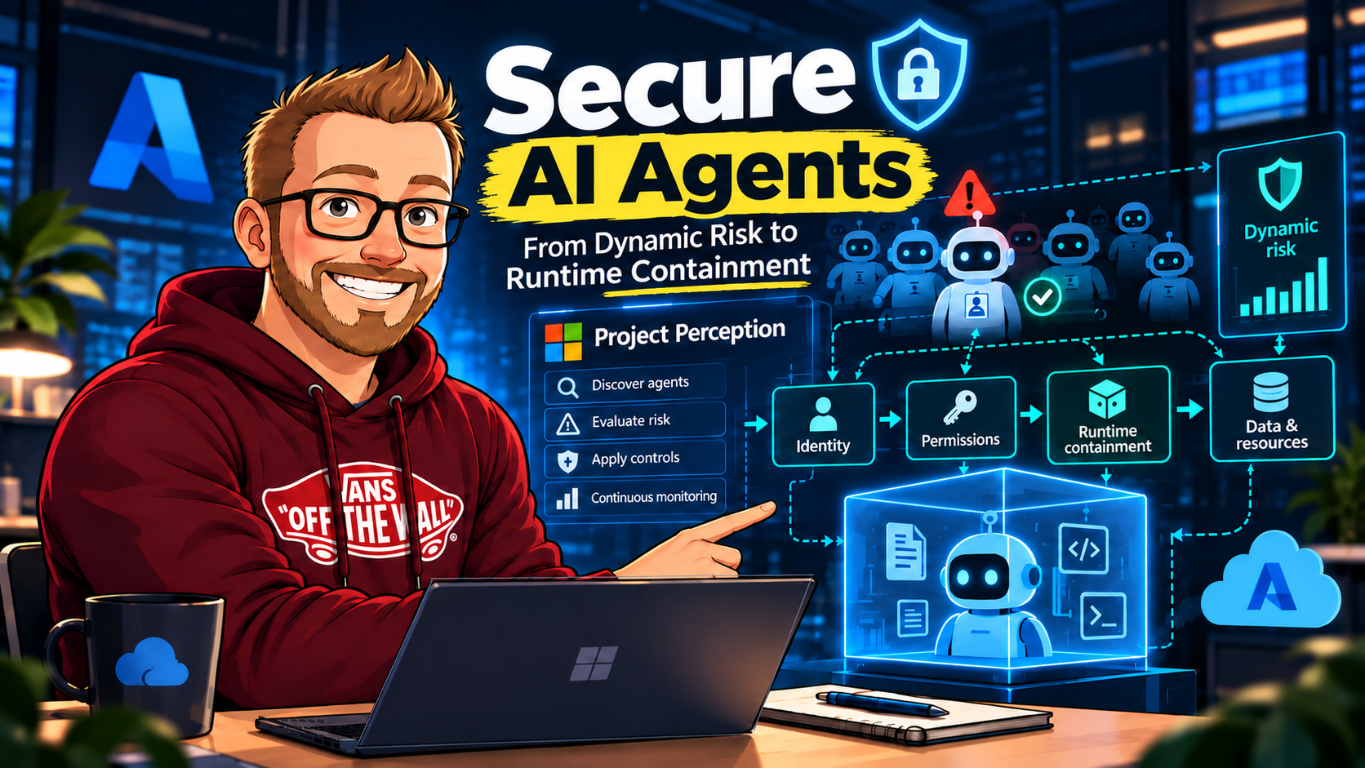
This is part two of my series on Project Perception and secure AI agents. Part one covered Microsoft's October 19 announcement: discover agents, establish identity, evaluate risk, and adjust controls as that risk changes. Here I want to connect those control-plane ideas to the runtime boundary in my earlier post on Microsoft Execution Containers (MXC).
These capabilities address different failure modes. Risk evaluation helps decide whether an agent's authority still fits its task. Runtime containment restricts what the process can access while it runs. Identity binds the actions to an agent rather than hiding them inside a user's permissions. Secure AI needs those layers to agree, even when they come from separate products. Consider a deployment where a business agent runs locally and a security team investigates its activity through the available identity, endpoint and service records.
One agent, several enforcement points
Microsoft's October announcement describes a stack that spans identity, permissions, data, endpoints, network, cloud, and runtime. It also names Dynamic Agent Risk, Dynamic Permissions, Dynamic Conditional Access, and Guardian Agents as pieces of its expanded Project Perception approach. MXC has a narrower job: provide a policy-controlled execution boundary for a process. The operating system enforces local process policy; the business service enforces its own action permissions.
| Layer | Security question | Example control |
|---|---|---|
| Identity | Which agent is acting, and who owns it? | Give the agent a distinct identity and auditable owner. Do not treat the sponsor's identity as the agent's identity. |
| Authorization | Which data, APIs, and actions may it use for this task? | Grant task-scoped permissions, constrain tool calls, and require approval for consequential actions. |
| Runtime | What can the process read, execute, or reach? | Use MXC or another suitable boundary to enforce filesystem, process, and network policy outside the model. |
| Risk and response | Does current activity still fit the task and allowed risk? | Use monitored signals and documented controls to narrow access, request approval, or stop work when policy requires it. |
| Evidence | Can the team explain what happened and why? | Correlate agent identity, process activity, policy decisions, tool calls, and human approvals in records the incident team can review. |
What MXC contributes
An agent's prompt and model instructions are not an operating-system access-control mechanism. Generated code, a tool, or a compromised harness can request operations the agent was not intended to perform. A runtime policy should therefore be enforced outside that untrusted workload.
MXC is an SDK that an application can use to start a workload under a selected containment backend. In the October 19 Microsoft security post, Microsoft describes sandboxes such as MXC as providing policy-controlled access to the resources an agent needs and an enforcement point outside the agent's reach.
For a local coding agent, the policy might allow changes under one workspace, permit a small set of build tools, deny access to credential stores, and block outbound network traffic unless a task needs specific destinations. That boundary can reduce the effect of prompt injection or a misbehaving tool. It does not decide whether a requested business action is authorized, and it does not make a credential safe if the process can already read it.
The unit of containment matters. Sandboxing only generated code leaves the agent harness and its tool adapters outside that boundary. Sandboxing one tool can limit that tool while the rest of the agent retains broad access. Sandboxing the full agent process gives a wider boundary, but can break legitimate developer workflows or require carefully managed access to editors, terminals, and local services. Choose the boundary based on the threat model, then verify which child processes, file paths, network routes, and interactive features the selected backend actually contains.
MXC exposes a common SDK surface across containment backends, but the backends do not have identical isolation or feature coverage. Use the platform support and backend documentation for the host you're deploying on. A portable request shape does not make the underlying security properties portable by itself.
A minimal launch example
The following Node SDK shape follows the example in my MXC walkthrough. It denies outbound network by default and sets a timeout. It also checks whether the current host supports MXC. Node.js 24 or later is required by the current Node SDK. The sample grants read-only access to the current working directory, so it is for a read-only command, not a test runner that needs to write build output. Check the current SDK README for backend behavior, platform requirements, and policy semantics.
import { getPlatformSupport, run, type ContainerRequest } from "@microsoft/mxc-sdk/v1";

if (!getPlatformSupport().isSupported) {
  throw new Error("MXC is not available on this host");
}

const request: ContainerRequest = {
  command: "node -e \"console.log('read-only task')\"",
  filesystem: { readonlyPaths: [process.cwd()] },
  network: { egress: { default: "deny" } },
  timeoutMs: 30_000,
};

const result = await run(request);
console.log(result.stdout, result.exitCode);
run returns captured output and an exit code, along with execution status such as
whether the timeout was reached. For streaming output, the SDK's spawn API returns a
process handle; consume its output streams and dispose of it when the run is complete. This code
is not a complete production policy. It doesn't scope environment variables, secrets, a writable
output path, or approved network destinations, and read-only access to the working directory
doesn't prove all other paths are denied on every backend.
To run a build that needs to write files, create a dedicated workspace with only the required source and output paths, then configure the supported writable-path policy for the backend. Don't use a developer's home directory as a shortcut. If dependency restore requires network access, test the exact permitted destination and confirm unrelated egress is blocked. A policy that cannot be tested at its actual enforcement point should not be described as enforcing that restriction.
Threat model the whole agent, not just the prompt
An agent includes more than a model. Microsoft's October post describes a model, a harness that coordinates its work, tools and resources that define its action space, and a runtime where it executes. Each part can widen the risk:
- Prompt and retrieved content: untrusted text can try to redirect the task or disclose data.
- Harness and plugins: an orchestration component can pass credentials or request tools outside the intended task.
- Tools and MCP servers: a reachable tool can carry authority to read or change a system, even if the model itself has no direct API permission.
- Runtime and host: a process may inherit files, environment variables, sockets, or network reachability from the account that launched it.
- Identity and authorization: a personal or shared credential can make the actor hard to distinguish and grant more authority than the agent needs.
Containment is only as strong as the paths that bypass it. If the agent can call a privileged MCP server outside the sandbox, the sandbox doesn't constrain the server's authority. If a secret is present in an inherited environment variable, filesystem protection won't remove it. If a service accepts a user's token, the service still needs its own authorization checks and audit attribution.
A managed harness doesn't own every permission boundary
In my Copilot harness article, I looked at this from the managed Foundry runtime side. Microsoft operates the agent loop and execution environment, but the application still chooses the workload, identities, tools and permitted business operations. That changes who runs the infrastructure; it doesn't remove the need to trace the authority behind each tool call.
Two preview details are worth carrying into a deployment review. Disabling dedicated filesystem
or web built-ins doesn't necessarily remove those capabilities when shell remains available.
Also, customer MCP require_approval settings don't govern the built-in harness
tools. List the execution paths actually enabled rather than assuming one toggle or approval
setting covers the whole agent.
A network policy has a scope too. Foundry harness network-egress rules govern direct harness traffic, not every separately declared service tool or model deployment. If an allowed tool reaches another service on the agent's behalf, review that service's authentication, authorization and outbound access separately. An approved destination can still accept an unauthorized operation.
Put data controls beside identity, not in its place
The same separation applies to the Purview updates. Classification tells you which information needs protection. A supported DLP policy can govern its use or movement, while a sensitivity label may also apply encryption and usage rights. None of those settings automatically fixes an overbroad API permission or decides whether an agent should authorize a payment.
For a case-handling agent, I would record the customer data it may read, the recipients it may send to and the fields it may change. Then map each rule to a supported enforcement point. Endpoint DLP and network DLP have different prerequisites and inspection coverage; a policy name isn't evidence that a particular tool or transfer path is inspected.
Test with synthetic sensitive data through the actual route used by the application. Confirm the allowed operation works, the forbidden transfer is denied and the incident record can be tied back to the agent and task. Keep separately stored outputs and session artifacts in the review, because stopping an agent doesn't retract information already sent elsewhere.
From a risk signal to an enforceable response
Suppose an agent begins with permission to read a case and draft a response. While processing an attached document, it attempts to send customer data to an unapproved endpoint and then asks a tool to update the case.
- Attribute: associate the process, tool calls, and resource requests with the agent identity and task owner.
- Observe: record the attempted endpoint and write operation alongside the relevant identity, data, and runtime signals.
- Evaluate: check whether the activity matches the stated task and the policy for this agent. The Project Perception announcement describes Dynamic Agent Risk as a continuously updated view across security signals and agent activity.
- Enforce: the controls at the relevant boundaries block the disallowed destination or write. Depending on configured policy, a higher-impact action can require approval or the session can be stopped.
- Review: preserve enough evidence for an operator to understand the trigger, decision, and outcome, then adjust the policy only after verifying the need.
The key engineering requirement is that each response has an actual enforcement point. A risk score without a control capable of restricting the agent is only a signal. A sandbox without identity and task context can block operations, but it cannot tell whether an allowed operation was appropriate for the business process.
| Test case | Expected control | Evidence to collect |
|---|---|---|
| Agent reads an approved source file | Read succeeds inside the task workspace. | Agent identity, process start, policy version, and file access event. |
| Agent tries to read a credential outside its workspace | The runtime boundary denies access. The credential is not available through another mounted path or inherited environment variable. | Denied operation, backend, policy decision, and process identity. |
| Agent attempts an unapproved network destination | The applicable network control denies the connection and records the destination. | Process-to-connection attribution and the network policy decision. |
| Agent requests a consequential business action | The business service checks authorization and requires the configured approval. | Agent identity, request, approver identity, decision, and resulting change. |
| Risk signal is missing, stale, or delayed | Existing least-privilege and runtime policies still constrain the process; the design doesn't assume a risk service will always respond. | Signal freshness, fallback policy, and whether the operation was allowed or denied. |
Run these tests against the actual host and backend, not only a mocked policy evaluator. Repeat them after changing the backend, SDK version, tool configuration, or identity flow. A successful test run proves only the cases exercised; keep negative tests in the agent's release pipeline.
Test approval and revocation after work has started
An approval should identify the exact operation, target and relevant values. Consider an operator approving a case update, followed by the agent changing the recipient or requested amount. The service should require a new decision for the changed request, rather than treating the earlier approval as permission for any later action. Test retries too, so a repeated request cannot create duplicate changes.
Revocation needs a timing test. Disable the trigger, stop the session and remove downstream permission in separate test cases. Check new requests, in-flight operations and credentials already obtained by the tool. Those controls may affect different parts of the workflow; a stopped session isn't evidence that every external operation was cancelled.
The Perception session documentation says stopped sessions can't resume, and sessions don't automatically restart. Review Completed and Ended with Failures separately. Even a Completed status means the agent tasks finished, not that an analyst verified the business outcome or removed every exposure.
Keep the responsibilities separate
- Project Perception describes security agents, playbooks, risk context, and coordinated security response.
- MXC provides a runtime mechanism for confining a workload under policy.
- Microsoft Entra Agent ID provides identity constructs and governance for agents; identity is not a substitute for filesystem or process containment.
- Application authorization determines whether a specific business action is allowed, and should be enforced by the application or service that owns the data.
Those controls can reinforce one another, but they are not interchangeable. A practical design maps each rule to the system that can enforce it. If an agent must not read a key file, enforce that at the filesystem boundary. If an agent must not approve a payment above a threshold, enforce that in the payment workflow and require the right human approval. If its behavior changes, monitor the available evidence and apply the policy response supported by the deployment.
A deployment review I use
- Write down the agent's task, owner, data classification, and expected output.
- Assign an agent identity and scope access to the smallest set of resources needed for that task.
- List every file, executable, API, MCP server, and network destination the workload can reach.
- Choose a runtime boundary that supports the required operating system and isolation level. Test its actual backend rather than assuming all backends enforce identical controls.
- Run representative tasks and adversarial inputs. Verify expected operations work and denied operations fail at the intended enforcement point.
- Set approval requirements for consequential actions and decide who can pause or terminate a run.
- Verify audit records connect identity, policy decisions, runtime events, and business actions.
- Keep an application card or equivalent deployment record with the agent's activation triggers, grounding sources, identity, access permissions, action rights, approval gates, and enforcement points. Record which controls are actually configured, not just recommended.
- Confirm the exact preview, licensing, and support conditions for every Microsoft capability before committing to the design.
For each risk signal, document its source and freshness, the agent and task it refers to, the decision it informs, the control that can enforce that decision, and the evidence showing the outcome. Microsoft's Project Perception Application Card is a useful product reference for the dimensions to review, including triggers, access, and autonomous action rights. It is not a tenant-specific coverage report. Treat the reviewed card and your deployment record as inputs to testing, not as evidence that an untested control works.
Keep a record that another engineer can reproduce
For each reviewed release, keep the agent identity, human sponsor, permitted task, tool and policy versions, grounding sources and approval requirements together. Add the test input, expected decision, actual outcome and evidence location. Record incomplete coverage explicitly, including missing telemetry, unsupported inspection methods and resources outside the agent's scope.
A useful release decision might permit a read-and-draft workflow while holding back writes until approval and revocation tests pass. That is easier to defend than granting broad access because a model performed well in a demonstration. If a later tool or permission change expands reach, review the affected cases again before accepting the new authority.
My starting point would be one low-impact workflow, a named operator and a small set of repeatable positive and negative tests. Expand only when the evidence shows both that useful work succeeds and that prohibited work fails at the boundary intended to stop it.
Public references
- Microsoft's new Copilot harness and agent governance
- Purview: legacy Office files, network DLP and AI data security
- Part 1: Project Perception and the Agentic Insider
- Microsoft Execution Containers: A Policy Boundary for AI Agents
- Agents are your newest insiders. Security must move at their speed
- What is Project Perception? | Microsoft Learn
- Application card for Project Perception | Microsoft Learn
- Signal is useful; control is better | Microsoft Security
- What is Microsoft Entra Agent ID? | Microsoft Learn
- Microsoft Execution Containers SDKs and samples
- Microsoft Execution Containers Node SDK README
- Microsoft Execution Containers Node SDK request types