


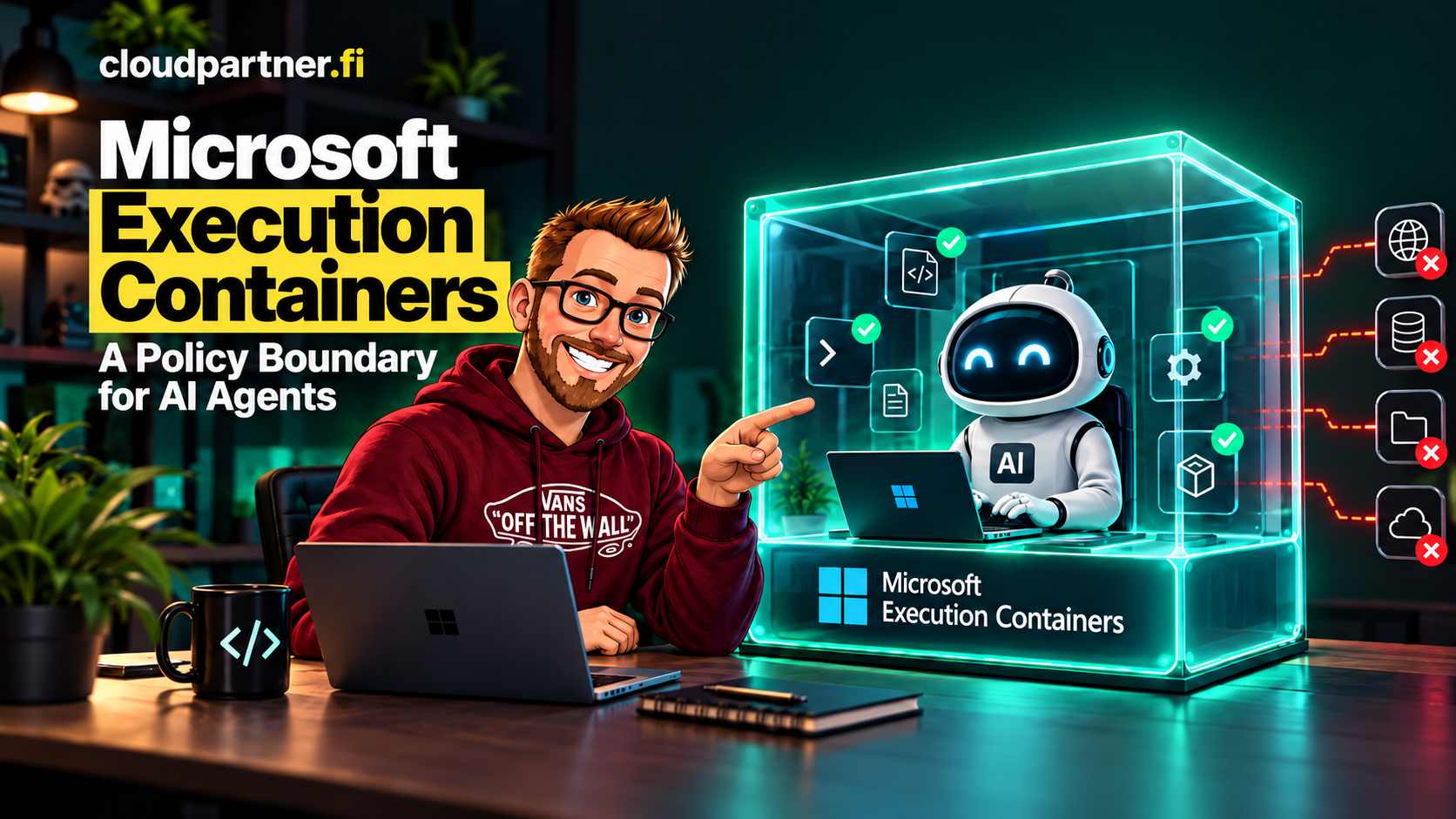
A coding agent can read a project, edit files, run commands, install packages, and call remote services. That makes it useful, but it also means a prompt or plugin can send it toward resources the user never meant to expose. Running the agent as the signed-in user gives it a much wider authority than the task usually needs.
Microsoft's answer is Microsoft Execution Containers (MXC), a policy-driven execution layer for untrusted code and agent workloads. The point is to let the workload do its job inside an OS-enforced boundary chosen by the developer or organization, rather than asking the agent to police its own behavior.
Why Microsoft is shipping MXC now
Microsoft describes a familiar bind in its October 7 announcement: unrestricted agent access creates risk, while blocking agents outright removes useful automation. A separate execution boundary gives teams a middle option. They can allow specific files, commands, and network destinations, while denying access to everything else.
The earlier Windows security announcement at Build gives more context. Microsoft says agent behavior is dynamic: an agent can generate code for a particular request, then use tools to read files, make changes, and call services. An app permission prompt or a promise in the agent's system instructions can't reliably constrain each action once that code is running. The operating system needs to enforce the boundary independently.
Microsoft points to a UK AI Security Institute and University of Oxford sandbox-escape study as part of the reason for stronger containment options. The paper evaluates model attempts against deliberately vulnerable container setups. It found that models could identify and exploit the vulnerabilities included in those test environments. That is evidence for testing and hardening sandbox configurations; it does not show that every model can escape every correctly configured sandbox, or that MXC itself was the target of the research.
Microsoft says MXC is generally available. This is a developer-facing runtime building block, so general availability does not mean every agent framework or backend has identical support. Check the SDK and agent documentation for the exact features available in your environment.
Think about an agent asked to update a website. It needs to edit the repository and run the local build tools. It may need to read deployment settings, but it should not be able to change the production configuration or browse a user's personal files. The agent might decide that changing a server setting is a quick way to make a test pass. MXC is intended to make that operation fail at the operating-system boundary, regardless of the model's reasoning or the plugin that issued the command.
This is a least-privilege boundary around execution. It can contain generated code, individual tools or plugins, an agent harness, or the full agent process. The policy sits outside that workload, so generated code cannot add permissions to its own policy.
There is also a platform reason, though this part is my read rather than a Microsoft product commitment. Microsoft wants Windows to remain a place where developers can build and run agents, not just a desktop from which they connect to a remote agent service. MXC gives agent developers one policy model across Windows and other supported systems, while the Windows platform can add controls that fit local execution. That supports Microsoft's broader Windows, Windows 365, and Agent 365 work without making MXC itself a hosted agent service.
How developers use the SDK
MXC is an SDK dependency that an application embeds. The application describes the command and its required controls, then MXC selects a supported containment backend and launches the workload. Microsoft publishes Rust, .NET, and Node SDKs, along with a versioned request schema and runnable examples.
This small TypeScript example follows the Node SDK's documented shape. It launches a bounded workload and denies outbound network access:
import { spawn, type ContainerRequest } from "@microsoft/mxc-sdk/v1";

const request: ContainerRequest = {
  command: "node -e \"console.log('hello from container')\"",
  network: { egress: { default: "deny" } },
  timeoutMs: 30_000,
};

const child = await spawn(request);
The sample only sets an egress rule and a timeout. A real workload also needs a deliberate file policy, command arguments, working directory, environment, and an appropriate backend. Use the MXC samples for filesystem containment, network containment, transient runs, and persisted containers rather than treating this short example as a full production configuration.
Choose a boundary that fits the workload
MXC is a common interface across multiple containment backends, not one universal container type. The backend changes the isolation properties and what workloads can run. Microsoft's announcement describes these examples:
| Backend | Where it runs | When it fits |
|---|---|---|
| Process container | Windows, macOS, and Linux, using a platform-specific process sandbox | Fast code and tool execution where a lightweight boundary is appropriate |
| Session container | Windows 11 | Long-running work that needs a separate Windows account, desktop, clipboard, or UI session |
| WSL container (WSLc) | Windows 11 | Linux-based developer tools and agent workloads |
| MicroVM | Windows and Linux; experimental in the MXC repository | Workloads that need a hardware-backed virtual boundary, subject to backend readiness |
On Windows, a process container uses the platform's process-isolation capabilities, including AppContainer. A session container creates more separation from the interactive user, including its own desktop and clipboard. Those boundaries solve different problems. The MXC repository documents additional backends and platform prerequisites; check its current status before selecting one for a production workload.
Microsoft also says MXC support for Windows 365 is generally available, so developers can run agents alongside their existing work in Cloud PCs. The October announcement names GitHub Copilot, OpenClaw, OpenAI Codex, Replit, LM Studio, and Unsloth AI among the agents and frameworks already supporting MXC. Check each product's current documentation for supported versions and which parts of its workload are contained.
The same announcement says Anthropic Claude Code, Box, Egnyte, Heidi Health, Hermes Agent, Manus, Perplexity, Raycast, and Simular are expected to add support. Microsoft did not give delivery dates for those integrations, so treat the list as announced partner plans, not available features.
MXC is not a hosted compute service with one standalone runtime price. The cost depends on the host and backend: local device capacity, a Cloud PC subscription, or cloud compute remain separate considerations. A lightweight process sandbox and a virtualized backend also have different resource and operations costs. Confirm the current service pricing and backend requirements for the environment you plan to use.
A process sandbox is not a virtual machine. Choose the backend for the risk and compatibility requirements, and keep the operating system, MXC runtime, and policy configuration in your security review.
What an MXC policy controls
A policy should describe the smallest set of resources the workload needs. In Microsoft's documentation, the main areas include the process settings, filesystem, network, and user interface. For the website agent example, that could mean write access to the checked-out repository, read-only access to a deployment file, no access to Documents, and network access only to the package registry and test endpoint it actually uses.
- Process: The command, arguments, working directory, and environment used to start the workload.
- Filesystem: Paths the workload can read, modify, or must not access.
- Network: Inbound and outbound access, with support varying by backend and policy.
- User interface: Access to desktop and related UI resources where the backend supports those controls.
Keep credentials out of the workload unless a task requires them. If an agent needs to call a service, grant the narrow endpoint and credential flow required for that action, not general access to a user's shell environment. MXC can enforce a boundary, but it cannot make an overbroad allow-list safe.
Learn what the workload needs before enforcing
Least-privilege policy is hard to write when you do not know which files and services a tool will touch. MXC has three operating modes for policy development and enforcement. Microsoft's announcement says activity reports are available for process containers on Windows.
| Mode | Ungranted access | Use |
|---|---|---|
| Enforcement | Blocked, without an activity report | Run with the reviewed production policy |
| Learning | Blocked and recorded | Find denied operations, then refine the policy |
| Permissive | Allowed and recorded | Observe workload behavior while authoring policy |
Learning mode still blocks an operation that the policy does not grant. Permissive mode allows the operation and records what the policy would have blocked. That can help during controlled policy authoring, but it is not a safe substitute for enforcement with untrusted input or production credentials. Permissive mode also does not override other operating-system or organizational controls.
A practical rollout is to test a representative task, review the denials, add only necessary permissions, and repeat until the workload completes. Then move to enforcement and keep regression tests for the policy. Do not simply grant every path or destination found in an activity report.
MXC is different from Azure Container Apps Sandboxes
The names are easy to mix up. MXC is an embeddable execution SDK and policy layer for supported host platforms. Azure Container Apps Sandboxes are a managed Azure service for isolated workloads in Azure. The two can serve similar goals, but they do not have the same deployment model or control plane.
| Question | Microsoft Execution Containers | Azure Container Apps Sandboxes |
|---|---|---|
| Where does it run? | Inside an application on supported local or cloud hosts | As an Azure-managed Container Apps workload |
| What does the developer integrate? | An SDK and workload policy | Azure resources and sandbox lifecycle controls |
| What is the main boundary? | OS or virtualization containment selected by the MXC backend | Managed isolated execution in the Azure service |
If the workload belongs beside a desktop developer's tools, MXC may be the closer fit. If an application needs to create disposable or managed execution environments in Azure, look at Container Apps Sandboxes. A platform can use both, but that choice needs a clear design for identity, network access, files, audit records, and workload lifecycle.
What Microsoft says it plans to add
The Build announcement in June and the October update show a roadmap taking shape. Some June plans have since shipped or changed status; others remain future work. Microsoft's public statements are the useful guide here, rather than third-party posts that turn likely directions into delivery dates.
| Area | What Microsoft has said | Status in the October announcement |
|---|---|---|
| Intune policy | IT will be able to manage MXC process containers on Windows 11 and apply organization policy to container creation and resource boundaries. | Announced as coming soon. No release date was given. |
| Agent identity and Agent 365 | Microsoft Entra will distinguish agent activity from user activity, and Agent 365 controls will extend to local agents on Windows. | Announced as upcoming. Treat identity attribution and local-agent management as separate from the currently available MXC containment SDK. |
| Windows 365 | The June post described future MXC integration with Windows 365 for Agents. | The October announcement says MXC support with Windows 365 is generally available. |
| Isolation backends | Microsoft named microVMs and Linux containers through WSL as roadmap areas in June. | The WSL container backend is now part of the stable MXC API. MicroVM and Windows Sandbox remain experimental in the repository. Backend availability and policy coverage differ. |
| Policy authoring and operations | Microsoft says it plans to keep expanding policy authoring, manageability, and observability. | Direction stated, but no dated milestones or feature-by-feature commitments. |
The June post also says the first Windows session-isolation release would be non-interactive, with more capabilities in later releases. That is a narrower and more useful statement than assuming MXC will soon support every desktop automation scenario. Recheck current documentation before designing around interactive sessions.
The public project gives another, lower-confidence signal about the work developers want. For example, the MXC repository has open feature requests for privacy-safe caller attribution and per-run resource limits and CPU accounting. These are requests in a public issue tracker, not Microsoft's roadmap or a promise that they will ship.
As of October 18, the repository's latest tagged release is MXC SDK v1.0.1. Its release notes show continued work on networking, denial diagnostics, and the Windows, WSL, Linux, and macOS backends. That is concrete evidence that the SDK is actively changing, but a changelog is not a schedule for the future items above.
What is inference, and what is rumor?
I haven't found reliable reporting of an unpublished MXC roadmap beyond Microsoft's posts and the public repository. The dates, integrations, and backend plans above are the ones Microsoft has actually stated. Claims about an unannounced Windows UI, an exact Intune rollout date, or a fixed set of future backends would be speculation unless Microsoft publishes more detail.
My expectation is that Microsoft will keep moving controls from developer-authored runtime policy toward centrally managed policy and agent-specific attribution. That follows directly from the announced Intune, Entra, and Agent 365 work, but the product boundaries and delivery order are not yet specified. The public requests for caller attribution and resource accounting point to the same practical gaps, but they don't confirm Microsoft's intent.
One design limit is already clear: MXC is a family of containment mechanisms, not one fixed security boundary. A lightweight process container and a hardware-backed virtual machine do not offer identical isolation. Teams still need to choose the backend that fits their threat model, check its supported controls, and test the actual workload. A unified SDK makes those backends easier to call; it doesn't erase their differences.
Where to start
- Pick one agent task with a clear input, output, and owner.
- List the exact files, commands, network destinations, and UI capabilities it needs.
- Choose a backend based on the isolation and compatibility requirements, not just startup speed.
- Use Learning mode or another supported diagnostic path to find missing access. Use Permissive mode only in a controlled environment.
- Review the policy, then test it in Enforcement mode with representative and hostile inputs.
- Decide separately how credentials, agent identity, audit retention, and policy updates will be handled.
MXC gives developers a way to constrain what agent workloads can do without asking a language model to enforce its own limits. The useful result depends on the policy: it should grant the agent enough access to finish a task, but no more than the task requires.
Microsoft has shown how agents can be contained. It has also hinted that this is only one part of the plan. Let's see what's around the corner. Follow this space for updates as Microsoft shares what comes next.
Microsoft resources
- Microsoft's announcement: Policy-driven containment for AI agents
- Microsoft's Build 2026 Windows security plans for AI agents
- SandboxEscapeBench: Quantifying Frontier LLM Capabilities for Container Sandbox Escape
- MXC source, SDKs, schemas, backend notes, and samples
- MXC SDK v1.0.1 release notes
- Runnable MXC SDK samples
- How GitHub Copilot uses MXC for sandboxed execution