


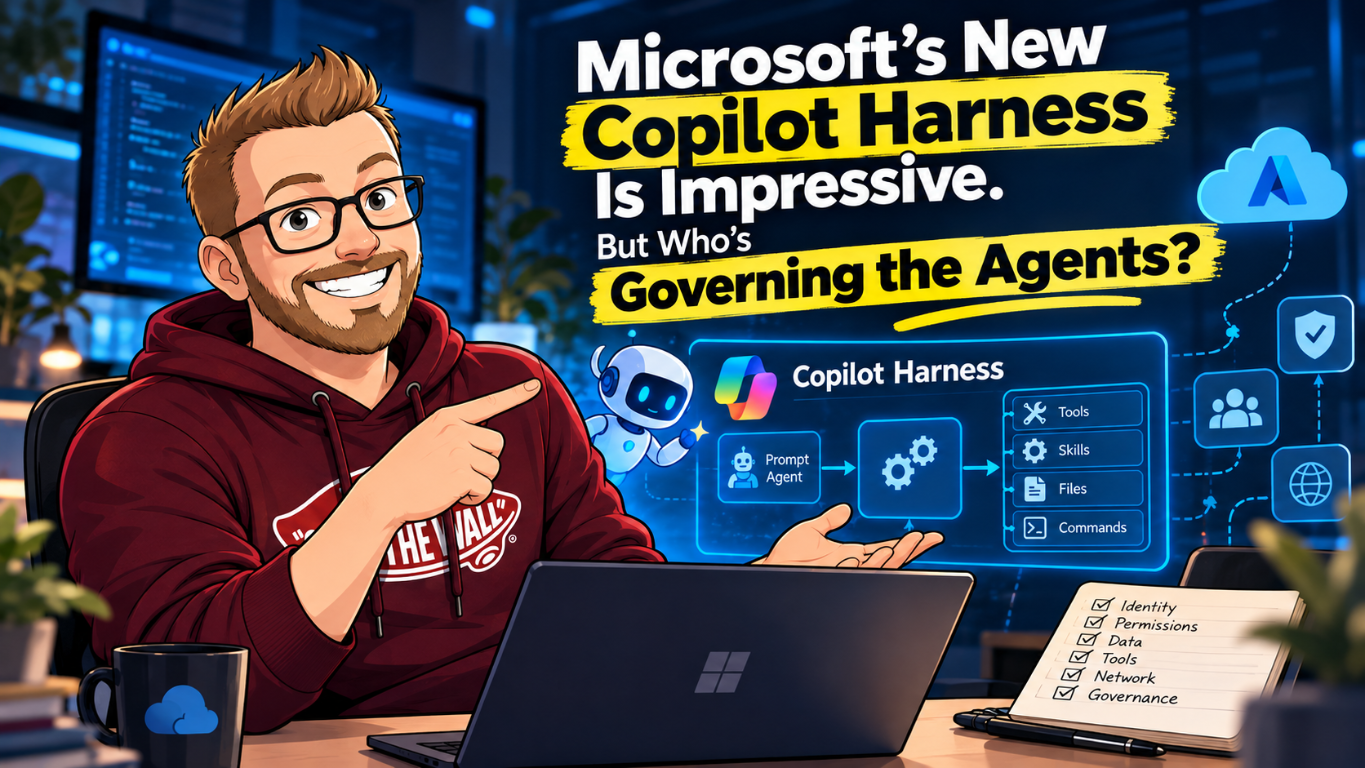
In my previous post on Microsoft Execution Containers, I looked at what happens when an agent can read files, run commands and contact services with more authority than its task needs. An execution boundary is part of the answer. Microsoft's October 28 Copilot harness announcement brings the same question into managed cloud agent execution.
The engineering is impressive. Microsoft is making the orchestration runtime developed by GitHub available through Microsoft Foundry, so developers can build agents around models, tools and reusable skills without maintaining the agent loop themselves. Microsoft operates the harness and its execution environment. The customer supplies the workload and the decisions about what it should be permitted to do.
That is the distinction I want to keep visible. Microsoft already provides governance controls; this isn't a claim that the platform has none. But a managed runtime doesn't decide whether your finance agent should change a supplier's bank details, whether a research query can include customer information, or who approves a new MCP tool. Those decisions still need an owner and an enforcement point.
The Copilot harness for Foundry prompt agents is in public preview. Microsoft's documentation describes no SLA for preview features and does not recommend them for production workloads. A broad company-wide announcement doesn't make every Foundry capability generally available.
What the harness actually changes
The harness documentation describes an optional managed runtime for prompt agents. The resource remains a prompt agent, and applications invoke it through the Responses API. You aren't deploying your own harness service or taking over its process model.
The harness coordinates supported multi-step work involving tools, skills, files and commands. Foundry manages a separate workspace for each conversation and an isolated sandbox for execution. Workspace state survives normal sandbox idling, resumption and replacement. That sandbox is not a customer-managed resource or a durable output store; important results need Foundry Files or another durable service.
During the initial preview, select the harness when creating a new agent. You can't switch an existing agent to it simply by publishing another version. If you need to own the framework, orchestration, middleware, dependencies or runtime policy, the documentation points to hosted agents instead. The choice is about operational responsibility as well as convenience.
There are limits behind the multi-model announcement. The Foundry preview requires a model available to prompt agents in the chosen region that supports reasoning and tool calling. Bring your own model is not currently supported with this harness. Check the current harness limits and regional support; the old GitHub-named section fragment has been replaced by a Microsoft Copilot harness heading.
For example, the current table includes Sweden Central and West Europe, but region support alone isn't a data-residency guarantee. Model deployment type, tool processing and external endpoints have their own boundaries. A project located in Europe doesn't prove that every inference or search request stays there.
Who owns each decision?
I would put this table in front of the application team before discussing how many agents they can build. It separates operating a runtime from approving the authority of the workload running inside it.
| Boundary | Platform contribution | Customer responsibility |
|---|---|---|
| Execution | Managed harness, conversation workspace and service-managed sandbox | Choose the workload, enabled capabilities and permitted outputs. |
| Identity | Project RBAC, agent identity and supported connection authentication | Assign ownership and least-privilege access to the actual caller. |
| Business operations | Supported tool invocation and MCP approval mechanisms | Enforce operation-specific authorization and required approval in the tool or application. |
| Network | Preview egress controls for direct harness traffic | Configure and test rules; assess declared tools' separate service boundaries. |
| Data | Workspace and file services with documented access behavior | Classify inputs, approve external processing and set retention. |
| Operations | Response details and supported tracing | Retain appropriate evidence, investigate denied actions and test revocation. |
My earlier article on the new security model for agent identities covers why shared identities cause problems. That point still holds here. A connection used by several agents can obscure which workload had authority, even if their prompts and conversations are separate.
Follow the identity into the tool
There are at least two identities to examine during setup: the person creating or invoking the agent, and the agent identity used for supported service operations. The harness prerequisites call for the Foundry User role on the project for the creator/invoker. Calling a Toolbox or returning generated files also requires a separate role assignment for the agent's instance_identity.principal_id.
The documented Foundry User assignment is at project scope. It shouldn't be casually described as an agent-only permission. Review what that role permits in the project and separate workloads into appropriate projects when the access boundaries require it. Creating connection-backed tools may also require Foundry Project Manager for the operator configuring the connection.
Then inspect the downstream request. Does the tool act as the human user, the agent identity, a managed identity, or a shared credential held by the connector? Which system makes the final authorization decision? A successful agent sign-in doesn't establish permission to perform every operation exposed by the tool.
Consider a supplier-maintenance agent. It may legitimately read invoices and draft a change request. Allowing it to update bank details is another permission with another risk. The accounting API should reject an unapproved update even when the tool call comes from an authenticated agent. Natural-language instructions to ask first aren't a substitute for that rejection.
The shell changes the meaning of your tool settings
The current preview enables five built-in harness capabilities by default: file-system read, file-system write, shell, web fetching and subagents, subject to service and organizational policy. I would explicitly configure them for each workload instead of relying on a default list that is broader than the task.
There is a particularly useful warning in Microsoft's documentation. Shell access can read or write files and contact network resources permitted by the environment. Turning off file-system read, file-system write or Web while leaving Shell enabled is not a strict boundary for those operations. A separately declared shell or Code Interpreter tool is also independent of these harness settings.
For an agent that only needs to read staged files and fetch approved public pages, the documented azure.yaml pattern disables built-ins by default and enables those two exceptions. Merge this tools block into the existing research-agent service definition; keep its required agent configuration. It is a capability selection, not a complete network policy or a standalone deployment file.
services:
  research-agent:
    host: azure.ai.agent
    # Add to the existing agent service configuration.
    tools:
      - type: microsoft_copilot_toolset_preview
        defaultConfig:
          enabled: false
        configs:
          - name: filesystem_read
            enabled: true
          - name: web
            enabled: true
There can be at most one harness toolset entry. Unknown or duplicate capability names fail agent-version creation. After deployment, inspect the persisted definition and test the disallowed capabilities. Also check the declared tools: adding a separate code-execution tool would change the effective boundary even if the built-in shell remains disabled.
The harness Web capability fetches a URL. Foundry web search is a separate declared capability. Disabling one doesn't establish the behavior of the other. That distinction matters when reviewing both permitted destinations and external data processing.
Skills are changes to behavior, not security policy
Agent skills package reusable instructions and, where applicable, scripts and assets. In Foundry they are versioned resources, and an agent version holds immutable skill references. That gives change management a useful unit to review. It doesn't make an instruction trustworthy just because it has a version number.
Review skills as you would code. Record the source, responsible owner, external destinations and expected tools. Test a changed skill with the same denied-operation cases as the previous version. A skill that says to prefer primary sources improves the research task, but it doesn't grant permission to send private documents to a search service.
Approvals also have a defined scope. During the public preview, the service manages the approval policy for built-in harness tools. The require_approval setting applies to customer-configured MCP tools, not those built-ins. An application using that mechanism must handle mcp_approval_request and return the corresponding mcp_approval_response in the same conversation.
Even there, decide what approval authorizes. A reviewer should see the target, intended operation and material arguments, not just a friendly summary. The backend still needs to verify the request and enforce business rules. Approval of a read operation should never silently become authority for a subsequent write.
Network policy stops at a documented boundary
The preview includes network egress controls for direct outbound traffic from the managed harness execution environment. Create a Network control in a Responsible AI policy and attach it to the agent. The documented scope includes direct shell traffic and harness-native Web fetching. It doesn't automatically govern every declared Foundry tool or the model deployment.
Rules are evaluated in order, with the first matching host rule taking effect. An allow-list design uses a default Deny action with approved exceptions. Audit mode logs requests that would be denied; Enforce mode blocks them and returns HTTP 403 to the harness environment. Foundry retains required platform connectivity, so this isn't a promise that every byte leaving the service is controlled by your customer host list.
In the portal, the documented path is Build > Guardrails > Create, then Network egress rules and the default outbound action. Begin in Audit, observe the destinations used by a safe workload and then test Enforce. Use public test data and compare an approved host with a deliberately unapproved host. Check the trace and the actual denial, not just the answer the agent gives you.
Declared tools such as web search and Code Interpreter run behind their own service boundaries. Their data handling and network behavior need separate review. This is why an egress rule attached to the harness cannot be treated as an organization-wide AI data-loss prevention policy.
The web research quickstart is a good place to test this
Microsoft's web research agent quickstart combines the harness, web search and an official-source research skill. It is a useful bounded starting point because the input can be entirely public. Open the new Foundry portal, check the project region and compatible model, create a Text prompt agent, and select Use the Microsoft Copilot harness.
The quickstart uses Canada Central and a Global Standard model deployment. It explicitly warns that Global Standard inference isn't restricted to the project's region, and that web search has additional costs and terms with data flowing outside the Azure compliance boundary. Don't paste customer case notes into that demonstration simply because the project has an Azure resource ID.
After adding the skill and web search, save and start a new chat, then wait for the active version. Use a public question, confirm the citations and inspect Traces for the skill and search calls. Response details are available without Application Insights; full distributed tracing requires an Application Insights connection.
I would add negative tests: ask for an unrelated write action, try an unapproved destination, and supply public text containing instructions to ignore the task boundary. Verify behavior in the tools and target services. An apparently safe final answer can hide an attempted action, while a correct refusal should leave evidence that the intended control applied.
The official Foundry samples provide implementation examples. Treat them as starting code to review against the chosen runtime and permissions, not as a preapproved production security design.
Budget, evidence and a tested stop procedure
A multi-step agent can incur several model calls, tool charges and observability costs for one user request. Subagents add work rather than making it free. Check the pricing for the selected deployment and tools, set budgets and measure complete task cost in the pilot. There isn't one universal per-agent price that replaces those decisions.
The current harness limits also exclude request settings such as max_tool_calls and max_output_tokens; unsupported fields return errors. Don't copy a cost-control setting from another Responses workflow and assume it applies here. Use the controls actually supported by the service and the application, and test how a long-running task is interrupted.
Define a stop procedure before increasing the agent's authority. It may include disabling application invocation, revoking downstream permissions or connections, removing a risky tool and stopping new work. Test the effect on existing activity as well as new requests. Revocation timing and cached credentials can differ across services.
Conversation cleanup has its own behavior: the preview doesn't support individual response deletion; deleting the conversation also cleans up its backing harness session. That isn't evidence that a separately uploaded output or an external tool's copy was deleted. Inventory those stores, set retention and restrict access to the traces themselves.
For me, the benefit of the managed harness is that teams can spend less effort operating the agent loop. I would spend some of that saved effort proving the permission boundary: a named human sponsor, a reviewed tool set, supported network rules and evidence that an unauthorized business operation is rejected. The harness makes work possible. The organization still decides which work is allowed.