


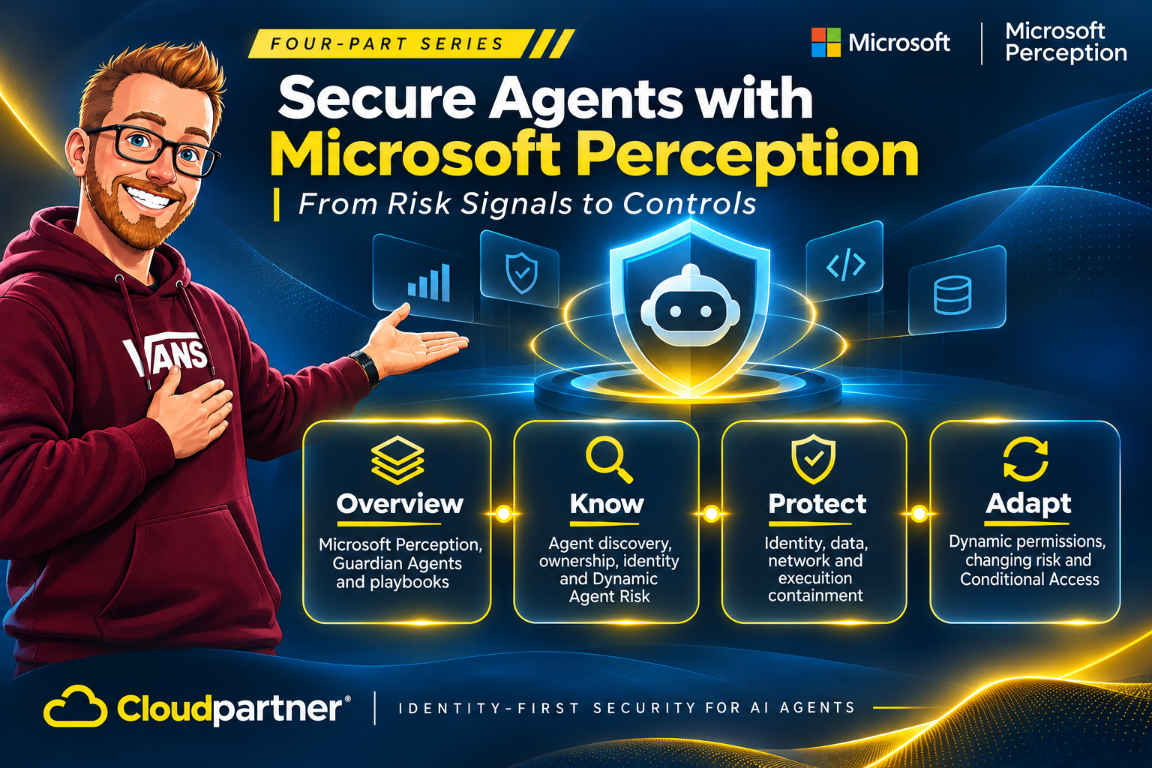
Building on the discovery and risk capabilities in Part 1, Microsoft Perception connects protection gaps to Guardian Agents and playbooks. Security teams define the outcome and approval rules, while Guardian Agents investigate the relevant context and prepare or carry out work within that scope.
The protection workflow covers identity, data, network, and runtime policies. Practitioners can inspect proposed settings, choose a pilot or broader target group, and approve deployment. Microsoft Entra, Purview, Defender, Global Secure Access, Intune, and Microsoft Execution Container provide controls for different parts of that work.
Perception is generally available, but its expanded agentic-insider protections are in preview. Dynamic permissions and Conditional Access dynamic controls remain in limited preview. The November 17 announcement gives separate dates for Purview capabilities planned for January 2027.
Start with an identity the policy can target
Microsoft Entra Agent ID gives supported discovered agents a distinct identity for inventory, activity attribution, and governance. Defender and Microsoft Entra Global Secure Access supply discovery signals for supported local agents.
This lets access and governance policies target the agent separately from the employee using it. Identity policies govern access to supported resources, while runtime policies govern the local files and execution environment used by the workload.
In my earlier post on Microsoft Entra Agent ID, I covered why agent identity deserves a separate lifecycle. Here it is one element in a broader protection design. The sponsor owns the business purpose and approvals; the agent identity lets systems apply access decisions to the workload rather than silently treating every action as the employee's own.
Grant authority for the task, not the whole job
Dynamic Permissions governs which access an agent needs for a specific task and how long it keeps that access. The agent starts with minimal authority, receives the required permission for the task, and loses that access when it is no longer needed. This makes the task the scope of the grant rather than giving the agent the employee's full set of permissions.
Dynamic Conditional Access is a separate policy layer. It can evaluate risk and context when a supported resource request occurs, then allow, constrain, or require approval for that action. The difference is useful: Dynamic Permissions shapes the access an agent receives for its task; Dynamic Conditional Access can respond when current risk makes a particular action unsafe. The underlying identity and resource controls enforce the result.
Microsoft Entra ID Governance dynamic permissions and Conditional Access dynamic controls remain in limited preview. These controls apply through supported agent and resource integrations. Deployment planning maps each permission to the agent identity, resource, task, and duration, alongside the policies that handle a change in risk.
Network and runtime protection
Global Secure Access policies block high-threat web destinations and filter restricted content for supported local agents. The protection workflow includes policy review and assignment to a pilot or broader group of agents.
Microsoft Execution Container (MXC) provides a policy-controlled execution boundary, as described in Microsoft's agentic-insider guidance. A coding workload can be scoped to its repository, with restricted filesystem and network access. Deployment still requires a supported runtime integration and reviewed policy assignment; Perception's GA announcement does not establish a separate GA status for MXC.
The Ignite announcement also identifies Intune policies as a way to contain supported local agents on the device, within the preview agentic-insider capabilities. Global Secure Access governs network destinations and web content. Purview governs sensitive content in supported interactions. These controls address different paths, so an identity policy alone cannot replace local containment.
| Control area | What it can govern | Policy scope |
|---|---|---|
| Agent identity and permissions | Access to supported resources for the assigned task. | Agent identity, resource, permission, and grant duration. |
| Data protection | Sensitive content in supported prompts, responses, attachments, and agent interactions. | Content and interaction channels covered by the Purview policy. |
| Network access | High-threat destinations and restricted web content. | Global Secure Access rules and the selected agent group. |
| Runtime containment | Local filesystem and network access for supported workloads. | Allowed paths, access modes, network settings, and device group. |
My earlier runtime containment post covers execution controls in more detail. Microsoft Perception connects those controls to the agent's risk context and the protection workflow.
How security agents work with playbooks
Perception's GA agents include Recon, Posture Prioritization, and the blue-team Alert Triage, Attack Investigation, Detection Authoring, and Threat Intelligence agents. Risk Reduction is in public preview, while Web App Pen Test is in preview. These agents cover the wider security estate. The Guardian Agent workflows for securing agentic insiders belong to the preview protection work, not a blanket GA entitlement for every agent or control.
Guardian Agents investigate risk, explain findings, and recommend or perform actions within delegated policy. People define the security outcome, approval boundaries, and delegation rules. A playbook organizes the steps for that outcome, bringing the investigation and protection work into a coordinated workflow.
The practitioner can make the change, send it to an approver, or delegate an approved step to a Guardian Agent. Policy review includes the proposed settings and target scope, with a choice between a pilot and a broader rollout. This keeps investigation, recommendation, and approval connected to the same protection task.
For a Global Secure Access policy, the target can be the pilot or the wider supported local-agent estate. A runtime policy has its own settings review and assignment scope. The workflow retains those product-specific settings instead of reducing every protection to a single enabled or disabled status.
In the Defender portal playbook workflow, open Perception > Playbooks, select a playbook, and inspect its required inputs and agents before starting a session. Running it requires Run access to every participating agent. Some playbooks support automation rules; the product's ability to run a playbook manually does not imply every external integration is GA. The new Defender invocation and MCP/API integrations are in preview.
For the wider relationship between analyst assistance and coordinated defense, see my post on Security Copilot, Microsoft Perception, and MDASH.
Treat prompts and tool calls as data paths
Microsoft Purview applies data-loss prevention to supported agent prompts and responses, including attachments and interactions between people, agents, and tools. A policy can block the disclosure of sensitive personal information. Defender's endpoint protection separately addresses unsafe access to local files, including requests to read protected environment-file contents.
Coverage follows the interaction channels supported by each control. A data-loss prevention policy handles the sensitive content in a supported interaction, while endpoint and runtime policies handle local access. The protection plan brings those policies together for the selected agents.
Keep existing supported DLP policies separate from the newly announced expansion. Enhanced data classification is scheduled for general availability in January 2027. Grounding protection for Copilot based on sensitive information types, and expanded DLP controls for prompts to Copilot and local Windows agents, are scheduled to enter preview in January 2027. They are not November GA capabilities.
Deploy to a defined scope
The protection workflow moves from an identified risk or coverage gap to a reviewed policy assignment.
- Select the agents that need protection.
- Use a playbook to organize the investigation and proposed policy.
- Review the network or runtime settings prepared for that scope.
- Choose the pilot or broader target group.
- Approve the change or send it to the designated approver.
- Review the protection status after assignment.
Perception uses consumption-based pricing through pay-as-you-go or an AI Flex Plan. Eligible usage counts toward an active MACC. Security Copilot is priced separately, so a Security Copilot purchase should not be treated as including Perception consumption. The product pricing FAQ describes the purchase options and estimator.
Before enabling automated triggers, estimate the expected playbook volume and set a budget. In the Defender portal, Setup & configuration > Microsoft Perception shows spend and outcomes across agents, playbooks, and users. Add the participating identity, endpoint, data, and network licenses to that operating budget.
Next: make protection respond to changing risk
An agent's activity, permissions, and exposure can change while a task is running. Part 3 covers Dynamic Agent Risk and adaptive protection, including task-scoped permissions, Dynamic Conditional Access, and Guardian Agent responses.
References
- Microsoft Ignite security announcements, November 17, 2026
- Microsoft Perception product details, pricing, and FAQ
- Work with playbooks in Microsoft Perception | Microsoft Learn
- Microsoft Perception Application Card | Microsoft Learn