


As I've been covering AI agents and the identity challenges they bring, there's one topic that has quietly become one of the most important developments in the Microsoft Entra space: Microsoft Entra Agent ID. If you're building, deploying, or governing AI agents in your organization right now, this is the piece of the puzzle you didn't know was missing — and it's in preview as of early 2026.
So let me lay out what it is, why the existing identity models are not up to the task, how Agent ID actually works, and what's coming around the corner.
What is Microsoft Entra Agent ID?
Microsoft Entra Agent ID is a specialized identity and security framework built specifically for AI agents within Microsoft Entra. It's the enterprise answer to a growing problem: agents are proliferating fast, they act autonomously, they access sensitive resources, and — unlike human users or traditional service principals — they don't fit neatly into existing identity models.
Preview note: Microsoft Entra Agent ID is currently in public preview as part of Microsoft Agent 365, available through Frontier: Microsoft's early access program for the latest AI innovations. Features and APIs may change before GA. See aka.ms/EntraAgentID for the latest.
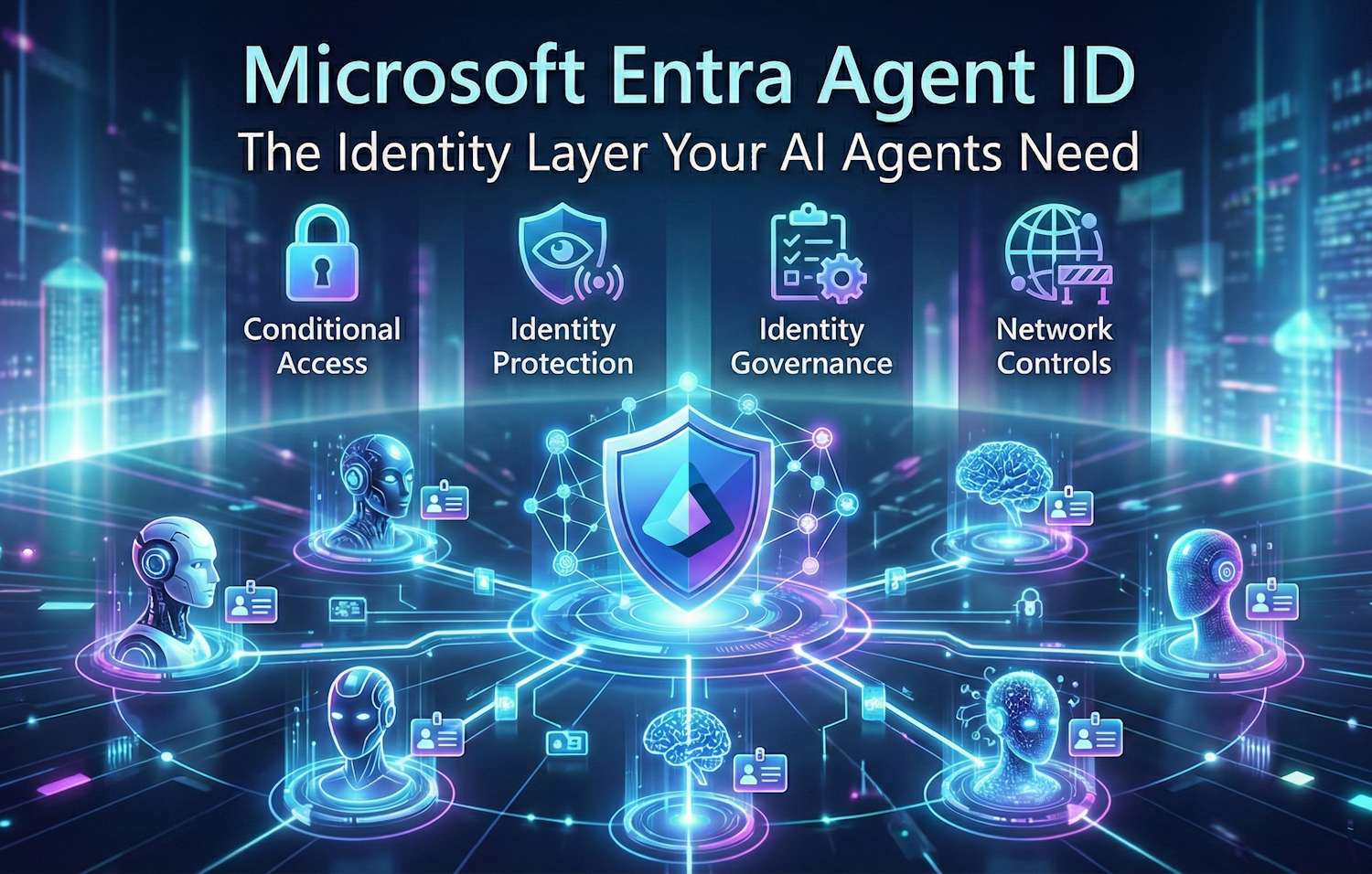
At its core, Agent ID extends the comprehensive security capabilities of Microsoft Entra — Conditional Access, Identity Protection, Identity Governance, and network controls — to cover AI agents as first-class identities. It also ships a developer-facing platform, the Microsoft agent identity platform, that gives developers tools to create, register, and manage those agent identities programmatically.

Why Existing Identity Models Break Down for Agents
This is the part I find genuinely interesting from an identity architecture perspective, because it's not obvious until you're staring at the problem. We've had two identity models for a long time:
- Human identities — tied to authentication mechanisms like passwords, MFA, passkeys. Linked to mailboxes, Teams, org hierarchy. Slow lifecycle (months/years).
- Application identities / service principals — designed for services built and maintained by organizations. Long-lived, stable, known ownership, manually managed credentials.
Agents break both models. The issue: an agent might be created dynamically through Copilot Studio by an end user, run for minutes to complete a specific task, and then be destroyed — only to be recreated thousands of times per day as part of an automated workflow. Managing this level of dynamism using traditional service principals creates two serious problems:
- Operational complexity: Creating and cleaning up service principals at that scale is a nightmare. Orphaned credentials, stale permissions, and abandoned registrations pile up quickly.
- Security invisibility: When an agent calls the Microsoft Graph, is that a human? An app? An AI? With traditional identities, you can't tell — and that matters for audit trails, incident response, and policy enforcement.
The core shift: Agent identities are designed for scale and ephemerality, not permanence. They embrace the dynamic nature of AI agents while giving organizations the governance controls they need.
Agent Identities vs. App Identities vs. Human Identities
Let me put this in a table because the distinctions are important and it's easy to blur these concepts:
| Characteristic | Human Identity | Application Identity (Service Principal) | Agent Identity |
|---|---|---|---|
| Lifecycle | Months to years (employment) | Long-lived, manually managed | Minutes to months, often ephemeral |
| Authentication | Password, MFA, passkeys | Certificates, client secrets, managed identity | Standards-based token (OAuth), no secret required |
| Access model | Delegated (user acts) | Application permissions | Autonomous or delegated (on behalf of user) |
| Scale | One per employee | One per app/service | Potentially thousands per day |
| Visibility | Sign-in logs, activity audit | Service principal sign-in logs | Agent-specific sign-in logs, labeled as AI agent |
| Governance | Access reviews, entitlement management | Manual ownership assignment | Sponsor/owner model, access packages, automatic expiry |
| Risk detection | Identity Protection (user risk) | Limited — workload identity protection | Identity Protection for agents (agent risk) |
| Network controls | Global Secure Access, ZTNA | Network policies at app level | Agent-aware network controls, prompt injection detection |
How It Works: The Four Security Pillars
Agent ID isn't one feature — it's a set of security capabilities stitched together. Here's how I think about the four pillars:
1. Conditional Access for Agents
Conditional Access is the policy engine you probably already use for users. Agent ID extends it to AI agents. The idea is the same: define adaptive policies that evaluate context and risk before granting an agent access to resources. What's new is that these policies can use agent-specific signals: agent identity risk, agent type (assistive vs. autonomous), and agent patterns.
Microsoft Managed Policies automatically provide a secure baseline — high-risk agents are blocked by default. Organizations can scale policies using custom security attributes, so you don't need to manually configure a policy for every individual agent. For more, see Conditional Access for agents.
2. Identity Protection for Agents
This is the threat detection layer. Identity Protection for agents detects and flags anomalous activities. Risk signals flow into Conditional Access to enforce risk-based policies — the same trust model you know from user identity protection, now extended to AI agents. Compromised agents can be automatically remediated using preconfigured policies. See Identity Protection for agents.
3. Identity Governance for Agents
This is where agent lifecycle management comes in, and it's the piece that addresses the operational chaos I described earlier. Governance for agents brings agents into the same lifecycle processes as users:
- Every agent gets an assigned sponsor: a human accountable for that agent's existence and access.
- Agent access to resources is managed through access packages, making it intentional, auditable, and time-bound.
- Agents can be governed at scale — from deployment through expiration — preventing orphaned agent IDs accumulating in your tenant.
If you've used Entitlement Management for users, this should feel familiar. The mental model extends naturally. See Identity Governance for agents.
4. Network Controls for Agents
This is the layer I think is most underrated: network-level controls for agents, delivered through Global Secure Access. Agents make network requests — to APIs, MCP servers, external services. These controls give you:
- Full logging of agent network activity for audit and threat detection.
- Web categorization to control which APIs and MCP servers agents can reach.
- File upload/download policies to minimize data exfiltration risk.
- Automatic blocking of malicious destinations using threat intelligence.
- Prompt injection attack detection — the ability to detect when malicious instructions are injected into an agent's context to manipulate its behavior. This is a genuinely new class of threat that network controls are starting to address.
See Network controls for agents.
The Developer Side: Microsoft Agent Identity Platform
Beyond the security and governance story, there's a developer platform. The Microsoft agent identity platform gives developers the building blocks to create and manage agent identities programmatically:
- Agent identities — dedicated identity accounts for AI agents in your Entra tenant, with unique identification and authentication capabilities. Created and deleted via API or the Entra Admin Center.
- Agent blueprints — standardized templates that define an agent's identity, permissions, and metadata. Create once, use at scale. This is how you avoid 500 slightly different agent configurations across teams.
- Agent Registry — a centralized catalog of all agents in your organization. Agents can discover each other here using standard protocols like MCP (Model Context Protocol) and A2A (Agent-to-Agent). Metadata like capabilities, tasks, and protocols are stored and searchable.
- Microsoft Entra SDK for agent identities — the programmatic interface for agents to authenticate and acquire tokens.
The platform supports both autonomous access (agents acting with rights granted directly to the agent identity) and delegated access (agents acting on behalf of a user, with rights the user controls). This is an important distinction for compliance: not all agent actions should be taken autonomously — some should require explicit user delegation.
First-class identity accounts in Entra ID
Standardized templates for consistent agent configuration at scale
Central catalog with MCP & A2A discovery
Programmatic auth & token acquisition for agents
What's Already Live
It's worth grounding this in concrete examples, because Agent ID is not purely vaporware. Several Microsoft products are already using agent identities today:
- Entra Conditional Access Optimization Agent: when you enable this in your tenant, it gets an agent identity. It uses that identity to query Entra systems and inspect your CA configuration. Every query it makes is logged as having been performed by an AI agent, and you can see its identity in the Entra Admin Center under Agent identities.
- Copilot Studio agents: whenever a user creates an agent in Copilot Studio, that agent gets an agent identity in your Entra tenant. The creating user is recorded as the sponsor. The agent's authentication activity is visible in Entra sign-in logs, labeled as AI agent.
In my experience, the Copilot Studio example illustrates the governance challenge perfectly. Users are creating agents fast, often without thinking about the identity implications. Agent ID gives admins the visibility and controls to manage that reality — not stop it, but govern it properly.
What's Coming Around the Corner
Given that Agent ID is in preview, there's a clear roadmap of what's coming:
- Agent Registry GA: the registry is still early, but it's the foundation for agent-to-agent discovery and authorization at enterprise scale. As it matures, it'll be the canonical catalog of every agent in your org.
- Broader Conditional Access policy coverage: expect more granular policies, more signal types (from Microsoft Defender, from network controls), and tighter integration with Microsoft Managed Policies for agents.
- Agent blueprints at scale: the blueprint system will make it practical for platform teams to standardize how agents are created across large organizations. Think of it as an agent equivalent of a VM image or container template.
- MCP and A2A protocol support deepening: as the industry standardizes on agent-to-agent communication protocols, Agent ID will be the identity and authorization layer for those interactions.
- Prompt injection defenses maturing: this is a fast-moving threat surface. Network-level controls for prompt injection are a starting point, but expect deeper integration with Microsoft Defender for AI and Purview.
- Non-Microsoft agent support: today the tightest integration is with Microsoft's own agents (Copilot Studio, Semantic Kernel). Expect the platform to open up to third-party agent frameworks as the standards mature.
Why You Need It
Here's my honest take: if you are deploying AI agents in your organization today — whether through Copilot Studio, custom code, or third-party tools — you already have an agent identity problem. You just might not be able to see it yet.
The questions to ask yourself:
- Do you know how many AI agents are currently running in your tenant?
- Can you tell, from your audit logs, which API calls were made by AI agents versus humans versus traditional apps?
- If an agent is compromised — its instructions manipulated by a prompt injection attack — do you have controls that would catch or block that?
- When an agent is decommissioned, are its permissions and credentials cleaned up automatically, or do they linger?
If the honest answer to most of those is "no" or "I'm not sure," then Agent ID is directly addressing your gap. It's not a nice-to-have — as agent deployment scales, it becomes a compliance and security necessity.
I'd recommend enrolling in the Frontier program now, getting familiar with the preview, and starting to design your agent governance model before you're reacting to an incident or a compliance audit. The architecture decisions you make early — how you assign sponsors, how you scope access packages, how you structure blueprints — will define how maintainable your agent estate is at scale.
Important: Since Agent ID is in preview, production deployments should be approached carefully. Features, APIs, and pricing may change before GA. Plan to revisit your implementation as the product matures through 2026.
Getting Started
If you want to explore further, here are the key Microsoft Learn resources:
- Microsoft Entra Agent ID documentation hub
- What is Microsoft Entra Agent ID? (identity professionals overview)
- What are agent identities? (developer overview)
- What is the Agent Registry?
- Identity Governance for agents
- aka.ms/EntraAgentID — Frontier program access