


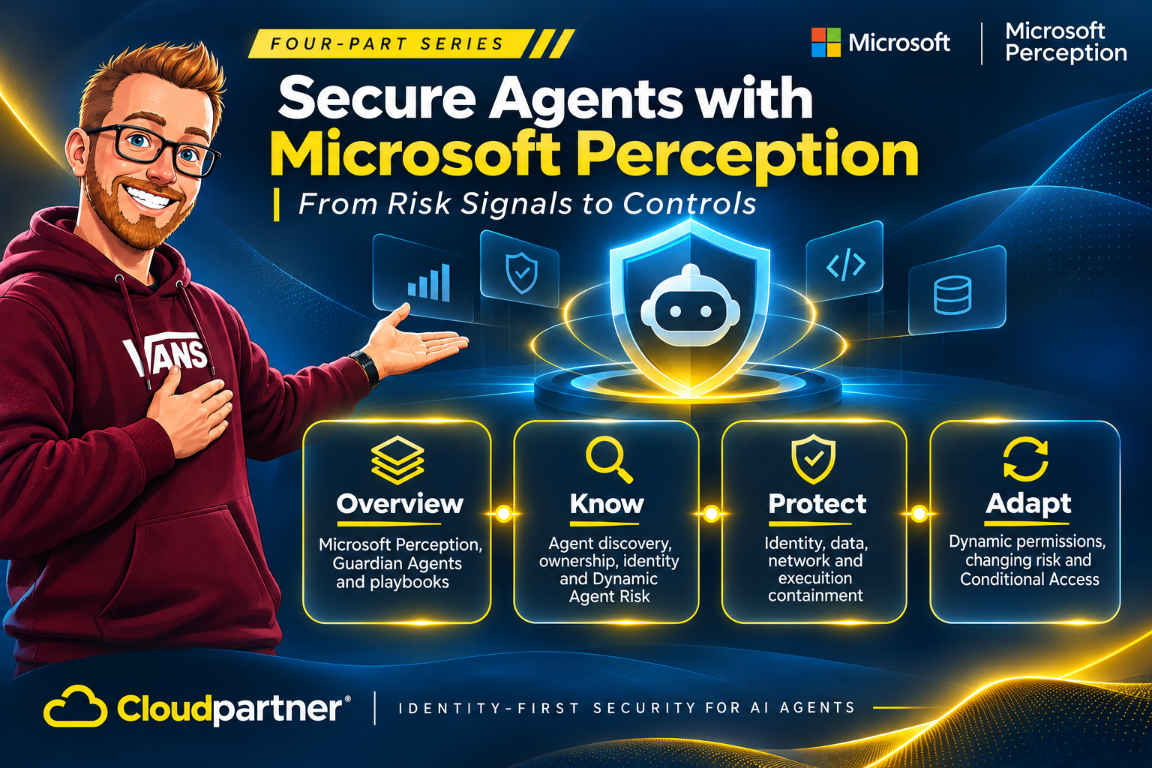
Building on the series overview, Microsoft's agent-discovery and risk capabilities give IT and security a shared view of the agents operating in their environment. The inventory connects an agent to its owner, device, activity, and access, while Microsoft Perception adds the risk context needed to prioritize investigation.
Know is the discovery and assessment part of this approach. It connects the agent registry with identity and security signals, so an operator can move from the estate view to a specific agent instance and its related incidents.
Microsoft Perception is generally available as of November 17, 2026. The expanded agentic-insider discovery and protection capabilities, including Dynamic Agent Risk, are in preview. An agent appearing in the registry does not mean every protection supports it.
From inventory to an agent record
The Agent 365 registry in the Microsoft 365 admin experience provides the estate view. Local-agent discovery identifies supported agents on managed devices, with records for the agent and its individual instances. Publisher, owner, device, last-seen information, status, and risk give operators the context for an investigation.
Those records describe different things. A product such as a coding agent may have many installations. Each installation runs on a device and has its own activity. The person who uses the tool is not necessarily the owner responsible for its lifecycle, and that person's identity is not automatically a safe substitute for an agent identity. The inventory is useful when it preserves these relationships rather than flattening every action into "the user did it."
The November 17 Ignite announcement expands discovery by 35 local-agent types, bringing the total to 60. Examples include Claude Code, OpenAI Codex, and GitHub Copilot. The preview also covers third-party cloud agents on AWS and Google Cloud, so the inventory extends beyond local installations.
Microsoft Defender and Global Secure Access supply discovery signals for supported agents. Discovery connects those workloads to Agent 365 and Microsoft Entra governance; it does not turn every discovered process into an instrumented runtime.
Support depends on the agent, operating system, and integration. The Defender for Endpoint AI agent support matrix lists discovery and runtime-protection coverage separately. This distinction matters when selecting the controls for a device group: an inventory record and runtime inspection have different support requirements.
Keep identity, owner, and instance distinct
Microsoft Entra Agent ID attributes supported agent activity separately from the employee using it. The identity gives governance and access policies a target for the workload, and connects its requests to the agent record during an investigation.
The owner, identity, and instance have different roles. The owner is accountable for lifecycle and approval decisions. The agent identity represents the workload for access and governance. The instance identifies where the agent is running and which activity belongs to that installation. Human and agent activity can run side by side on the same device, so preserving these relationships is important.
The preview gives discovered agents a Microsoft Entra Agent ID so they can be governed with Conditional Access. Microsoft Autopilot agents also get their own Agent user account and ID, allowing Conditional Access, ID Protection, and access governance to target the work they perform under that identity. Don't assume every agent type uses the same account pattern.
My earlier post on Microsoft Entra Agent ID covers the identity side in more detail. The connection to Perception is the shared picture: once an agent can be attributed, its activity and risk can be reviewed and then used by an enforcement system. Identity helps answer who is acting. It does not by itself restrict files, network destinations, or business operations.
What dynamic agent risk adds
Dynamic Agent Risk, in preview, brings together runtime risk, exposure, and blast radius. The assessment combines how an agent behaves, what it can reach, and the potential impact if its authority is misused. The risk profile changes as new activity and context arrive.
The shared agent-risk level combines signals across identity, access, data, endpoint, cloud, and network controls. It connects activity and security posture in a common view for IT and security, with related incidents available from the agent record.
The risk view connects the assessment to the agent's related incidents and exposure. An operator can investigate the activity behind the risk level while retaining the agent's identity and ownership context.
| Risk view | Question to answer | Evidence to inspect |
|---|---|---|
| Runtime | What is the agent doing now, and has its behavior changed? | Observed process or tool activity, incidents, timestamps, and source coverage. |
| Exposure | What can the agent access or affect? | Agent identity, granted permissions, data classifications, connected tools, and network paths. |
| Blast radius | What would be affected if the agent or its credentials were misused? | Resources, users, business processes, and downstream systems within reach. |
Bring risk and protection coverage together
Microsoft Perception's agent-insights view brings risk and protection coverage together. Teams can identify agents that need attention and move from an individual record to a cohort with similar exposure or missing protections. This connects the inventory to the next security task instead of leaving it as a separate asset list.
Guardian Agents use the relevant context to investigate findings and explain the risk. Playbooks organize the follow-up work, including recommendations for protection and actions within delegated policy. The agent record supplies the identity, ownership, and incident context for that workflow.
This is the connection between discovery and response: identify the agent, understand its exposure, investigate the finding, and select the protection work for the affected scope. The next step can be reviewed and approved by the responsible practitioner.
From the registry to an investigation
The investigation follows the agent from its estate record to the activity and risk that need attention.
- Open the registry to identify the agents in the estate.
- Select a local agent and inspect its publisher, owner, status, and last-seen activity.
- Review the individual instances and the devices on which they run.
- Open the risk profile to examine runtime risk, exposure, and blast radius.
- Follow related incidents and use a playbook for the protection work.
The registry and risk profile keep the investigation attached to a specific agent. The protection workflow then uses that context to select the affected scope and prepare the appropriate policy changes.
From discovery to protection
Discovery supplies the agent record. Agent ID connects it to access and governance. Dynamic Agent Risk brings activity, exposure, and impact into the same investigation. Part 2 covers Guardian Agents, playbooks, and protection policies across identity, data, network, and runtime.
Budget for the participating discovery, identity, and endpoint services as well as Perception's consumption when a playbook runs. The Perception pricing FAQ lists pay-as-you-go and AI Flex Plan purchasing and a cost estimator. A preview inventory feature and a billable security workflow have separate deployment and cost requirements.
References
- Microsoft Ignite security announcements, November 17, 2026
- Microsoft Perception product details, pricing, and FAQ
- What is Microsoft Perception? | Microsoft Learn
- Supported AI agent types in Microsoft Defender for Endpoint