


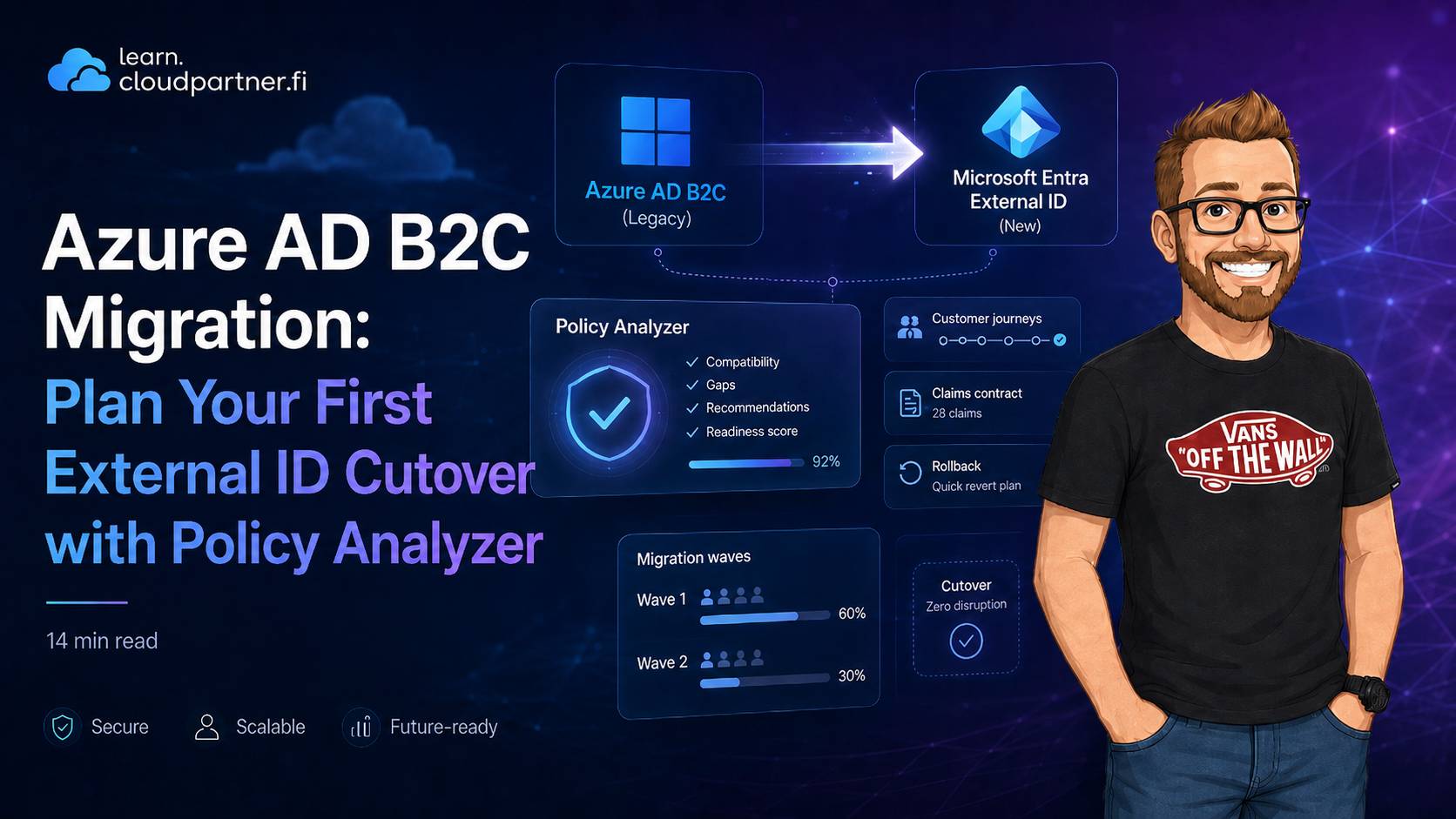
Context: Microsoft's Migration Policy Analyzer is now generally available. It is useful because it changes the first migration question from "how many custom policies do we have?" to "which customer journeys can move first, and what would make them fail?"
The migration question this tool actually answers
I have already covered the broader move from B2C to External ID, the migration toolkit, and the later JIT and High-Scale Compatibility options. Those articles explain where the platform has landed and how specific mechanics work. This one is about the decision between those two things: how to turn a long-lived B2C estate into a sequence of safe application cutovers.
That is a different problem from exporting users or registering a custom authentication extension. The migration normally fails because a program migrates by policy count, not by customer journey, business risk, or rollback capability. Migration Policy Analyzer gives you evidence for changing that order.
Treat the analyzer as discovery, not a migration plan
The analyzer is scoped to custom policies in Azure AD B2C Identity Experience Framework. It reads policy XML and reports detected features, grouped into areas such as sign-up, sign-in, token and claims, session and access control, password management, and UX and branding.
| Scope area | What you get | What you still need to do |
|---|---|---|
| Policy XML analysis | Feature inventory and migration status | Translate into backlog items and owner assignments |
| Migration path guidance | Suggested target path such as built-in, custom extension, SDK, Graph | Design and implement each mapped path |
| Read-only analysis | No policy mutation in tenant | Run validation in test and production-like environments |
| Runtime behavior | Not simulated by analyzer | Execute flow tests and load tests after migration |
Important: The analyzer is not a tenant-wide runtime scanner and it does not create the target implementation. It reads policy structure. Use it to narrow the unknowns, then validate every journey against production-like dependencies before you schedule a cutover.
Turn migration statuses into cutover decisions
The report categories are not effort estimates. A journey with ten native features may still be a poor first wave if one unsupported claims rule decides who can buy, enrol, or receive service. Read every status at journey level and use it to make an explicit cutover decision.
| Status | Plain meaning | Cutover decision |
|---|---|---|
| Available | Native External ID capability exists today | Candidate for an early migration wave, after app and claims testing |
| Custom Development Required | Possible with extensibility path | Keep out of the first wave unless the new component has a tested rollback path |
| Not Currently Supported | No direct current path | Retain B2C for that journey, defer the feature, or approve a product redesign |
| Architecture Incompatible | Pattern does not translate one-to-one | Make the architecture decision before adding the journey to any migration timeline |
The first 48 hours after the report arrives
Running the analyzer is simple: open Identity Experience Framework in the B2C tenant, select Migration Policy Analyzer, include a relying party policy, and export the results. The useful work starts immediately afterwards. Do not send the report around as a PDF and call discovery complete.
- Group findings by the customer journey that uses them, not by XML file.
- Identify which applications and APIs consume the tokens from that journey.
- Mark every dependency that must move with the journey: social identity provider, REST API, custom attribute, claims contract, hosted UI, downstream API, and monitoring.
- Assign one of four outcomes: early-wave candidate, rebuild before migration, retain on B2C temporarily, or product decision required.
Build a migration decision register
The analyzer report becomes valuable when it feeds one decision register that product, identity, application, and operations teams all use. A row represents a customer journey, not just an IEF technical profile. This makes hidden dependencies visible before they become release blockers.
| Register field | Why it belongs in the migration plan |
|---|---|
| Journey and affected application | Prevents a policy-level finding from hiding customer impact. |
| Analyzer finding and target path | Records whether the component is native configuration, an extension, SDK work, Graph work, or a redesign. |
| Identity and claims contract | Flags changes to issuer, subject, object ID, custom attributes, or API authorization before cutover. |
| Rollback route and deadline | Turns coexistence into a managed period instead of a permanent operating model. |
Example decision record
Journey: Consumer sign-in for mobile ordering
Application: iOS, Android, ordering API
Analyzer result: Social federation available; claims enrichment requires custom development
Migration decision: Wave 2, after claims extension is load-tested
Claims contract: Preserve legacy customer ID in a mapped extension attribute
Rollback: Keep B2C endpoint enabled for seven days; feature flag selects issuer
Exit condition: 99.9% successful sign-ins and no unresolved claim mismatch incidents
Choose migration waves by reversibility, not by policy complexity
A small policy can support a high-revenue customer journey. A large policy can be an internal test portal with no meaningful blast radius. Start with journeys that have a native target path, a contained audience, modest dependency count, and a tested route back to B2C.
- Wave 1: A low-risk application with native sign-in, clear token consumers, and no custom policy-only business rules.
- Wave 2: Journeys that need one bounded replacement component, such as claims enrichment through a custom authentication extension.
- Wave 3: High-volume or business-critical apps that need JIT password migration, a controlled cohort, and detailed support runbooks.
- Hold: Journeys with unsupported capabilities or a product decision still open. Keeping these in B2C temporarily is better than inventing parity during a release window.
Put a boundary around coexistence
My earlier post on JIT password migration and HSC mode covers the two platform routes. The planning point here is different: both routes need an expiry date and ownership model. A temporary dual platform becomes expensive and hard to secure when password state, user profile changes, and customer support processes are allowed to drift indefinitely.
For every wave, document which system is authoritative for credentials, profile changes, consent, and customer support actions. Then state how inactive accounts will finish migration. JIT only progresses when a user signs in. It cannot complete the last group of dormant accounts by itself.
Define cutover gates per journey
A global "migration ready" label is not useful. Each journey should pass its own gates before traffic moves:
- Sign-up, sign-in, recovery, and error paths were tested with the target identity providers.
- Tokens were compared with the application and API contract, including identifier mapping.
- Custom extensions have timeout, failure, retry, and observability behavior tested.
- Support staff have a runbook for failed sign-in and fallback to the legacy route.
- Monitoring can distinguish B2C and External ID failures during the coexistence period.
- A named owner can approve the rollback decision inside an agreed time window.
How this fits with your current EEID material
If you already read the earlier EEID posts, think of this article as the planning control-plane layer above them:
- Those posts explain capability direction, migration options, and JIT/HSC readiness.
- This post shows how to produce an evidence-based feature inventory before implementation waves begin.
Related reading on learn.cloudpartner.fi
- From B2C to EEID: what you need to know
- Microsoft Entra External ID - Part 1
- Migrating from Azure AD B2C to External ID - Part 2
- Future of Microsoft Entra External ID - Part 3
- External ID deployment strategy and B2C transition
- B2C migration JIT and HSC mode GA
Operational checklist before you commit to timelines
- Run analyzer on every active B2C tenant, not only primary production.
- Normalize findings into one backlog model and one risk model.
- Mark each finding as native config, custom extension, SDK/app logic, or redesign.
- Create cutover criteria per journey, not one global criterion.
- Plan a bounded coexistence window for password migration patterns.
- Define fallback and rollback controls before first production cohort.
- Attach monitoring requirements to each migrated flow.
External references
- Plan your Azure AD B2C migration with the Migration Policy Analyzer
- Analyze Azure AD B2C custom policies for migration to Microsoft Entra External ID
- Plan your migration from Azure AD B2C to External ID
- Migrate from Azure AD B2C to External ID
- Custom authentication extensions overview
- Microsoft Entra External ID service limits and restrictions
What sticks
Migration Policy Analyzer is the fastest way to reduce uncertainty in B2C to External ID planning. It gives you a deterministic feature map and practical migration paths. The teams that move fastest are not the teams with the most optimistic timeline. They are the teams that convert analyzer output into architecture decisions, delivery backlog, and testable cutover gates from day one.