


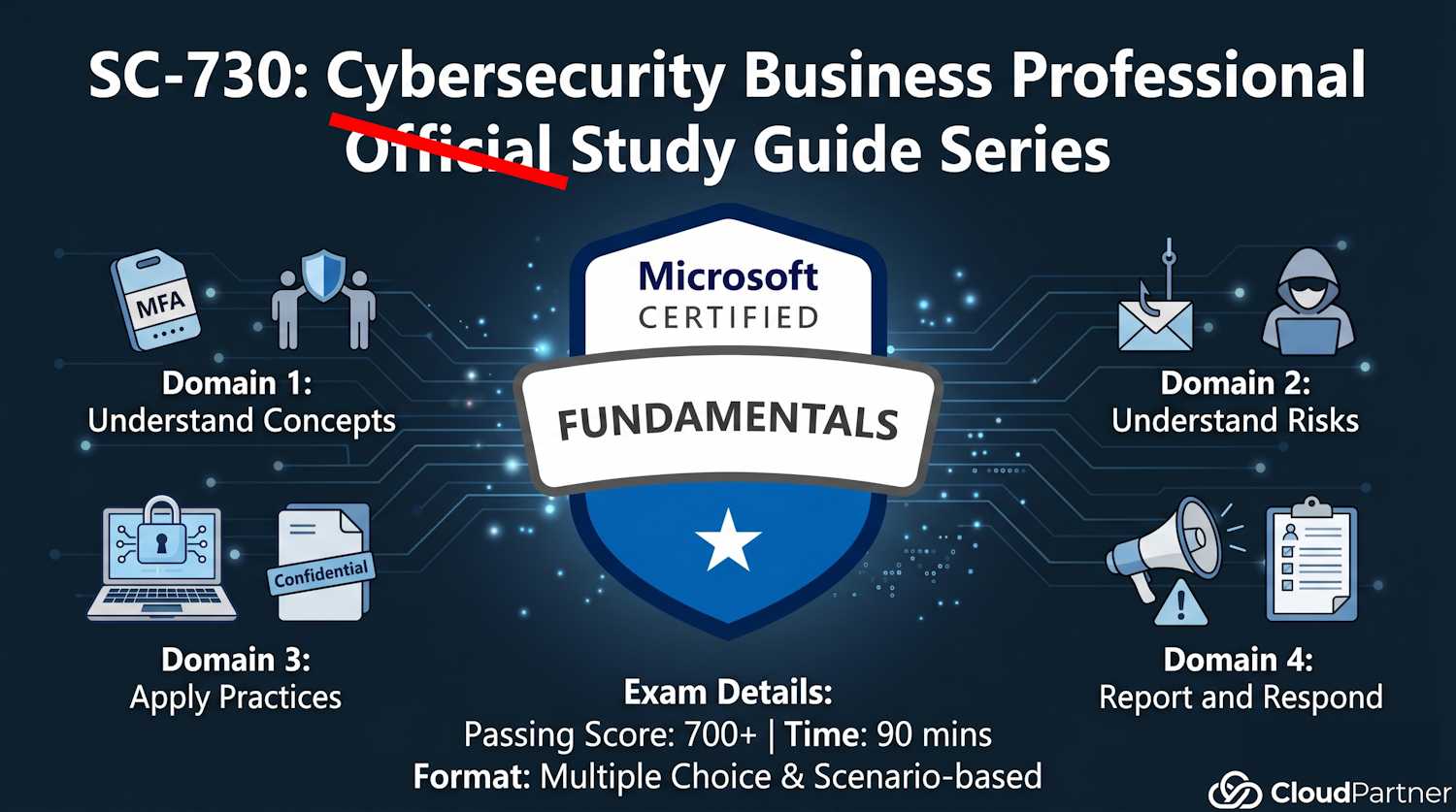
Introduction to Part 4
Part 4 is the final and smallest exam domain (10–15%). It covers the moment when something goes wrong: recognizing it, reporting it, and responding. Even with perfect defense, incidents happen. Your role is to report them quickly so the organization can respond.
Core principle: Early reporting = early containment = less damage.
Recognize Reportable Security Incidents
Nine Situations Requiring Incident Report
You must report these to your organization's security team immediately:
- Phishing emails: Received email asking for credentials or containing suspicious link. Even if you didn't click, report it. Security team blocks sender domain-wide, warns other employees.
- Suspected malware: System showing symptoms: slowness, pop-ups, disabled antivirus, unusual network activity. Report to IT Help Desk.
- Lost or stolen device: Laptop, phone, USB drive containing company data missing. Report immediately. Device wipe may be needed.
- Unauthorized access: Someone accessing your files/email without permission. Account compromised. Report and change password.
- Data breach: Sensitive data exposed (accidentally uploaded to public site, emailed to wrong person, uploaded to personal cloud). Report immediately to data protection officer.
- Suspicious communications: Email requesting unusual action (wire transfer, access grant, data export). Even if "from CEO", verify through independent channel before reporting or complying.
- Physical security incident: Tailgating (unauthorized person entering secure area), locks broken, badges missing, suspicious person in server room.
- Ransomware attack: Computer locked, screen shows ransom note, files encrypted. DISCONNECT immediately and report.
- Insider threat behaviors: Colleague accessing unusual data, downloading large amounts, sharing credentials, external communications with sensitive data. Report to manager or security hotline.
How to Report an Incident
What to Include in an Incident Report
When reporting, provide as much detail as possible. Security team uses this to investigate:
- Date and time: When did incident occur? Time zone matters for correlation.
- Incident type: Phishing, malware, data breach, etc. Security team routes to appropriate team.
- Affected data or systems: What data was accessed/exposed? Which system? Which files? How many records?
- Current status: Still ongoing or resolved? Device still slow or returned to normal? Malware still active or cleaned?
- Actions already taken: Did you disconnect device? Change password? Who have you already told? This helps security assess damage.
- Evidence: Screenshots of malware pop-ups, phishing emails (forward with headers), suspicious system messages. Preserves evidence for forensics.
- Involved users/systems: Your name, affected computer name/IP, any other systems you think might be involved.
- Context: How did incident occur? "Clicked link in email", "Downloaded from USB stick", "Used public Wi-Fi", "Colleague shared password". Context helps determine scope.
Reporting Channels: Multiple Paths
Different incidents go to different places:
| Channel | Use When | Example |
|---|---|---|
| Email to security@company.com | General security incidents (phishing, malware, data breach) | "I received phishing email from [address]. Details: [describe]." |
| IT Help Desk ticket | System issues, malware, device problems, access issues | Incident: Malware suspected. System slow, antivirus disabled. |
| Security incident report form | Formal incident documentation, data breaches, serious incidents | Form with structured fields for date, type, affected systems, status. |
| Manager or HR | Insider threat concerns, employee misconduct, retaliation concerns | "Colleague accessing systems outside their role. Concerned about data theft." |
| Anonymous hotline | Serious concerns where identity protection is critical (fear of retaliation, major crime) | Called external ethics hotline to report suspected data exfiltration by manager. |
| Law enforcement (if serious crime) | Ransomware extortion, criminal activity, large-scale data theft | FBI, local police for extortion demands or criminal threats. |
Basic Incident Response Steps
Immediate Response (First Minutes)
When you realize incident is happening:
- STOP using affected system: Don't continue normal work. Stop accessing files or network.
- For malware: Disconnect from network: Unplug ethernet, disable Wi-Fi. Prevents spread to other systems.
- Notify IT Help Desk immediately: "My device shows malware symptoms. [Describe]." IT will guide you.
- Don't try to fix it yourself: Device may have logging running. Your actions might destroy evidence.
- Preserve the device state: Don't restart (might trigger encryption). Don't delete files. Leave it as-is for forensics.
- Document timeline: "9:15 AM - noticed pop-ups. 9:20 AM - notified IT." Timeline is important for investigation.
Follow-up Response (Hours to Days)
After initial notification:
- Change all passwords: If credential theft suspected, change passwords immediately. Use different device (not compromised one).
- Monitor accounts: Check email login activity, banking, credit cards for unauthorized activity. Set up alerts.
- Enable MFA: If not already enabled, enable on all critical accounts.
- Cooperate with investigation: Answer questions from security team. Provide timeline and context. They're investigating incident, not blaming you.
- Credit monitoring (if appropriate): If personal data (SSN, credit card) was exposed, organization may offer credit monitoring service. Use it.
Long-term Response (Weeks to Months)
As incident concludes:
- Incident documentation: Organization documents incident: what happened, how it was detected, damage, lessons learned.
- Training: Post-incident training specific to incident type. "Phishing simulation" if phishing-based breach, etc.
- Security improvements: Organization may implement controls based on incident. "We're blocking USB drives" or "We're deploying DLP".
- Follow-up communications: Customers or partners notified if their data was affected. Regulatory filings if required.
Key insight: Your role in response is cooperation, not self-defense. Be honest about what happened. Organization's goal is fixing the problem and preventing future incidents, not punishing employees.
Escalation Triggers: When to Escalate Incident
Some incidents need immediate escalation to senior leadership:
- Sensitive data exposure: Customer data, PII, financial records, health records exposed. Regulators must be notified.
- Ransomware attack: Systems encrypted, business halted. This is a crisis requiring CEO/board involvement.
- System-wide compromise: Not just one device—multiple systems affected. Suggests sophisticated attacker.
- Insider threat: Suspected employee misconduct or data theft. Legal/HR involvement needed.
- Ongoing threat: Incident not contained. Attacker still active in network. This is critical.
- Regulatory impact: Incident may violate compliance requirements (GDPR, HIPAA, PCI). Auditors and regulators must be notified.
- Reputational risk:** Incident will become public news. Brand damage control needed.
Key Takeaways from Part 4
Report incidents immediately. Early reporting = early containment = less damage.
Know the reportable incidents: phishing, malware, data breach, unauthorized access, physical security, ransomware, insider threats.
Include detail in reports: date/time, type, affected data, status, actions taken, evidence.
When incident happens: Stop, disconnect (if malware), notify IT immediately, don't try to fix it yourself.
Exam Preparation Summary
You've now covered all four SC-730 exam domains:
- Part 1 (25–30%): Cybersecurity concepts, shared responsibility, policies, definitions
- Part 2a–2b (30–35%): Threats, risks, detection, email safety
- Part 3a–3b (25–30%): Device security, access controls, data lifecycle, backups
- Part 4 (10–15%): Incident recognition, reporting, response
• Pace yourself: 90 minutes for 40-ish questions. ~2 minutes per question. Don't get stuck; skip and return.
• Scenario-based questions: Expect "what would you do?" scenarios. Think through the framework: assess risk → apply control → report if needed.
• Read carefully: Questions often have subtle differences (phishing vs. malware, personal device vs. corporate, data collection vs. data use). Don't skim.
• Use all study materials: This guide covers exam content. Microsoft Learn has deeper dives. Take practice exams from Microsoft Learn.
• Relax: This certification is designed to be achievable. Passing score is 700/1000. You're well-prepared.