


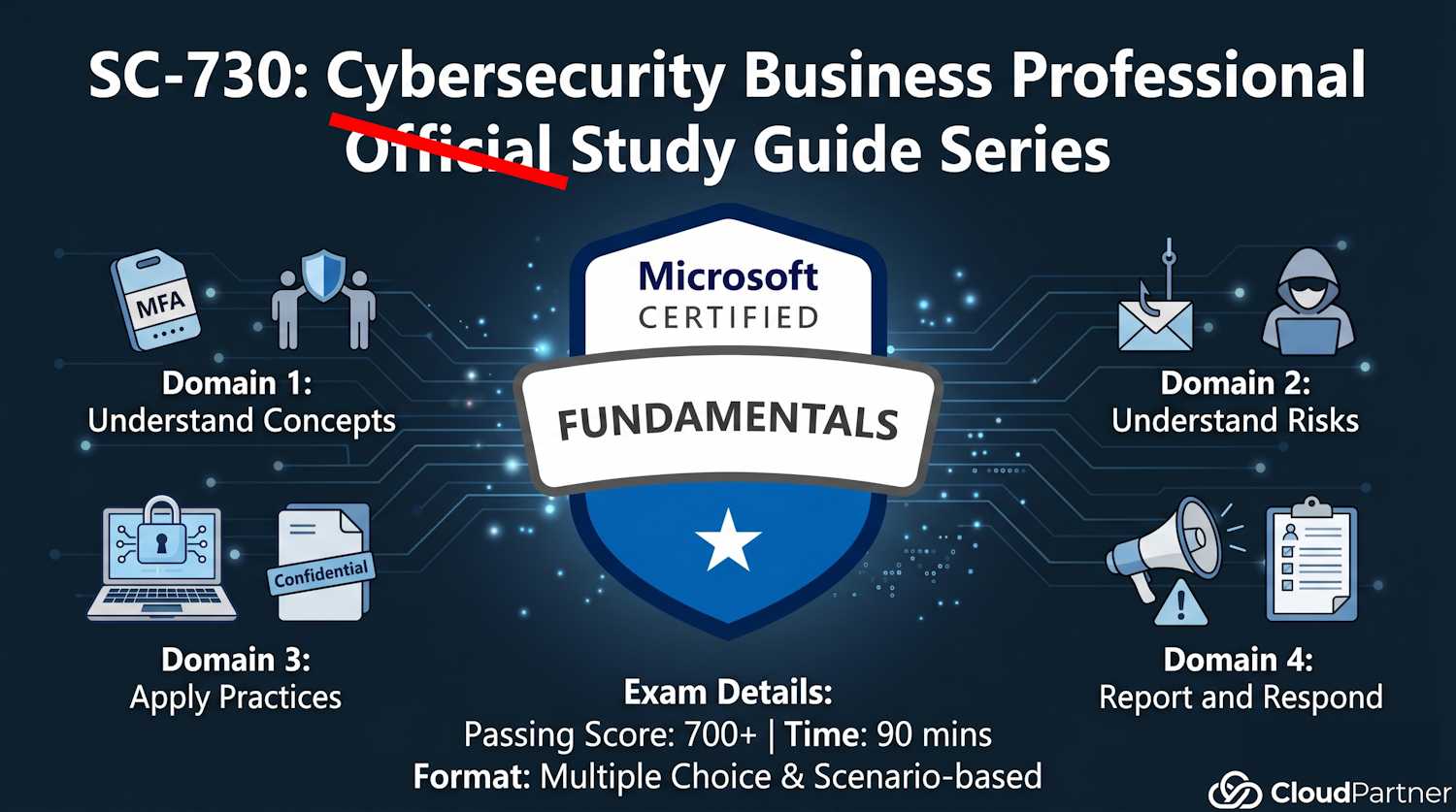
Introduction to Part 1
Part 1 establishes the foundation for everything else in SC-730. Before you can recognize threats, apply security practices, or respond to incidents, you need to understand basic cybersecurity concepts and your role in the organization's security posture.
This part covers roughly 25–30% of the exam and focuses on:
- Your role in organizational security (shared responsibility)
- Essential security policies and practices (MFA, password managers, data handling)
- Key security definitions you need to know
Explain Roles and Responsibilities in Cybersecurity
The Cybersecurity Shared Responsibility Model
Security is not the responsibility of IT alone. The shared responsibility model defines who is responsible for what:
| Stakeholder | Responsibilities |
|---|---|
| Organization/Executive Leadership | Fund security initiatives, enforce policies, create security culture, conduct training, conduct audits, plan for incidents |
| IT/Security Team | Secure infrastructure, patch systems, implement controls, monitor threats, respond to incidents, maintain logs and backups |
| Every Employee | Follow security policies, use strong passwords, enable MFA, report suspicious activity, don't share credentials, handle data securely, complete training |
Key point: Your role as a business professional is critical. You're often the first and last line of defense. A hacker's easiest path into the organization usually goes through an employee phishing link, not through a firewall.
Employee Participation in Security Awareness Initiatives
Recognize activities that demonstrate good security awareness. Look for these on the exam:
- Reporting suspicious emails or messages to the security team: You received a phishing email. Instead of ignoring it, you forward it to security@company.com. This allows the security team to block the sender domain-wide.
- Completing mandatory security training: Annual training + post-incident training + phishing simulation training. Participation matters.
- Immediately reporting lost or stolen devices: Your laptop went missing from a coffee shop. You call IT Help Desk immediately (not tomorrow, not after checking if you can find it). This triggers device wipe and password resets.
- Verifying legitimacy of unexpected requests: Email from "CEO" says "send $50K to vendor account." Before you act, you call the CEO directly to verify. This stops CEO fraud.
- Using single sign-on (SSO) and password managers: Instead of reusing your password across 20 services, you use your corporate identity or password manager. One breach doesn't compromise everything.
- Enabling multifactor authentication (MFA): Not just at work, but on personal accounts too. Phishing is far less effective against MFA-protected accounts.
- Participating in phishing simulations and learning from results: Your company sends fake phishing emails to test you. If you fail, you take training. This improves your real-world threat recognition.
Accountability Practices
Organizations implement accountability through several mechanisms:
- Access logs: Who accessed which files/systems and when. If suspicious access occurs, logs show exactly who did it.
- Audit trails: Recording changes to systems, configurations, and data. If a document was modified, the audit trail shows who modified it and when.
- Data classification: Marking sensitive information clearly so it's treated appropriately. "Highly Confidential" data gets more protection than "Public" data.
- Approval workflows: Sensitive actions require manager approval. You can't just delete 10 years of customer data without documented authorization.
- Incident documentation: When a breach occurs, everything is documented: timeline, who was notified, what was done, evidence preserved. This is important for legal, regulatory, and learning purposes.
Apply Simple Organizational Policies and Data-Handling Standards
Understanding Security and Privacy Policies
Every organization has policies governing how you handle information. You're expected to know them:
- Data classification policy: How to identify and label data (Public, Internal, Confidential, Restricted)
- Acceptable use policy: What you can/cannot do with company devices, networks, email
- Password policy: Minimum length, complexity, change frequency, reuse restrictions
- BYOD (Bring Your Own Device) policy: Whether personal devices can access company data, and under what conditions
- Mobile device management: How phones and tablets are secured when accessing company email
- Remote work security policy: VPN requirements, home network standards, physical workspace privacy
- Incident reporting policy: How and to whom to report security events (email vs. help desk vs. security hotline)
Types of Data That Shouldn't Be Shared with AI Tools
This is a newer exam topic as AI becomes ubiquitous. Do NOT share with AI chatbots, copilots, or external AI services:
- Customer data: Names, email addresses, phone numbers, purchase history, location data
- Financial information: Credit card numbers, bank account details, salary information, invoices, budget figures
- Health information: Medical records, diagnoses, prescriptions, allergies, test results
- Proprietary/trade secrets: Product designs, source code, business strategies, manufacturing processes
- Personally identifiable information (PII): Social Security numbers, driver's license numbers, home addresses, passport numbers
- Regulatory compliance data: HIPAA-protected health info, PCI credit card data, GDPR personal data
- Legal documents: Contracts, litigation files, attorney communications, settlement agreements
Why this matters: When you paste data into public AI services (ChatGPT, Copilot, Gemini), the data may be: (1) used to train the model, (2) sold to third parties, (3) retained indefinitely, or (4) accessed by the AI company's employees. Your data leaves your organization's security perimeter and control.
Benefits of Using a Password Manager
Password managers are encouraged as a security best practice. Here's why:
- Generates strong, unique passwords: A password manager creates complex 20+ character passwords for every account (no human can remember those).
- Prevents password reuse: If one service is breached, only that account is compromised. Your other 50 accounts remain secure because they have different passwords.
- Protects against phishing: A password manager autofills credentials ONLY on legitimate URLs. A fake login page won't match the stored URL, so it won't autofill.
- Reduces password fatigue: You only need to remember one master password. The manager handles the rest.
- Provides audit trails: Corporate password managers track who accessed what secrets and when (accountability).
- Enables secure credential sharing: With corporate password managers, teams can share credentials (like shared mailbox passwords) without putting them in emails or shared documents.
Describe Security Benefits and Risk Awareness
Security Benefits of Multifactor Authentication (MFA)
MFA requires two or more forms of identity proof before granting access. The three factors of authentication:
- Something you know: Password, PIN, security question answer
- Something you have: Phone (SMS code), hardware token, authenticator app, email
- Something you are: Fingerprint, facial recognition, iris scan
Why MFA is critical: If a hacker steals your password (via phishing, malware, or a data breach), they STILL can't log in without your second factor. They'd need your phone, your authenticator app, or access to your face—much harder targets.
Impact: Studies show MFA blocks 99.9% of automated account compromise attacks. This is the single most effective security control for preventing account takeover.
Business Processes Targeted by Threat Actors
Threat actors identify vulnerable business processes. Know which are high-risk:
- Payment processing: Invoices, purchase orders, wire transfers. Targeted by financial fraud and invoice manipulation (attacker redirects payment to their account).
- Hiring and onboarding: Applicant data, W-4 forms, direct deposit setup. Targeted for identity theft and employment fraud.
- Executive communication: Email spoofing "CEO" requesting urgent wire transfer. Targeted by CEO fraud and business email compromise (BEC).
- Vendor management: Supplier invoices, contracts, payment details. Compromised vendor scams (attacker gains vendor credentials, sends fake invoices).
- Access control: Password reset requests, access approval workflows. Targeted for privilege escalation and unauthorized access.
- Data export: Reports containing customer lists, pricing, production data. Targeted for competitive intelligence and corporate espionage.
Risks of Working in a Remote Environment
Remote work introduces unique security challenges:
- Unsecured home networks: Home Wi-Fi may lack WPA3 encryption, firewalls, or intrusion detection. A hacker on your home network can intercept traffic.
- Shoulder surfing: Family members, visitors, or camera hackers seeing your screen with sensitive data.
- Unencrypted devices: Laptop stolen from home or coffee shop. Unencrypted hard drives leak customer data.
- Public Wi-Fi without VPN: Working from coffee shops or airports without a VPN exposes all traffic in plaintext.
- Distractions and complacency: Leaving devices unattended (easier to tailgate or compromise), ignoring security warnings (just want to finish work).
- Shadow IT: Using unauthorized cloud storage, personal devices, or messaging apps to circumvent security controls.
Importance of Software Updates and Security Patches
Updates are critical for survival. Patches fix vulnerabilities that attackers actively exploit:
- Vulnerability patches: Fix security holes BEFORE (or shortly after) they're publicly disclosed.
- Timing matters: Within days of a public patch announcement, attackers scan the internet for unpatched systems and launch exploits.
- Zero-day exploits: When attackers exploit unknown vulnerabilities (rare but critical). Patches are typically released rapidly once discovered.
- Ransomware entry point: Unpatched systems are TOP targets for ransomware attacks. Attackers scan for known, publicly unpatched vulnerabilities.
- Your responsibility: Install updates promptly. Don't ignore "Update Available" notifications for weeks.
Impact of Security Events (e.g., Ransomware)
Breaches create cascading damage beyond data loss:
- Operational shutdown: Systems encrypted and inaccessible; business halts completely.
- Data loss: Permanent deletion if backups are also encrypted or corrupted.
- Financial impact: Ransom payment, recovery costs (forensics, incident response), downtime cost, lost revenue.
- Regulatory fines: GDPR breaches = fines up to €20 million or 4% of global revenue. HIPAA, PCI-DSS have similar penalties.
- Reputational damage: Customers lose trust; media coverage; brand harm that lasts years.
- Legal liability: Lawsuits from customers whose data was stolen; class action settlements.
- Incident response costs: Hiring forensics firms, legal counsel, notification services, credit monitoring for affected customers.
Define Cybersecurity Concepts and Emerging Threats
Key Cybersecurity Definitions
These are foundational terms you need to know cold:
| Term | Definition | Real Example |
|---|---|---|
| Vulnerability | A weakness in software, hardware, or procedure that can be exploited to cause harm | Unpatched Windows, weak password policy, unlocked server room, SQL injection flaw in custom code |
| Threat | Any potential source of danger or attack that could exploit a vulnerability | A hacker, malware, social engineer, insider, natural disaster, ransomware gang |
| Risk | The probability and impact that a threat will exploit a vulnerability and cause harm | Unpatched server (vuln) + known active exploit (threat) + sensitive data = HIGH RISK. Must patch immediately. |
| Exploit | Code or technique that takes advantage of a vulnerability to achieve an attacker's goal | Malware that crashes unpatched software; SQL injection code; phishing email link |
| Encryption | Converting readable data into unreadable code using a cryptographic key. Only key holders can decrypt. | HTTPS encrypts your password in transit. BitLocker encrypts hard drive at rest. Signal encrypts your messages end-to-end. |
Memory aid: Vulnerability = weakness. Threat = danger. Risk = probability of danger exploiting weakness. Think: a locked front door has no vulnerability to home burglary threat = low risk.
Understanding Deepfakes
Deepfakes are synthetic media created using AI to replace or manipulate someone's image, voice, or video. They're becoming a significant threat:
- Video deepfakes: Fake video of CEO saying "transfer $500K to this account immediately." Looks authentic; employee sends money.
- Audio deepfakes: Fake voicemail of CFO approving a wire transfer. Sounds exactly like them.
- Image deepfakes: Fake nude or compromising photos used for blackmail, extortion, or character assassination.
- Detection difficulty: AI-generated media is increasingly indistinguishable from authentic content. Even experts struggle sometimes.
- Trust erosion: As deepfakes become common, people question authenticity of all media ("Is this real?").
Key Takeaways from Part 1
Security is a shared responsibility. Your role matters as much as IT's role.
MFA and password managers are your best personal defenses. Use them everywhere, not just work.
Never share sensitive data with public AI services. Data leaves your control and can be misused.
Understand the business processes attackers target. Think critically about requests for money, data access, or sensitive approvals.
Patches aren't optional. They're the difference between a secure system and a hacked one.
Ready for Part 2?
Now that you understand cybersecurity concepts, it's time to learn about the actual threats. Part 2 covers the risks and threats you'll encounter: phishing, malware, insider threats, and social engineering tactics.