


Series context
This is part three in an ongoing series on Security Copilot — I'm keeping it running as Microsoft ships new capabilities rather than treating it as a one-off post. If you're joining mid-stream: part one covers the SCU allocation model under E5 (with Nordic context), and part two goes into how Security Copilot actually works under the hood — the reasoning engine, built-in agents, custom agents, and the OpenAPI plugin model.
This installment focuses on what's new since that March 2026 post: the Email Summary feature now in public preview inside Microsoft Defender, plus a roundup of the other additions that have landed (or firmed up) over the past several months. I'll also address the E7 licensing question I keep getting asked about.
Why email investigation is still slow
Phishing and business email compromise still account for an outsized share of initial access events. Your SOC probably knows this — it's just that investigating individual email entities is genuinely tedious. An analyst working a Defender alert involving a suspicious email typically has to piece together a picture from multiple places: the raw email headers, the delivery timeline, URL reputation lookups, attachment detonation results, and whatever Defender's threat intelligence surfaces about the sender infrastructure. None of that is hidden behind a wall — it's all there — but assembling it into a coherent picture under time pressure is the friction.
That's the gap the Email Summary feature targets. Not replacing the investigation, but collapsing the assembly step that precedes it.
The Email Summary feature
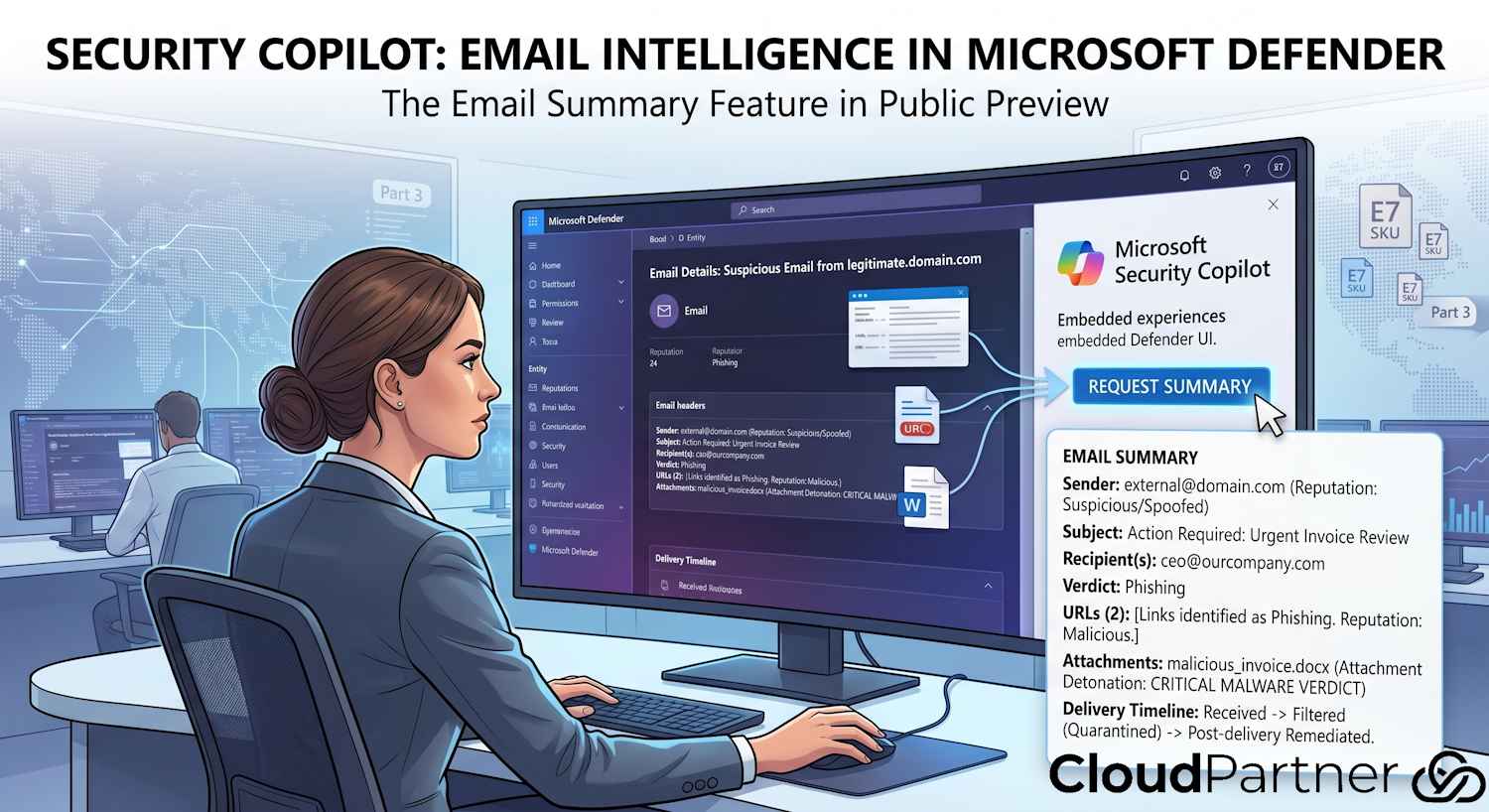
Microsoft has put Security Copilot Email Summary into public preview directly inside the Microsoft Defender portal. It's an on-demand trigger — you navigate to any email entity (the Email Entity page), and you can request a Security Copilot-generated summary of that specific message.
This is an embedded experience, so there's no context switch to the standalone Security Copilot portal. The summary appears in the Defender UI where you already have the email open.
Worth noting: this is an on-demand workflow, not automatic. The analyst actively requests the summary for a specific email. That's a sensible design choice — automatically generating summaries for every email that passes through Defender would burn through SCU allocation fast and produce a lot of noise. Targeted use during active investigation is the intended pattern.
What the summary includes
When you trigger the summary, Security Copilot produces a structured natural-language response covering:
- Email overview — sender identity, subject, recipient(s), message classification (why Defender flagged it)
- Delivery timeline — what happened to the message from receipt through Defender's handling: filtering decisions, delivery routing, any quarantine events
- URLs — reputation assessment for links found in the message body, including Safe Links rewrite status and any threat intelligence hits
- Attachments — file types, hashes, and any available verdicts from pre-detonation analysis
- Actions taken — what Defender has already done: whether the message was quarantined, delivered, allowed through policy, or remediated post-delivery
All of that would take an analyst three to five minutes to pull together manually from the Email Entity page, threat explorer, and URL trace. The summary collapses it to a single read, which matters when you're working six alerts at once.
What's coming next for Email Summary
Microsoft has flagged two additions still in the pipeline:
- Detonation results — full sandbox detonation output for attachments and URLs, integrated into the summary rather than requiring a separate detonation report lookup
- Submission response context — when an analyst has previously submitted the email (or similar emails) to Microsoft for review, the outcomes will surface in the summary
The detonation result piece is the one I'm more interested in. Detonation reports in Defender are comprehensive but take time to read — getting the key findings pulled into a Copilot summary alongside the rest of the email context would meaningfully speed up the assessment for analysts who aren't reading dozens of detonation reports a day.
Still in preview
The Email Summary feature is the headliner, but there's been a few other things worth knowing about from late 2025 that are still in preview and worth tracking if you're planning your rollout:
| Feature | Status | Where | What it does |
|---|---|---|---|
| Sentinel Data Lake + MCP Server | Preview | Standalone + Embedded | SC can query Sentinel across graph, structured, and semantic contexts; Model Context Protocol server for agent integration |
| Build your own agent | Preview (Sept 2025) | Standalone portal | No-code agent builder plus developer tools (including MCP) for custom workflow automation |
The MCP server for Sentinel is the one I'd encourage you to pay close attention to if your org runs Sentinel as the primary SIEM. Model Context Protocol is how Security Copilot agents connect to external tools in a standardised way — combining that with Sentinel's data lake means agents can now do proper contextual queries across your SIEM data, not just the built-in Defender telemetry. That's a meaningful expansion of what agentic investigations can actually cover.
The E7 licensing question
I keep getting asked about this, so let's address it directly. As of April 2026, there is no publicly announced Microsoft 365 E7 SKU. There has been speculation — particularly in Microsoft partner communities — about a premium tier above E5 that would bundle Microsoft 365 Copilot, Security Copilot, and other AI capabilities at a fixed per-seat rate. But Microsoft has not confirmed this as a real licensable product yet.
What is confirmed is the E5 inclusion I covered in part two:
- 400 SCUs per 1,000 M365 E5 licenses per month
- Capped at 10,000 SCUs/month regardless of license count
- Embedded agents in Defender, Entra, Intune, Purview included
- Custom agents and APIs included
- Overage available at $6/SCU beyond the included allocation
If there's a separate E7 announcement relevant to Security Copilot, I'll cover it in a future part of this series. Until Microsoft goes public with pricing and terms, I won't guess at what might be in it.
Note: The E5 inclusion rolls out in phases: April 20 to June 30, 2026, with a 7-day advance notice per tenant before activation. If you haven't seen it yet and you're on E5, you're in the queue — check the Microsoft 365 admin center for your specific activation date.
My take
The Email Summary feature is a good example of what actually changes day-to-day work for analysts versus features that look impressive in a demo but rarely come up in practice. Email investigation is high-volume, high-repetition — it's exactly the kind of task where shaving two minutes per case adds up across a week of work. The on-demand design is right; the scope (delivery timeline, URLs, attachments, actions taken) is the right scope. The missing pieces (detonation results, submission history) are annoying precisely because they're the parts that still require manual lookups right now.
The broader picture across 2025–2026 is consistent: Microsoft pushed the core embedded experiences to GA (Entra, Intune, Phishing Triage Agent, CA Optimization Agent) and expanded the developer surface with MCP and the custom agent builder. The GPT-4.1 reasoning upgrade is less visible to end users but matters for agent reliability — better multi-step accuracy means fewer confidently wrong answers during complex investigations.
If you're newly enabled under E5 and wondering where to start: the Phishing Triage Agent and the CA Optimization Agent are both GA and require minimal setup. Get those running before you think about custom agents or plugin development. They'll also give you real data on how fast your tenant burns through the included SCU allocation, which is useful before you have any informed conversation about whether to purchase additional capacity.