


In the constantly evolving field of cybersecurity, understanding how operating systems manage privileges and identities is crucial. With token theft incidents estimated at 39,000 per day according to Microsoft's 2024 Digital Defense Report, it's clear that tokens have become a prime target for attackers.
But what exactly are these tokens? Why are they so valuable to attackers? And how has Windows historically struggled to protect them? Let's dive into the fundamentals.
What Exactly Is a Security Token?
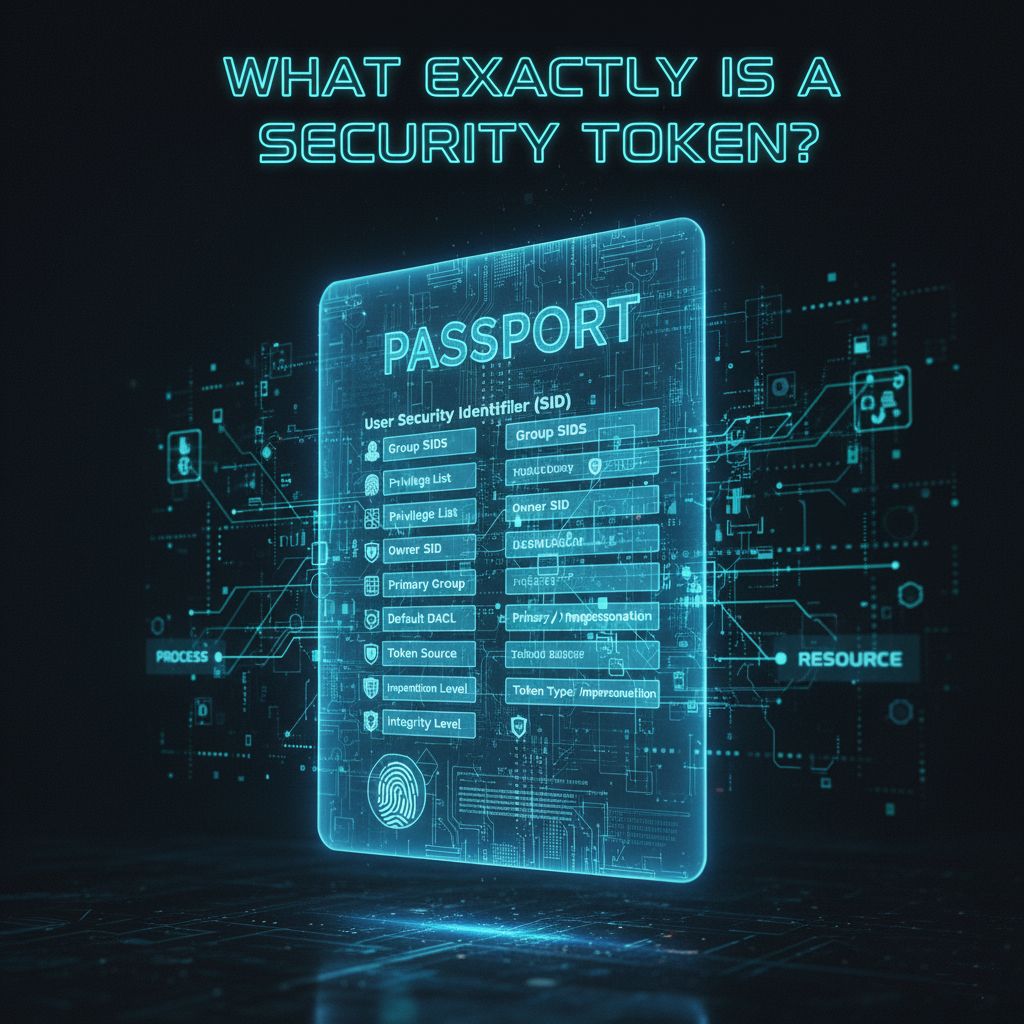
At its core, a security token is a data structure that contains the security context of a process or thread. Think of it as a digital passport that Windows checks every time a process attempts to access a resource or perform an action. This "passport" contains critical information including:
- User Security Identifier (SID): A unique identifier for the user account
- Group SIDs: All groups the user belongs to, including built-in groups like Administrators
- Privilege list: Specific rights assigned to the user (like SeDebugPrivilege or SeBackupPrivilege)
- Owner SID: The default owner for objects created by this token
- Primary group: The default group for new objects
- Default DACL: The default discretionary access control list
- Token source: Where the token came from
- Token type: Primary (for processes) or Impersonation (for threads)
- Impersonation level: If applicable, what level of impersonation is allowed
- Session ID: Which session this token belongs to
- Integrity level: Ranging from Low to System
When you log into Windows, the Local Security Authority (LSA) creates your initial access token. This token follows you throughout your session, and every process you launch inherits a copy of it. It's the foundation of how Windows determines "who you are" and "what you can do."
Understanding Token Privileges in Depth
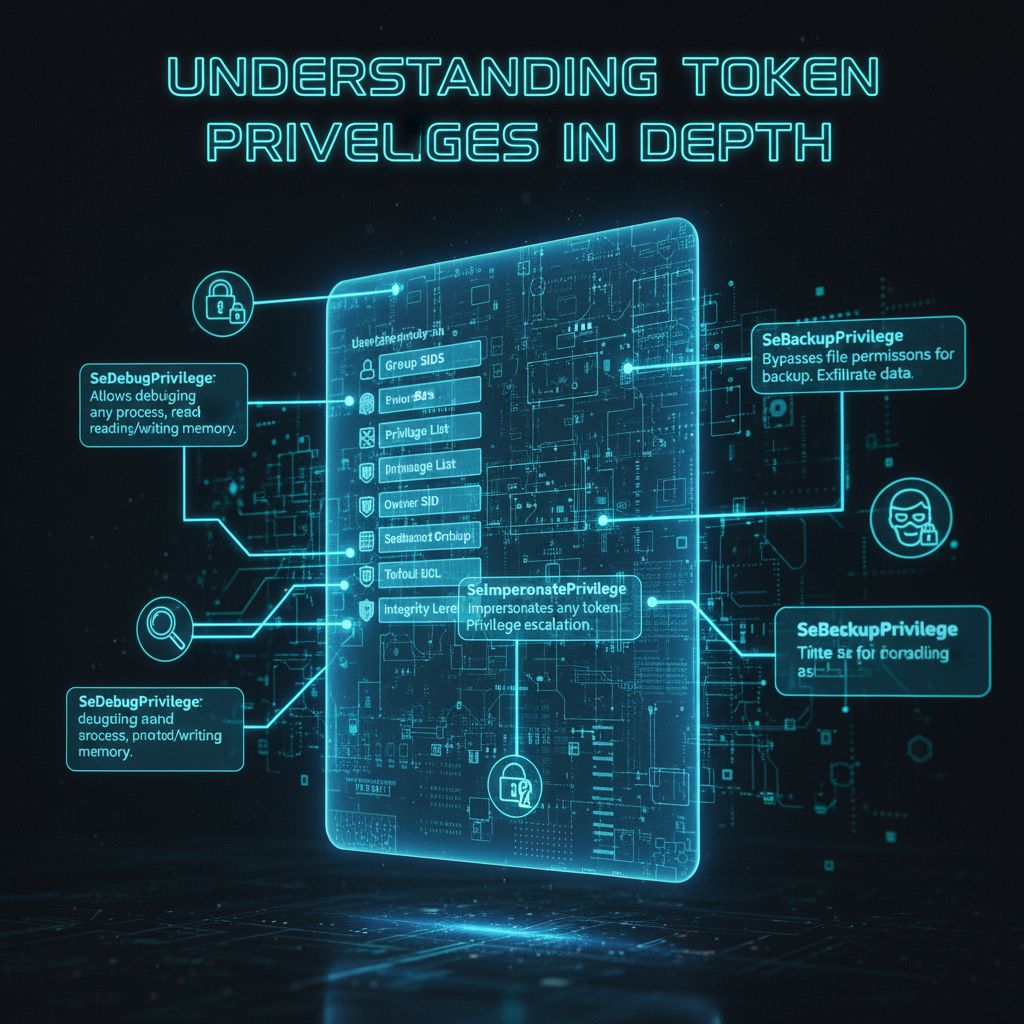
To truly understand the security implications of tokens, we need to explore Windows privileges. These are specific rights that can be assigned to tokens, independent of group membership. Some critical privileges include:
SeDebugPrivilege: Allows debugging any process, including reading and writing memory of other processes. This is extraordinarily powerful and is often abused by attackers.
SeBackupPrivilege: Bypasses file and directory permissions for backup purposes. Attackers use this to exfiltrate sensitive data.
SeRestorePrivilege: Bypasses file and directory permissions when restoring files. Can be used to overwrite system files.
SeTakeOwnershipPrivilege: Allows taking ownership of objects without being granted discretionary access. This can be used to seize control of critical system resources.
SeLoadDriverPrivilege: Permits loading kernel drivers, which operate at the highest privilege level in Windows.
SeImpersonatePrivilege: Allows impersonating any token, which is frequently exploited in privilege escalation attacks.
These privileges are powerful tools, but when held persistently in a token, they become security liabilities.
The Traditional Token Problem: Too Much Power, All the Time
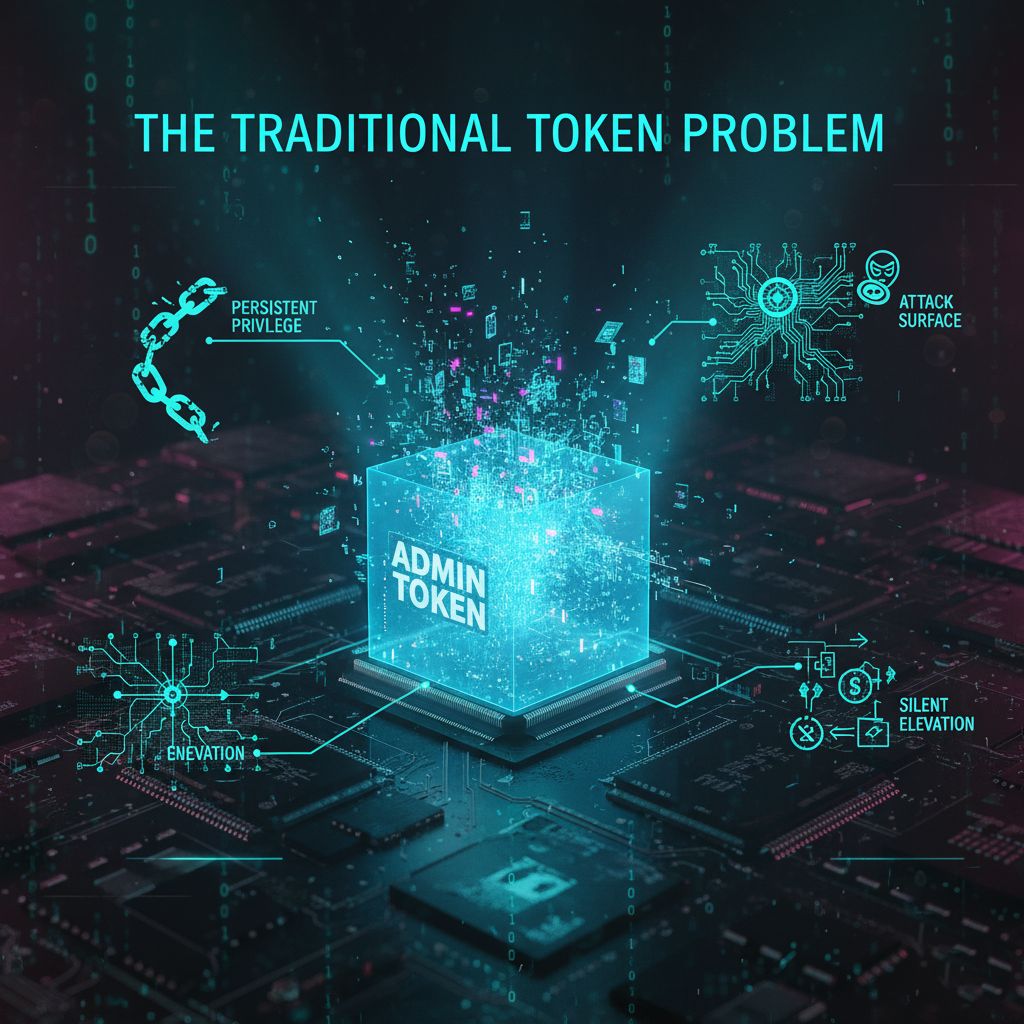
Historically, when a user with administrative credentials logged into Windows, they received a token with full administrative privileges. This created what security professionals call "living above your privilege level"—you have nuclear launch codes in your pocket while making your morning coffee.
This model has several critical vulnerabilities:
Persistent Privilege: Once you have an admin token, it remains active for your entire session. Malware that infects your session inherits these privileges automatically. There's no mechanism to temporarily revoke elevated access; it's all-or-nothing.
Token Theft: Attackers use techniques like pass-the-hash, pass-the-ticket, or direct token manipulation to steal or duplicate privileged tokens. Once stolen, these tokens can be used to move laterally through networks, access sensitive data, or install rootkits. The token becomes a golden ticket for attackers.
Silent Elevation: Many operations could auto-elevate without user awareness, meaning malware could potentially trigger administrative actions without explicit user consent. Users might not even know an elevated operation occurred.
Attack Surface: The longer an elevated token exists, the more opportunities an attacker has to exploit it. Time is not on the defender's side. An admin token that persists for an 8-hour workday creates a massive window of opportunity.
Token Theft: The Attack Everyone Should Fear
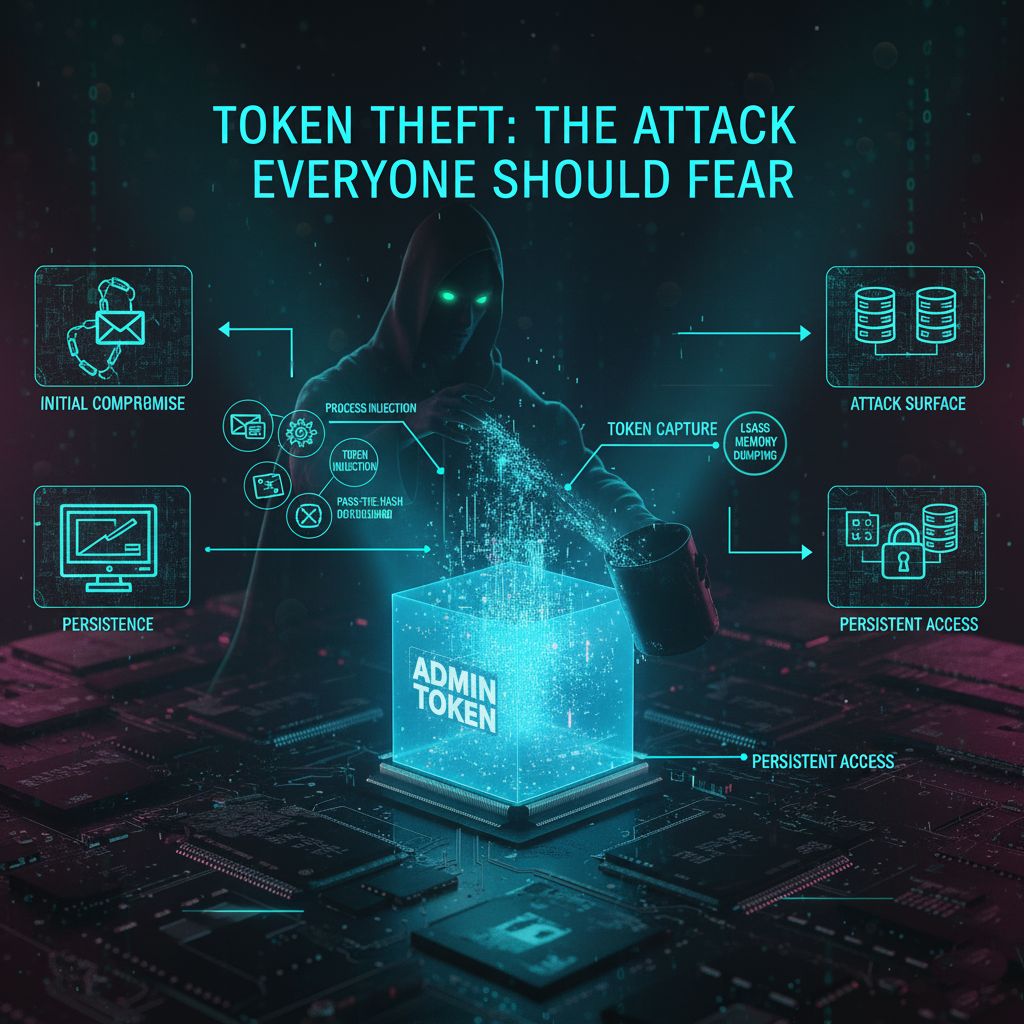
Token theft has become one of the most prevalent attack techniques in cybersecurity. Here's how it typically works in a traditional Windows environment:
1. Initial compromise: Attacker gains initial access via phishing, vulnerability exploit, supply chain attack, etc.
2. Persistence: Attacker runs malware in user context, often with minimal privileges
3. Opportunity: Malware waits for an administrative user to perform an elevated operation
4. Token capture: When elevated process runs, malware uses techniques like:
- Process injection: Inject code into the elevated process to access its memory
- Token duplication: Copy the elevated token and transfer it to attacker's process
- Pass-the-hash: Reuse credential material to authenticate as the elevated user
- LSASS memory dumping: Extract tokens and credentials from the security subsystem
5. Persistent access: Attacker now has persistent administrative access to the system and network
The devastating part? Once an attacker has compromised the admin token, they essentially own the machine. They can install rootkits, disable security software, modify system files, and create backdoors—all in the background while the legitimate administrator has no idea.
User Account Control: The First Step Forward
Windows Vista introduced User Account Control (UAC) in 2007 as a defense-in-depth mechanism—the first major attempt to address the persistent privilege problem. With UAC, administrators receive two tokens at logon:
1. A filtered admin token with administrative privileges stripped out
2. A full admin token stored for later use
This two-token model was revolutionary for its time. When an administrative operation is needed, UAC displays a consent prompt. If approved, Windows uses the full admin token to launch the elevated process. This created the concept of "Admin Approval Mode" and gave users visibility and control over privilege elevation.
The Limitations of UAC
However, despite its innovations, UAC has significant limitations:
- Token persistence: The elevated token persists for the lifetime of the elevated process, potentially for hours or days
- Same user profile: The elevated session runs in the same user profile as the standard session, creating shared attack surface
- Malware interaction: Malware in the user session can potentially interact with elevated processes through various techniques
- Privilege inheritance: Once elevation occurs, all child processes inherit that elevation automatically
- Convenience boundary, not security boundary: Microsoft explicitly documents that UAC is not a security boundary—it's a defense-in-depth mechanism. An attacker with user-level access can potentially bypass UAC prompts through various techniques like UI automation or window spoofing.
The reality is that UAC improved security, but it didn't fundamentally solve the problem. It was a band-aid on a deeper architectural issue: Windows was still granting persistent, high-privilege tokens that lasted for extended periods.
Token Integrity Levels: Another Layer
Windows also uses integrity levels as a form of mandatory access control. The levels are:
- System: Highest level, for core system processes (kernel, drivers)
- High: Administrative processes and system services
- Medium: Standard user processes (normal applications)
- Low: Sandboxed processes like web browsers and untrusted content
- Untrusted: Highly restricted processes with minimal system access
A process can only write to objects at the same or lower integrity level. This means a Medium integrity process (normal user process) cannot write to a High integrity object (system configuration), even if the Discretionary Access Control List (DACL) would normally allow it. Integrity levels provide an additional layer of mandatory access control that even compromised applications cannot easily bypass.
However, integrity levels alone don't solve the persistent privilege problem. A High integrity token still persists for extended periods, and integrity levels don't provide the profile separation needed to fully isolate elevated operations.
Looking Forward
By the time we reach Windows 11, it's clear that incremental improvements to UAC won't suffice. The threat environment has evolved. Attackers have developed sophisticated techniques to harvest tokens, bypass UAC prompts, and move laterally through networks using stolen administrative credentials.
A more fundamental redesign was needed—one that treats privilege elevation not as a persistent state, but as a transient, highly controlled operation. Enter Administrator Protection, which we'll explore in Part 2.
Summary
- Security tokens are fundamental to how Windows manages identity and privilege
- Historical approaches grant tokens persistently, creating extended windows of opportunity for attackers
- Token theft has become a primary attack vector, with 39,000 incidents per day
- UAC represented a major improvement but has architectural limitations
- A new approach was needed that redesigns how elevated privileges are managed
In Part 2, we'll dig into how Administrator Protection overhauls token management through profile separation, just-in-time elevation, and transient token lifecycle management—creating a true security boundary that even sophisticated attackers struggle to compromise.

Additional Resources
- Microsoft Digital Defense Report 2025: Comprehensive threat analysis with latest token theft statistics
- Windows Security Technical Reference: In-depth guide to Windows 11 security features
- User Account Control Documentation: Understanding the evolution from UAC to modern elevation mechanisms
- Windows Security Tokens Technical Reference: Technical documentation on token structure and usage
- Token-based Attack Techniques: MITRE ATT&CK framework with token manipulation and theft techniques