


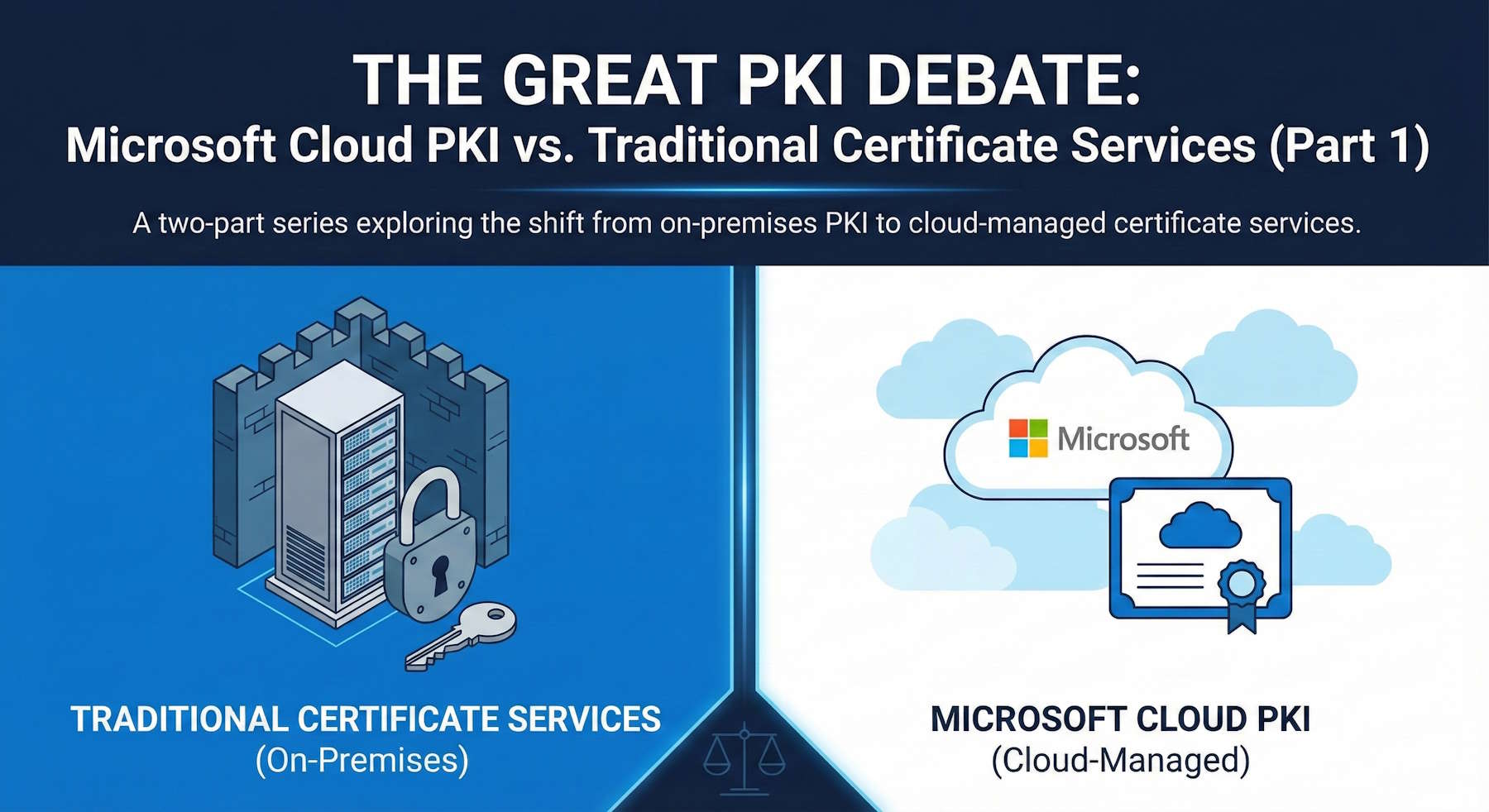
If you've been managing Windows Server PKI infrastructure for years, the announcement of Microsoft Cloud PKI probably gave you mixed feelings. On one hand, the promise of simplified certificate management sounds appealing. On the other hand, you might be wondering what happens to all that expertise you've built around Active Directory Certificate Services (ADCS).
With Microsoft's recent announcement that Intune Suite capabilities are coming to Microsoft 365 E3 and E5 licenses in July 2026 (including Cloud PKI for E5), this conversation just became a lot more relevant. Let's dive into what this actually means for your organization.
"The question isn't whether Cloud PKI is better than traditional PKI—it's whether it's better for your specific use case."
Understanding the Fundamental Difference
Before we compare features, let's address the elephant in the room: who owns the root keys?
Traditional PKI: You Hold the Keys (Literally)
With traditional Windows Server PKI:
- You own and control the root CA and all its private keys
- The root CA sits in your datacenter (ideally offline and air-gapped)
- You maintain complete sovereignty over your PKI hierarchy
- Your root certificate is distributed to your devices through mechanisms you control
This is certificate infrastructure in its purest form. You're not a subscriber to someone's service—you ARE the certificate authority.
Cloud PKI: Microsoft Holds the Root
With Microsoft Cloud PKI:
- Microsoft operates the root CA infrastructure
- Root CA private keys live in Microsoft's HSMs, not yours
- You're essentially a subscriber to Microsoft's managed PKI service
- Microsoft's PKI hierarchy issues certificates on your behalf
Think of it like the difference between running your own email server versus using Exchange Online. Same basic function, completely different operational model.
"With Cloud PKI, you're trading sovereign control for operational simplicity."
Architecture Comparison
Let's visualize how these two models differ structurally:
Traditional PKI Architecture:
Offline Root CA (Your Datacenter, Air-gapped)
  ├── Issuing CA 1 (Online/Clustered)
  │   ├── Devices via Group Policy
  │   ├── Web Enrollment
  │   └── Complete Control (Your Infrastructure)
  └── Issuing CA 2 (Regional)
      ├── Devices via Group Policy
      ├── NDES/SCEP
      └── Complete Control (Your Infrastructure)

Cloud PKI Architecture:
Microsoft Root CA (Microsoft HSMs, Cloud-based)
  └── Tenant Issuing CA (Managed Service)
      └── Intune Enrollment (Only)
          └── Cloud-Managed Devices Only
              └── Limited Control (Microsoft's Infrastructure)
The architectural implications go beyond just where the servers sit. Traditional PKI gives you complete flexibility in design—multiple issuing CAs, regional distribution, custom enrollment methods, and complex trust hierarchies. Cloud PKI abstracts all of that away into a managed service focused on a specific use case.
What Cloud PKI Actually Does (and Doesn't Do)
Here's where things get interesting—and where many organizations get surprised.
What Cloud PKI Is Built For
Cloud PKI excels at one primary scenario: issuing device certificates to Intune-managed endpoints. That's it. That's the use case.
What Cloud PKI Doesn't (Currently) Support
Here's the reality check. Cloud PKI does not replace traditional PKI for user certificates, code signing, S/MIME email encryption, smart card logon, or web server certificates.
"Cloud PKI isn't a complete PKI replacement—it's a specialized tool for a specific modern scenario."
The Microsoft 365 E3/E5 News: What's Actually Changing
Microsoft's December 2024 announcement added some interesting context to this discussion. Starting July 1, 2026, organizations on E5 will have Cloud PKI available at no additional cost as part of the Intune Suite.
This is significant because Cloud PKI, which previously required a separate license or add-on, is now becoming part of your existing E5 investment. For organizations already on E5 managing modern endpoints through Intune, this removes a licensing barrier.
Security Considerations: Trust Models Compared
Let's talk about the security elephant in the room: trust.
Traditional PKI Security Model
Strengths:
- Air-gapped root CA provides maximum protection
- Complete control over cryptographic operations
- Your organization is the sole trust anchor
- Can physically destroy keys if compromised
- Meets strict compliance requirements for key custody
Weaknesses:
- Security depends entirely on YOUR implementation
- You're responsible for HSM protection
- Operational security relies on your team's expertise
- Disaster recovery is your problem to solve
- Key rotation requires significant planning
Cloud PKI Security Model
Strengths:
- Microsoft's HSM infrastructure (likely better than most on-premises setups)
- Automated security updates and patching
- Built-in redundancy and disaster recovery
- No risk of misconfigured or forgotten offline CAs
- Compliance certifications already in place (SOC 2, ISO 27001, etc.)
Weaknesses:
- You don't control the root keys—this is the big one
- Multi-tenant architecture (though isolated per tenant)
- Dependency on Microsoft's operational security
- If Microsoft's root is compromised, all customers affected
- Cannot take the PKI "offline" for maximum security
When Cloud PKI Makes Sense
Despite the limitations, there are scenarios where Cloud PKI is genuinely the better choice:
Ideal Cloud PKI Scenarios
1. Cloud-First Organizations
- No on-premises Active Directory
- All devices managed through Intune
- Limited IT infrastructure team
- Modern endpoint estate (Windows 11, iOS, Android)
2. Greenfield Deployments
- Starting fresh without legacy PKI
- No existing certificate dependencies
- Building modern Zero Trust architecture
- Device-centric security model
3. Small to Medium Businesses
- Can't justify PKI infrastructure costs
- Lack specialized PKI expertise
- Want Microsoft-managed solution
- Simple certificate requirements
When to Stick with Traditional PKI
1. Complex Certificate Requirements
- User certificates for S/MIME or VPN
- Code signing certificates
- Custom application certificates
- Smart card authentication
2. Compliance Requirements
- Regulatory need for key sovereignty
- Air-gapped CA requirements
- Specific audit trail needs
- Industry certifications requiring on-premises PKI
3. Hybrid Environments
- Mix of domain-joined and cloud-managed devices
- Legacy applications requiring ADCS
- On-premises certificate-dependent services
Conclusion: No Perfect Answers
The shift from traditional PKI to Cloud PKI isn't a simple upgrade path—it's a fundamental change in how you think about certificate services. Cloud PKI offers genuine benefits for specific scenarios, but it's not a universal replacement for on-premises ADCS.
Summary from Part 1:
- Cloud PKI and traditional PKI serve different purposes
- Microsoft holds the root keys in Cloud PKI (versus you in traditional)
- Cloud PKI currently focuses on device certificates for Intune-managed endpoints
- Most organizations will run both systems for the foreseeable future
- The E5 inclusion makes Cloud PKI more accessible but doesn't change its scope
"The best PKI strategy isn't about choosing between cloud and traditional—it's about using the right tool for each job."
What's Next?
In Part 2, we'll dive into implementation strategies, cost analysis, operational differences, and security scenarios.