


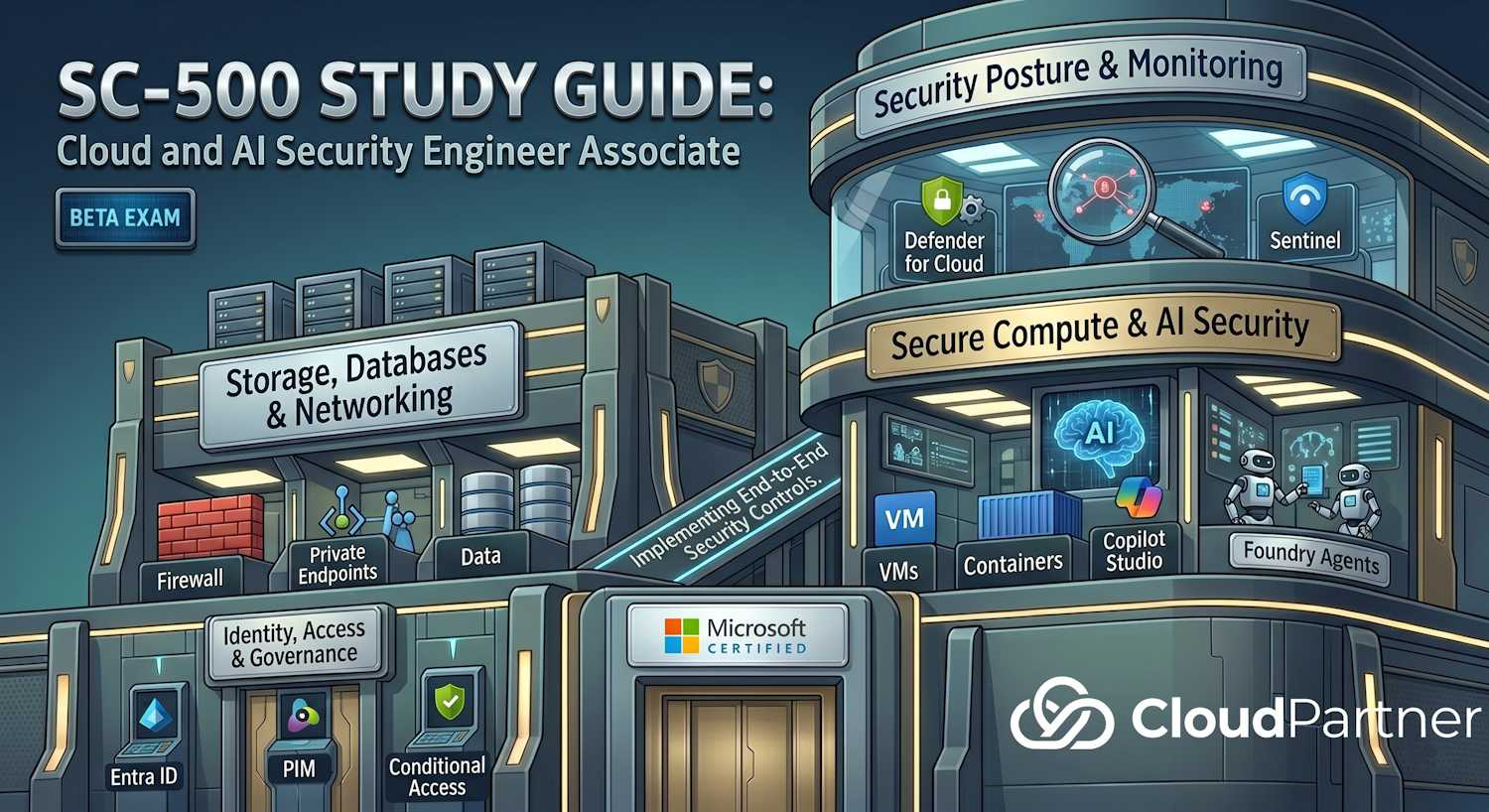
Part 6 of 6 — 10–15% of the SC-500 exam. This domain covers incident response planning, detection and investigation, containment strategies, evidence preservation, root cause analysis, and lessons learned processes for cloud security incidents.
Exam Objectives
This domain covers three major skill areas:
Plan and implement incident response
- Create and maintain incident response plans and runbooks
- Define incident severity levels and escalation procedures
- Establish communication protocols and stakeholder notification workflows
- Configure alerting rules and thresholds in Sentinel and Defender for Cloud
- Implement SOAR workflows for automated incident triage and response
- Conduct incident response tabletop exercises and drills
- Document incident handling procedures and forensic preservation
Investigate security incidents and perform forensics
- Use Sentinel to hunt for compromise indicators (IOCs) and attack patterns
- Correlate events from multiple sources (Azure audit logs, Defender alerts, NSG flows)
- Analyze activity timelines to determine attack start time and scope
- Perform memory and disk forensics on compromised VMs
- Extract and analyze logs from cloud services (App Service, Functions, Key Vault)
- Identify attacker tactics, techniques, and procedures (TTPs) using MITRE ATT&CK
- Preserve evidence chain of custody for legal proceedings
Implement containment, eradication, and recovery
- Execute immediate containment actions (disable accounts, revoke tokens, isolate resources)
- Implement lateral movement prevention using network segmentation
- Eradicate malware, backdoors, and persistence mechanisms
- Perform safe recovery of compromised resources
- Conduct post-incident reviews and document lessons learned
- Update security controls to prevent recurrence
- Coordinate with external parties (law enforcement, security vendors)
Incident Response Lifecycle
NIST Incident Response Framework
The NIST Computer Security Incident Handling Guide (SP 800-61) defines four phases of incident response, which SC-500 candidates must understand for Azure environments.
| Phase | Activities | Azure Tooling |
|---|---|---|
| Preparation | Develop IR team, create runbooks, configure monitoring/alerting, conduct training | Sentinel, Defender for Cloud, Azure Policy, Workbooks |
| Detection & Analysis | Triage alerts, investigate scope, determine severity/impact | Sentinel incidents, Defender alerts, Activity logs, Audit logs |
| Containment & Eradication | Isolate resources, disable accounts, remove malware, revoke credentials | Azure resource locks, NSG rules, Entra ID conditional access, Key Vault revocation |
| Recovery & Lessons Learned | Restore systems, post-incident review, update controls | Azure Backup, Azure Site Recovery, Workbooks for metrics |
Sentinel Investigation Workflow
Microsoft Sentinel is the cloud-native SIEM platform for incident response. It correlates events from Azure, Microsoft 365, and third-party security tools to detect and investigate attacks.
Incident Queue and Triage
The Sentinel incident queue is the starting point for analyst work. Incidents are triaged by severity (High, Medium, Low, Informational) and assigned to analysts. Each incident maps to one or more MITRE ATT&CK tactics:
- Initial Access, Execution, Persistence, Privilege Escalation
- Defense Evasion, Credential Access, Discovery, Lateral Movement
- Collection, Exfiltration, Command and Control, Impact
Investigation Graph
The investigation graph in Sentinel provides visual link analysis, connecting entities involved in an incident: user accounts, hosts, IP addresses, URLs, files, and cloud resources. Use it to trace lateral movement and identify the full blast radius of a compromise.
Key Investigation Steps
- Incident received: Alert from Sentinel triggers or SOC analyst creates incident from suspicious activities
- Alert review: Examine severity, source, affected resources, and initial context
- Evidence collection: Pull related logs from Activity logs, resource-specific logs, and Entra sign-in logs
- Timeline construction: Plot events in chronological order to understand attack progression
- Scope determination: Identify all affected resources, accounts, and potential data exposed
- Root cause analysis: Determine how the attacker gained initial access (phishing, vulnerable service, credential compromise)
- Containment decision: Plan isolation, credential revocation, and immediate response actions
Hunting Tools
- KQL hunting queries — pro-active searches across logs for IOCs and suspicious patterns
- Bookmarks — save relevant log entries during an investigation for inclusion in the final report
- Watchlists — custom IOC lists (malicious IPs, accounts under review) imported as CSV for use in KQL correlation
KQL Hunting Query — Impossible Travel
// Find sign-ins from impossible travel
SigninLogs
| where TimeGenerated > ago(1d)
| summarize by UserPrincipalName, IPAddress, Location, TimeGenerated
| order by UserPrincipalName, TimeGenerated
Containment and Eradication Actions
The right containment action depends on the threat scenario. Match the action to the Azure tool that executes it:
| Scenario | Containment Action | Azure Tool |
|---|---|---|
| Compromised account | Disable account, revoke all active sessions | Entra ID → Revoke sign-in sessions |
| Malicious VM | Network isolate VM, disable JIT access | NSG rule deny all, Defender for Cloud JIT disable |
| Leaked Key Vault secret | Rotate or disable the compromised secret version | Key Vault: disable secret version, create new version |
| Compromised service principal | Revoke all app credentials | Entra ID: delete app credentials, rotate client secret |
| Data exfiltration in progress | Block egress traffic immediately | Azure Firewall DNAT rule, NSG outbound deny |
Sentinel Automation and SOAR
Sentinel supports Security Orchestration, Automation, and Response (SOAR) through automation rules and playbooks backed by Logic Apps.
Automation Rules
Automation rules run automatically when incidents are created or updated. They can:
- Auto-assign incidents to specific analysts based on rules
- Auto-close known false-positive patterns
- Change incident severity based on entity type
- Trigger a playbook for further automated action
Playbooks (Logic Apps)
Playbooks are Azure Logic Apps triggered by Sentinel incidents or alerts. They are the mechanism for SOAR — not Azure Functions or ARM templates. A typical SOC playbook sequence:
- Incident created in Sentinel
- Playbook triggered → notify SOC team via email or Teams
- Playbook creates ticket in ServiceNow or Jira
- Playbook adds comment to Sentinel incident with ticket ID
Auto-Remediation Example
A playbook can automatically disable a compromised account when Sentinel detects an impossible travel alert from Identity Protection: incident created → Logic App calls Entra ID Graph API → account disabled → comment added to incident.
Evidence Preservation and Forensics
Cloud forensics differs from on-premises because resources are ephemeral and Microsoft manages the underlying infrastructure layers. Capture evidence early.
Evidence Capture Steps
- Azure disk snapshot — capture the VM OS and data disk before shutting down or deallocating; snapshots are point-in-time copies
- Memory dump — use Azure Serial Console or a custom script extension to capture process memory from a running VM
- Log preservation — enable diagnostic settings to archive logs to a Storage Account; set as immutable using Blob Storage legal hold to prevent modification
- Log Analytics retention — default retention is 90 days; extend for regulated environments requiring longer evidence windows
- Resource lock during investigation — apply a ReadOnly lock (not CanNotDelete) to the log storage account to prevent any modification of evidence while investigation is active
Exam tip: Apply a ReadOnly resource lock to evidence storage — not CanNotDelete. ReadOnly prevents both modification and deletion, ensuring logs cannot be tampered with. Also: capture disk snapshots before deallocating or deleting a compromised VM.
Log Sources for Forensics
- Azure Activity Log — control-plane operations (resource create, delete, role assignments)
- Entra ID Audit Log — identity-level events (user creation, role assignments, MFA changes, agent actions)
- Entra ID Sign-in Log — authentication events, conditional access results, risk signals
- Resource diagnostic logs — service-specific data plane events (Key Vault secret access, Storage blob operations)
- NSG flow logs — network traffic accepted/denied at the NSG level
KQL for Incident Response
KQL (Kusto Query Language) is essential for Sentinel hunting and log analysis. Know these patterns for the exam:
Detect Privilege Escalation via Role Assignments
// Detect privilege escalation - role assignments
AuditLogs
| where OperationName == "Add member to role"
| where TimeGenerated > ago(7d)
| project TimeGenerated, InitiatedBy, TargetResources
Key Vault Secret Access from Unusual IP
// Key Vault secret access from non-internal IP
AzureDiagnostics
| where ResourceType == "VAULTS" and OperationName == "SecretGet"
| where CallerIPAddress !startswith "10."
| project TimeGenerated, CallerIPAddress, id_s
Exam Tips & Key Takeaways
Critical concepts to master:
- Sentinel vs Defender for Cloud — Sentinel is the SIEM (log correlation, hunting, SOAR); Defender for Cloud is CSPM and workload protection with alert generation. Alerts flow from Defender for Cloud into Sentinel.
- SOAR playbooks use Logic Apps — not Azure Functions or ARM templates. This is a common distractor in exam questions.
- Impossible travel detection — this is an Identity Protection risk detection that feeds alerts into Sentinel; it is not a custom analytic rule.
- Resource lock for evidence — use ReadOnly (not CanNotDelete) during forensic investigation to prevent any modification of log evidence.
- Disk snapshot timing — capture snapshots before deallocating or deleting a compromised VM; once a VM is deleted, unsnapshotted disk data is gone.
- Automation rules vs playbooks — automation rules handle simple routing logic (assign, close, change severity); playbooks handle complex multi-step automated remediation.
- Bookmarks vs Watchlists — bookmarks save specific log rows during an active investigation; watchlists are pre-loaded IOC lists used in detection queries.
Exam tip: A common scenario is: "You need to automatically notify the SOC and create a ticket when a high-severity Sentinel incident is created." The answer is always a Sentinel playbook (Logic App) triggered by an automation rule — not a scheduled task or an Azure Function.