


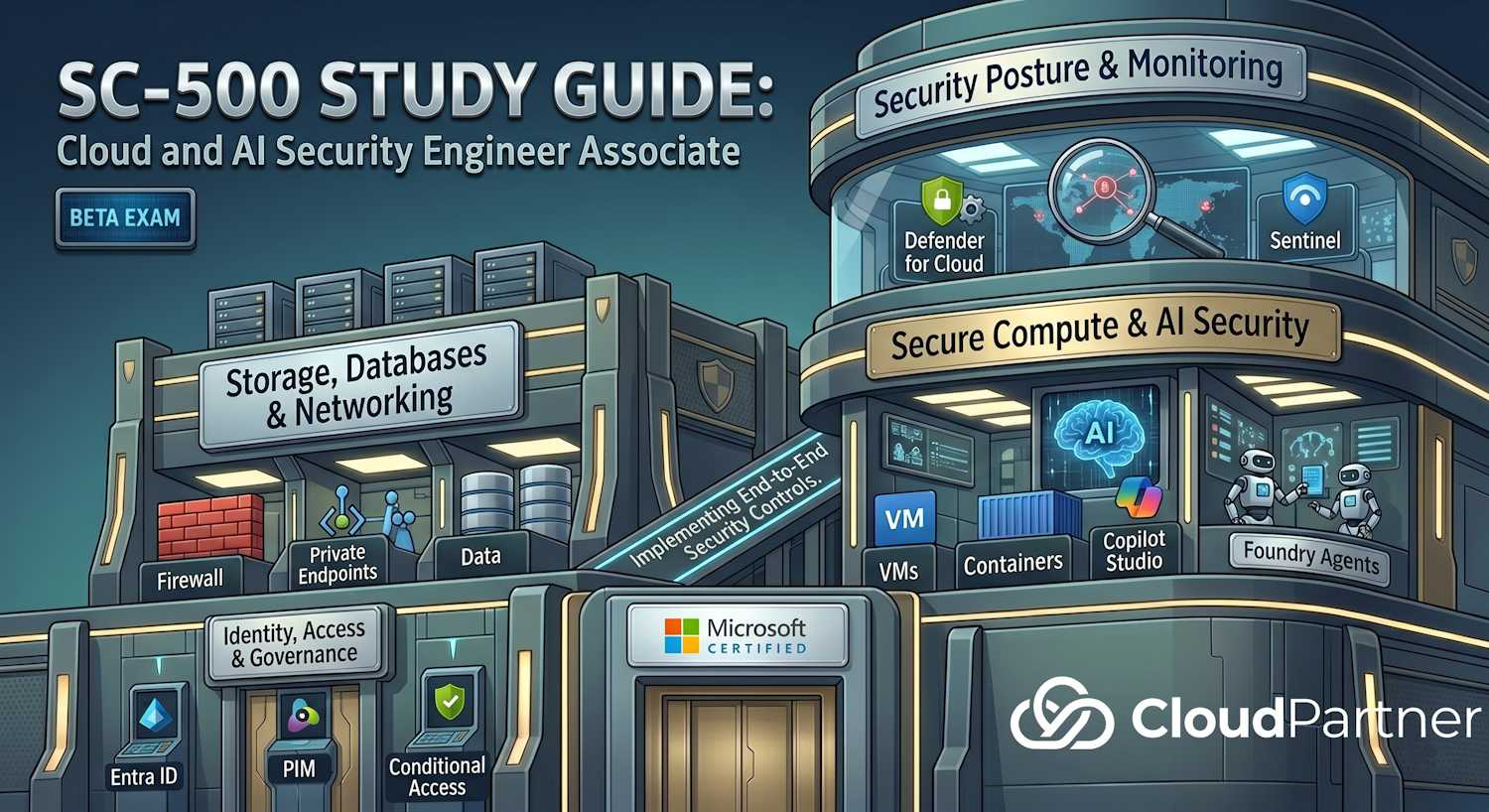
Domain 4 of 4 — 20–25% of the SC-500 exam (final 20%). This domain is about seeing and responding to threats — Defender for Cloud for posture, Sentinel for incident response, and Security Copilot for AI-driven investigations.
Exam Objectives
Manage and monitor security posture using Microsoft Defender for Cloud
- Identify risks using Defender CSPM (Cloud Security Posture Management)
- Evaluate regulatory compliance — built-in compliance frameworks
- Implement workload protection plans (Defender for Servers, Databases, Containers, etc.)
- Connect AWS and GCP environments for cross-cloud visibility
- Implement Microsoft Defender Vulnerability Management for VMs
- Implement External Attack Surface Management (EASM)
Implement and manage Microsoft Sentinel
- Create and connect Sentinel workspaces
- Assign Sentinel roles and permissions
- Use Content Hub solutions and data connectors
- Ingest data from Azure and non-Azure sources
- Collect Windows Security Events, syslog, and CEF data
- Create custom log tables
- Implement automation rules and playbooks
- Query data retention to Sentinel data lake
- Query Purview audit logs in Defender XDR
Manage and use Microsoft Security Copilot
- Configure Security Copilot workspaces and permissions
- Enable and configure plugins (Defender, Sentinel, etc.)
- Enable and manage Microsoft agents in Security Copilot
- Use Security Store agents
Defender for Cloud
Cloud Security Posture Management (CSPM)
Defender CSPM continuously assesses resources and identifies misconfigurations, insecure configurations, and non-compliance. The core workflow:
- Scan resources in your subscription(s)
- Identify risks (failed recommendations)
- Prioritize by risk level (Critical, High, Medium, Low)
- Implement remediation
- Track progress
Workload Protection Plans
| Plan | What it protects | Key capability |
|---|---|---|
| Foundational CSPM | All subscriptions (free) | Secure score, recommendations |
| Defender for Servers | VMs (Plan 1 or 2) | Vulnerability scanning, EDR |
| Defender for Databases | SQL, Cosmos, PostgreSQL, MySQL | Threat alerts on SQL injection |
| Defender for Containers | ACR, AKS, runtime | Image scanning, runtime protection |
| Defender for Storage | Blob, File, Queue | Malware scanning, threat protection |
| Defender for App Service | App Service, Functions, Logic Apps | Suspicious activity detection |
| Defender for Key Vault | Key Vault | Threat alerts on vault access |
| Defender for AI | AI/ML workloads | Prompt injection, model attacks |
Compliance Frameworks
Defender for Cloud includes built-in compliance assessments:
- Azure Security Benchmark (default)
- NIST SP 800-53
- NIST SP 800-171
- PCI DSS 3.2.1
- SOC 2 Type II
- ISO 27001
- CIS Microsoft Azure Foundations Benchmark
Each framework has a compliance score showing how many controls your Azure resources satisfy. Recommendations map to specific controls.
Cross-Cloud Support
Connect AWS and GCP accounts to Defender for Cloud for a unified security view. AWS integration handles EC2 instances, RDS, S3 buckets, etc.
External Attack Surface Management (EASM)
EASM discovers assets your organization exposes to the internet — forgotten domains, exposed APIs, public Git repos with credentials. Reports on:
- Discovery — assets not previously known
- Exposure — public IPs, DNS records, endpoints
- Misconfiguration — unpatched services, open ports
Microsoft Defender Vulnerability Management
Centralized vulnerability assessment for Azure VMs, on-premises (Arc-enabled), and multi-cloud. It identifies missing patches, misconfigurations, and software end-of-support.
Microsoft Sentinel
Workspace Setup
Create a Sentinel workspace in a Log Analytics workspace. A single Log Analytics workspace can have one Sentinel instance.
- Region — choose based on data residency needs
- Pricing tier — Pay-As-You-Go (PAYG) or Commitment tier
- Retention — Sentinel workspaces include 90 days of interactive retention at no extra charge; data can be retained up to 2 years (730 days) with configurable retention settings, and archived to cold storage for up to 7 years
- RBAC — Sentinel roles: Reader, Responder, Contributor
Data Connectors and Ingestion
Sentinel connects to data sources through connectors. Common patterns:
- Azure data connectors — Activity Logs, Azure AD, Defender for Cloud, etc.; direct REST API integration
- Syslog / CEF — on-premises servers send syslog (UDP 514) or CEF (Common Event Format) logs
- Windows Security Events — via Data Collection Rules (DCR) + Windows Event Forwarder (WEF)
- Custom logs — parse application logs using custom log tables
Data Collection Rules and Event Forwarding
Modern approach for Windows events:
- DCR (Data Collection Rule) — defines which events to collect from Windows Event Log
- WEF (Windows Event Forwarding) — on-premises servers forward events to a Windows Event Collector
- Collector forwards to Sentinel via syslog or API
- Reduces log volume by filtering on the source
Analytics Rules and Playbooks
Analytics rules query Sentinel data and generate alerts. Trigger types:
- Scheduled — run a KQL query on a schedule (every 5 minutes, hourly, etc.)
- Real-time — trigger on specific data ingestion (limited to built-in detections)
- Anomaly — use ML to detect deviations from baseline
Playbooks (Logic Apps) respond automatically:
- Send alert to Teams/Email
- Create incident in ServiceNow
- Block user in Entra ID
- Isolate VM from network
Automation Rules
Automation rules link incidents to playbooks without manual effort. Examples:
- If severity = Critical, execute playbook "EmailSOC"
- If entity = IP, execute playbook "BlockIP"
- If MITRE ATT&CK tactic = Execution, execute playbook "Isolate"
Data Lake and Long-term Retention
Sentinel can store data in a data lake (Azure Data Lake Storage Gen2) for long-term retention and analytics. Queries span both the active workspace and the data lake.
Querying Purview Audit in Defender XDR
Purview audit logs (M365 activity, API calls, sign-ins) can be queried in Microsoft Defender XDR alongside Sentinel data. Useful for investigating compromise across Microsoft 365 and Azure.
Security Copilot
Workspace and Permissions
Security Copilot provides an AI-powered chat interface for security investigations.
- Provisioning — enable on an Entra tenant; creates a workspace
- RBAC — Copilot roles (Analyst, Admin, etc.)
- Capacity units (SCU) — metered compute capacity; SCUs are consumed based on workload intensity per session, not a fixed count per prompt. You provision a minimum number of SCUs and pay hourly for provisioned capacity.
Plugins and Data Sources
Plugins connect Copilot to data sources:
- Defender for Cloud — query recommendations, alerts
- Sentinel — KQL queries, alerts, incidents
- Defender XDR — incident investigation, threat intelligence
- Security Store agents — third-party security tools
Microsoft Agents in Copilot
Copilot includes Microsoft agents for automated investigation:
- Incident summarization — automatic summary of Sentinel incidents
- Threat analysis — analyze artifacts and indicators
- Recommendation prioritization — suggest top remediation steps
Typical Use Cases
- "Summarize this Sentinel incident"
- "What are the top 10 risks in my subscription?"
- "Is this IP malicious? (provide IP)"
- "What should I do to remediate this recommendation?"
- "Create an automation rule to auto-respond to failed logins"
Domain 4 Architecture Overview
Security posture and monitoring in SC-500 follows a three-tier architecture: Defender for Cloud manages posture and recommendations; Sentinel collects, detects, and responds; Security Copilot provides AI-assisted investigation across both. Data flows from sources through connectors into the Log Analytics workspace that underpins Sentinel.
Key KQL Patterns for Sentinel
Scheduled analytics rules in Sentinel run KQL queries over Log Analytics tables. These patterns appear in exam scenarios:
# Detect sign-ins from countries not seen in the last 14 days
SigninLogs
| where TimeGenerated > ago(1h)
| where ResultType == "0"   // success
| summarize Countries=make_set(Location) by UserPrincipalName
| where Countries !has_any (
    toscalar(
        SigninLogs
        | where TimeGenerated between (ago(14d)..ago(1h))
        | where ResultType == "0"
        | summarize make_set(Location) by UserPrincipalName
        | project UserPrincipalName, Locations
    )
)
# Detect role assignment changes (privilege escalation)
AzureActivity
| where OperationNameValue == "MICROSOFT.AUTHORIZATION/ROLEASSIGNMENTS/WRITE"
| where ActivityStatusValue == "Success"
| extend Caller=tostring(Caller)
| extend RoleAssigned=tostring(Properties.requestbody)
| project TimeGenerated, Caller, RoleAssigned, ResourceGroup, SubscriptionIdExam tip: Sentinel analytics rules use KQL. The most common table references are
SigninLogs,AuditLogs,AzureActivity,SecurityEvent, andSyslog. Know which table maps to which data source.
Automation Rules vs Playbooks
| Feature | Automation Rule | Playbook (Logic App) |
|---|---|---|
| Trigger | Incident creation / update / alert | Triggered by automation rule or manually |
| Actions | Change status, severity, owner; assign tags; run playbook | Full workflow — HTTP calls, connectors, conditional logic |
| Complexity | Simple rules — no code needed | Complex SOAR workflows — Logic Apps designer |
| External integration | No — Sentinel-only | Yes — ServiceNow, Teams, Email, Jira, any REST API |
| Exam answer trigger | "Automatically close low-severity incidents" | "Automatically block a user and notify the SOC team" |
Exam tip: If a scenario says "automatically respond to an incident with an external action (Teams, ServiceNow, block user)", the answer is a playbook. If it says "change incident severity or assign to an analyst automatically", the answer is an automation rule.
Exam Tips & Key Takeaways
Exam tip: Defender for Cloud CSPM is free for all subscriptions (Foundational CSPM). The paid Defender CSPM plan adds attack path analysis, cloud security graph, and agentless scanning. Workload protection plans (Defender for Servers, Defender for Databases, etc.) are separate paid add-ons.
Exam tip: Sentinel is built on a Log Analytics workspace. The workspace is the billing and retention unit. Sentinel adds SIEM/SOAR capabilities (analytics rules, incidents, playbooks) on top of the workspace.
Exam tip: Security Copilot is metered in SCUs (Security Compute Units). SCUs represent provisioned compute capacity billed hourly — you set a minimum number of SCUs and capacity scales from there. Copilot does not require Sentinel to function, but Sentinel and Defender plugins extend what it can query.
Exam tip: EASM (External Attack Surface Management) discovers assets you may not know you have — shadow IT, forgotten subdomains, exposed APIs. It is separate from Defender for Cloud but integrates with the Defender portal. Know it as the tool for external-facing asset discovery.
Exam tip: Compliance frameworks in Defender for Cloud are evaluated against your resources automatically. The default framework is the Azure Security Benchmark. Additional frameworks (NIST, PCI DSS, ISO 27001) can be added under "Regulatory compliance" in the Defender for Cloud portal.
Further Learning – Microsoft Learn
- What is Microsoft Defender for Cloud?
- Cloud Security Posture Management (CSPM) in Defender for Cloud
- What is Microsoft Sentinel?
- Detect threats with built-in analytics rules in Microsoft Sentinel
- Automate incident handling in Microsoft Sentinel with automation rules
- What is Microsoft Security Copilot?
- What is Microsoft Defender External Attack Surface Management?