


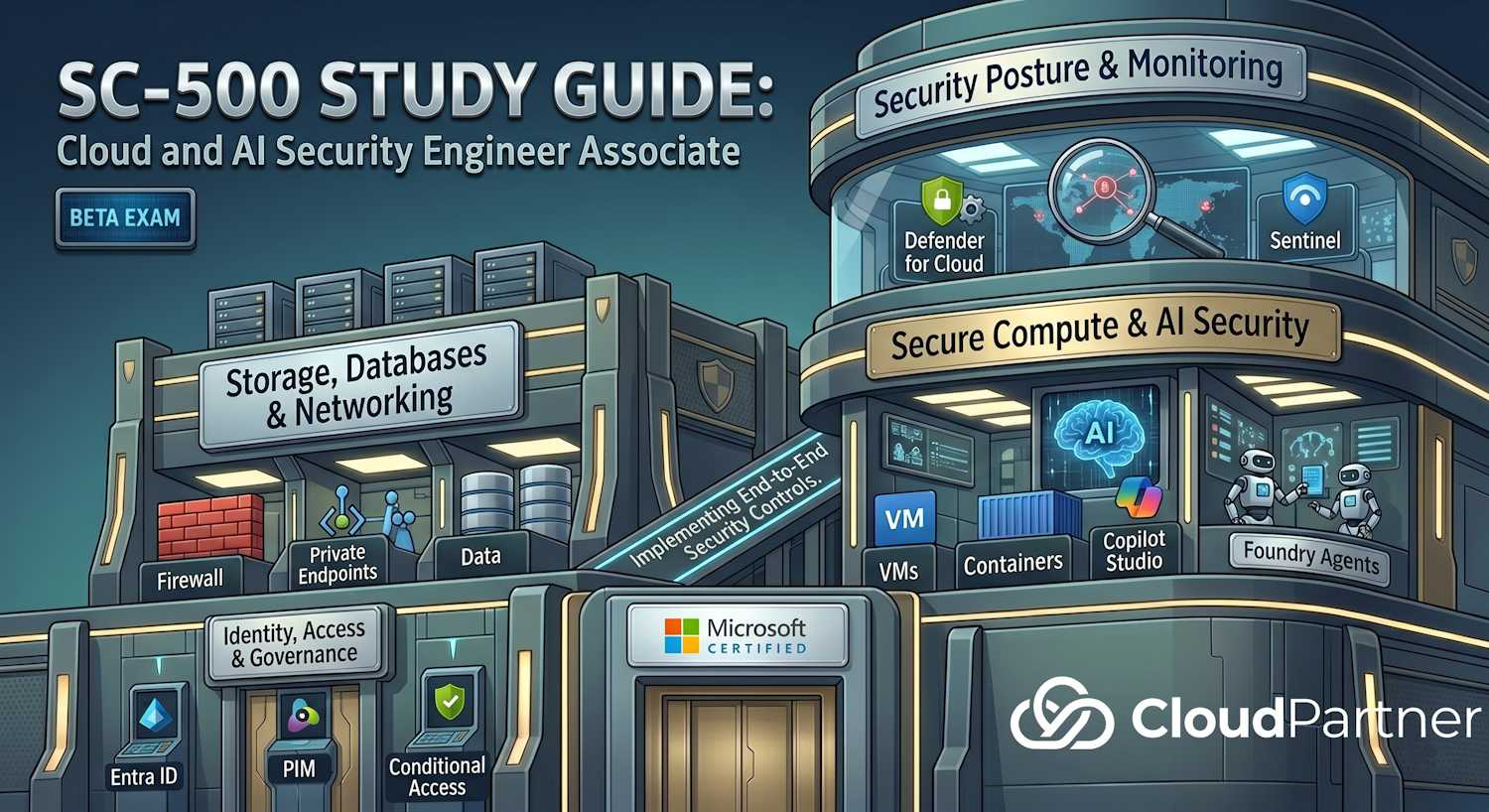
Domain 2 of 4 — 25–30% of the SC-500 exam (highest weight). This domain covers storage security, SQL security, and the full spectrum of Azure networking controls.
Exam Objectives
Secure Azure Storage accounts
- Implement and configure storage account security settings
- Configure Azure Storage firewall rules
- Implement Defender for Storage threat protection and malware scanning
- Manage access — shared access signatures (SAS), access keys, managed identities
- Configure encryption — encryption at rest, in transit, customer-managed keys
Secure Azure databases
- Configure Azure SQL Database platform-level security
- Implement database auditing for SQL DB and SQL Managed Instance
- Implement Defender for Databases
- Configure transparent data encryption (TDE) and Always Encrypted
- Manage SQL authentication and authorization
Secure Azure networking
- Implement and manage Network Security Groups (NSGs) and Application Security Groups (ASGs)
- Configure Virtual Network Manager policies
- Configure Azure Firewall and Firewall Manager
- Implement Private Endpoints and Private Link services
- Configure Virtual WAN and VPN security
- Implement Microsoft Entra Private Access
- Use Azure Network Watcher for diagnostics and security rule validation
Azure Storage Account Security
Storage Firewall and Network Rules
By default, storage accounts allow access from any network. The firewall changes this to deny by default, then allow specific networks, IP ranges, and trusted services.
- Default rule — set to Deny or Allow
- Bypass list — allow AzureServices, Logging, Metrics
- IP rules — allow specific public IPs
- Virtual network rules — allow specific subnets (private endpoints preferred)
# Configure storage firewall — default deny, allow specific VNet
az storage account network-rule add \
  --resource-group rg-prod \
  --account-name stprod \
  --vnet-name vnet-prod \
  --subnet subnet-app

az storage account update \
  --resource-group rg-prod \
  --name stprod \
  --default-action Deny
Shared Access Signatures (SAS) Security
SAS tokens grant limited-time, limited-permission access to storage resources. Risks:
- Token leakage in logs or code repositories
- No audit trail on token creation (created by storage account key holders)
- No refresh capability — token is valid until expiry
Best practices:
- Use user delegation keys (Azure AD identities) instead of account keys when possible
- Set short expiry times (hours, not days)
- Scope to specific containers and permissions
- Store SAS tokens in Key Vault, never in code
- Rotate account keys regularly; store in Key Vault
Defender for Storage
Defender for Storage provides real-time threat protection and malware scanning. It detects:
- Unusual access patterns (anonymous IPs, mass exfiltration)
- Anomalous uploads (large volume of data to uncommon location)
- Malware in blobs (scans on upload, in-place scanning for existing data)
- Data exfiltration attempts
Enable at the subscription level in Defender for Cloud. Malware scanning incurs additional charges per GB scanned.
SQL Database and Managed Instance Security
SQL Networking
| Feature | What it controls |
|---|---|
| Public endpoint | Default — reachable from any IP (unless firewall denies it) |
| Firewall rules | Allow specific IPs or IP ranges; block others |
| Virtual network rule | Allow traffic from a specific VNet subnet (still uses service endpoint) |
| Private endpoint | Private IP in VNet; no public IP; DNS overrides to private IP |
| SQL Managed Instance | Deployed into delegated subnet; no public endpoint by default |
SQL Authentication
- SQL authentication — username/password; legacy, avoid
- Entra ID authentication — recommended; uses Entra ID identities (users, service principals, managed identities)
- Multi-factor authentication — available with Entra ID + MFA
For the exam: know that Entra ID is the preferred method and that service principals can authenticate using managed identities.
Encryption — TDE and Always Encrypted
- Transparent Data Encryption (TDE) — encrypts data at rest at the database level. Enabled by default. Uses a Database Encryption Key (DEK) protected by the Service Master Key (SMK) or a customer-managed key in Key Vault.
- Always Encrypted — column-level encryption. Data is encrypted on the client side before being sent to the database. The database never has the key to decrypt the columns. Highest security for sensitive data but impacts query performance.
SQL Auditing and Threat Detection
SQL auditing logs database operations (login, query, data modification). Logs can be sent to:
- Azure Storage (Audit events — long-term storage)
- Log Analytics workspace (Diagnostic settings — KQL queries, Sentinel integration)
- Event Hub (streaming to SIEM)
Defender for Databases adds threat detection on top of auditing — it flags suspicious activities like SQL injection attempts, brute-force logins, and unusual data access.
Azure Networking Security
NSGs and ASGs
Network Security Groups (NSGs) are stateful firewalls at the subnet or NIC level. Rules allow or deny traffic based on protocol, port, source, and destination.
| Concept | Purpose |
|---|---|
| NSG rules | Inbound/outbound; processed by priority; first match wins |
| Application Security Groups (ASGs) | Logical grouping of NICs; referenced in NSG rules instead of IPs — simplifies rules across multiple VMs |
| Service tags | Predefined IP ranges for Azure services (e.g., AzureSqlDatabase, Storage, AppService) |
| Flow logs | Records allowed/denied flows; stored in storage account; analyzed by Traffic Analytics |
Azure Firewall
Managed firewall appliance — more advanced than NSGs. Provides:
- Application rules — allow/deny by FQDN (dns.google.com), not just IP
- Network rules — layer 4 filtering (TCP, UDP)
- NAT rules — source NAT for outbound, DNAT for inbound
- Threat intelligence — blocks known malicious IPs/domains
- Stateful processing — understands connection context
- TLS inspection (Premium SKU) — decrypts and inspects encrypted traffic
Important: Azure Firewall does not include DDoS protection. DDoS protection is a separate Azure service (Azure DDoS Protection) that operates at the network edge. Azure Firewall and DDoS Protection are complementary controls — use both for defense-in-depth.
Deployed at hub in a hub-spoke topology. All traffic from spokes is routed through the firewall.
Private Endpoints
Private Endpoints enable private connectivity to PaaS services. A private IP address is allocated in your VNet, and DNS is overridden so that the service FQDN resolves to the private IP.
- Works with Storage, SQL, CosmosDB, Key Vault, App Service, and many others
- Private DNS zone automatically created or you manage manually
- No public IP is exposed to the service
- If storage firewall is set to Deny, private endpoint is the only way to access from VNet
Virtual WAN
Virtual WAN simplifies large-scale connectivity. It provides:
- Hub-and-spoke networking at scale
- Built-in SD-WAN and site-to-site VPN
- Azure Firewall integration at the hub
- ExpressRoute connectivity
- P2S (point-to-site) VPN with Entra ID integration
Microsoft Entra Private Access
Provides zero-trust access to private apps without VPN. Users access corporate apps through Entra ID authentication, regardless of network location. Requires:
- Microsoft Entra Private Access infrastructure (cloud-based)
- Entra ID Conditional Access policies for access control
- Client app (browser or native app) with Private Access connector
Azure Network Watcher
Diagnostics and monitoring for networks. Key tools:
- IP flow verify — test if specific traffic is allowed by NSG rules
- Effective security rules — view actual rules being applied to a NIC (combines subnet NSG + NIC NSG)
- Packet capture — capture traffic on VMs for offline analysis
- Connection troubleshoot — diagnose connectivity issues between VMs
- Next hop — trace the routing path for traffic
Domain 2 Architecture Overview
The three control planes — storage security, database security, and network security — layer together to form a defense-in-depth posture. Private Endpoints tie all three together: storage accounts, SQL databases, and Key Vaults all benefit from private network connectivity.
Network Security Layers
Azure networking defenses operate at different layers and scopes. Understanding which tool applies at which layer is a recurring exam topic.
Key Service Comparisons
Private Endpoint vs Service Endpoint
| Feature | Private Endpoint | Service Endpoint |
|---|---|---|
| IP assignment | Private IP in your VNet | Traffic stays on Azure backbone but service still has public IP |
| DNS override | Yes — FQDN resolves to private IP | No — FQDN still resolves to public IP |
| Cross-subscription | Yes | Same subscription only |
| Exam preference | Recommended — eliminates public exposure | Legacy; being replaced by private endpoints |
Exam tip: Always prefer Private Endpoints over Service Endpoints on the exam. Private Endpoints give the resource a private IP in your VNet — the service is never reachable from the public internet.
Storage Access Methods
| Method | Security level | Exam guidance |
|---|---|---|
| Account key | Lowest — full admin access | Avoid; rotate regularly; store in Key Vault |
| Service SAS | Limited — scoped by permission and time | Use short expiry; never in source code |
| User delegation SAS | Good — backed by Entra ID token | Preferred SAS type |
| Managed identity + RBAC | Best — no credentials, fully auditable | Always recommend for app-to-storage auth |
Exam tip: For application access to storage, the correct answer is almost always managed identity + RBAC (e.g., Storage Blob Data Contributor). SAS tokens are acceptable for short-lived third-party access where managed identity isn't possible.
TDE vs Always Encrypted — When to Use Which
| Dimension | TDE | Always Encrypted |
|---|---|---|
| Where encrypted | At rest (database files, backups) | Client side — data never decrypted in SQL |
| DBA can see data? | Yes — data is plaintext in memory | No — DBA sees ciphertext only |
| Key location | SQL internal or CMK in Key Vault | Client app or Key Vault (column master key) |
| Use case | Protect against stolen disk/backup | Protect against privileged insiders, breached DBA |
Exam Tips & Key Takeaways
Exam tip: The highest-weight domain (25–30%). Prioritise mastering the difference between Private Endpoints, Service Endpoints, NSGs, and Azure Firewall — these distinctions appear frequently in scenario questions.
Exam tip: TDE protects data at rest but the DBA can still read it. Always Encrypted protects data even from DBAs — data is decrypted on the client. The question "who can read the data?" tells you which one to pick.
Exam tip: The preferred storage authentication method is managed identity + RBAC. User delegation SAS is acceptable when managed identity isn't possible. Service SAS and account keys should be avoided in modern designs.
Exam tip: NSGs operate at Layer 4 (TCP/UDP port rules). Azure Firewall adds Layer 7 inspection — FQDN filtering, threat intelligence, TLS inspection. When a scenario requires FQDN-level control, the answer is Azure Firewall, not an NSG.
Exam tip: Defender for Storage malware scanning runs on upload. In-place scanning for existing blobs is a separate capability that incurs per-GB charges. Enabling Defender for Storage at the subscription level protects all storage accounts in that subscription.