


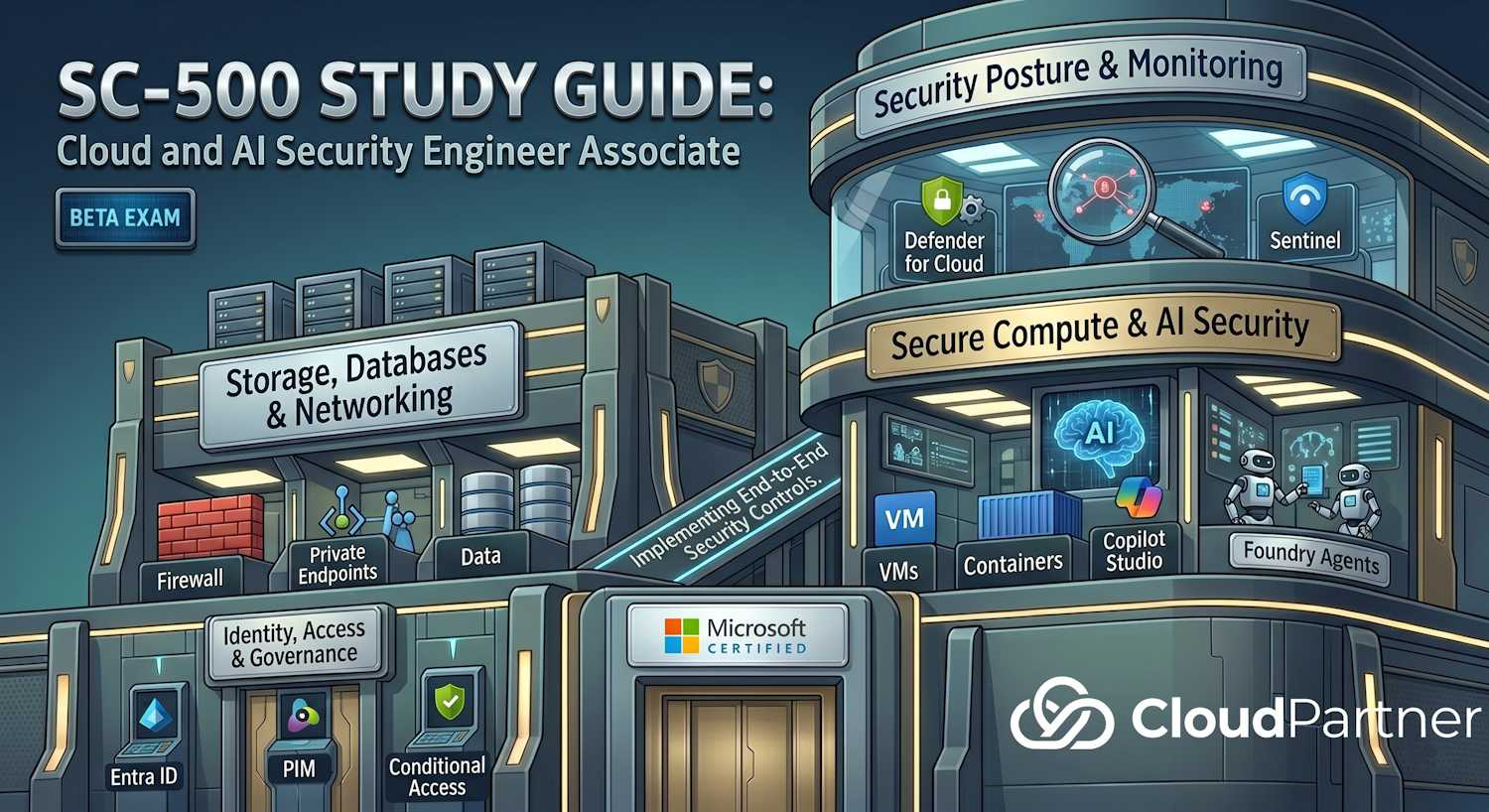
Domain 1 of 4 — 20–25% of the SC-500 exam. This domain tests your ability to secure access with Microsoft Entra ID, protect secrets with Key Vault, and enforce governance through Azure Policy and RBAC.
Exam Objectives
The official study guide breaks this domain into three skill areas:
Secure resource access using Microsoft Entra ID
- Implement Privileged Identity Management (PIM)
- Implement and manage Conditional Access policies
- Implement MFA and passwordless authentication
- Manage application identities — enterprise apps and app registrations
- Manage OAuth 2.0 permission grants and consent settings
- Implement managed identities for Azure resources
Protect secrets and keys using Azure Key Vault
- Deploy Key Vault
- Configure Key Vault settings (soft-delete, purge protection, logging)
- Configure access to Key Vault (access policies vs. RBAC)
- Configure firewall and virtual network rules
- Manage keys, secrets, and certificates lifecycle
- Scan secrets using Microsoft Defender CSPM
- Implement Defender for Key Vault
Implement governance for security and regulatory compliance
- Implement built-in and custom Azure Policy definitions
- Evaluate regulatory compliance using Defender for Cloud
- Implement security standards and recommendations in Defender for Cloud
- Implement resource locks
- Manage Azure built-in role assignments
- Create and manage custom Azure and Entra ID roles
- Evaluate and remediate over-privileged access using Azure RBAC
- Configure backup protection security controls using Azure Backup
- Implement security controls using Infrastructure as Code (IaC)
Domain 1 Architecture Overview
Identity and access governance in SC-500 centres on Microsoft Entra ID as the control plane. PIM manages privileged role activation; Conditional Access enforces adaptive policies at sign-in; managed identities eliminate credential sprawl for workloads; Key Vault centralises secrets; and Azure Policy + RBAC enforce governance at scale.
Privileged Identity Management
PIM provides just-in-time (JIT) privileged access to Azure resources and Microsoft Entra ID roles. Instead of users holding permanent admin rights, they activate roles for a limited time window when needed.
| PIM Setting | What it controls | Typical value |
|---|---|---|
| Maximum activation duration | How long a role stays active per request | 1–8 hours |
| Require MFA on activation | Force MFA re-authentication when activating | Enabled |
| Require justification | User must enter a reason for activation | Enabled for privileged roles |
| Require approval | Designated approvers must approve before active | Enabled for Global Admin, Owner |
| Access review frequency | Recurring review of eligible/active assignments | Quarterly |
| Alerts | PIM alert for permanent assignments, no MFA, etc. | Review and enable all |
PIM covers both Entra ID roles (e.g., Global Administrator, Security Administrator) and Azure resource roles (e.g., Owner, Contributor on a subscription or resource group). For the exam, know the difference between eligible (can activate) and active (currently holds) assignments.
Conditional Access
Conditional Access policies evaluate signals at sign-in time and enforce access controls. The evaluation model: If [conditions], then [controls].
Key Conditions
- Users/groups — target specific users, groups, or roles
- Cloud apps or actions — target specific apps or user actions (register security info, etc.)
- Conditions — sign-in risk (Identity Protection), user risk, device platform, location (named locations), client app, filter for devices
Grant Controls
- Require MFA — force additional verification
- Require compliant device — Intune compliance required
- Require Microsoft Entra hybrid joined — domain-joined device
- Require approved client app — Outlook, Teams, etc.
- Require app protection policy — Intune MAM required
- Block — deny access entirely
Session Controls
- Sign-in frequency — how often users re-authenticate
- Persistent browser session — whether "Stay signed in?" is shown
- App-enforced restrictions — for Exchange Online and SharePoint
- Conditional Access App Control — proxy through Defender for Cloud Apps
Exam tip: Know the difference between grant and session controls. Grant controls determine whether access is allowed; session controls govern what happens after access is granted.
Managed Identities
Managed identities eliminate the need to store credentials in code or config files. Azure manages the identity lifecycle — you assign RBAC roles to the identity and the workload authenticates transparently via the Azure Instance Metadata Service (IMDS).
| Type | Created | Use case |
|---|---|---|
| System-assigned | Auto-created with the Azure resource | Single resource needing access to other services |
| User-assigned | Created separately, assigned to one or more resources | Multiple resources sharing the same identity |
# Assign Key Vault Secrets User role to a system-assigned managed identity
az role assignment create \
  --role "Key Vault Secrets User" \
  --assignee-object-id "$(az vm show -g rg-prod -n vm-app --query identity.principalId -o tsv)" \
  --scope "/subscriptions/<sub-id>/resourceGroups/rg-prod/providers/Microsoft.KeyVault/vaults/kv-prod"
Key Vault Security
Key Vault protects cryptographic keys, secrets, and certificates. For the exam, you need to know the two access models, lifecycle features, and Defender integration.
Access Models
- Vault access policies — legacy model; grants permissions per-object type (keys, secrets, certificates) to an identity. Cannot be used with ARM deployment scopes.
- Azure RBAC — recommended model; uses standard role assignments on the vault or individual secrets/keys. Roles include Key Vault Administrator, Key Vault Secrets Officer, Key Vault Secrets User, Key Vault Crypto Officer, etc.
Soft-Delete and Purge Protection
- Soft-delete — deleted vault objects move to a deleted state and can be recovered within the retention period (7–90 days). Enabled by default since 2021.
- Purge protection — prevents permanent deletion during the retention window, even by vault owners. Required for HSM-backed keys in regulated environments.
Firewall and Network Rules
Key Vault can restrict access to specific IP ranges and virtual networks. When the firewall is enabled, access is denied by default unless the client IP matches an allow rule, the client is on a trusted VNet, or "Allow trusted Microsoft services" is enabled.
# Enable Key Vault firewall, allow a specific subnet
az keyvault network-rule add \
  --name kv-prod \
  --resource-group rg-prod \
  --vnet-name vnet-prod \
  --subnet subnet-app

# Enable trusted Microsoft services bypass
az keyvault update \
  --name kv-prod \
  --resource-group rg-prod \
  --bypass AzureServices
Defender for Key Vault
Defender for Key Vault detects unusual access patterns — for example, access from an anonymous IP, operations from unfamiliar locations, or high-volume operations that could indicate data exfiltration. It generates alerts in Defender for Cloud. Enable it at the subscription level in Defender for Cloud workload protections.
The Defender CSPM secrets scanner goes further — it scans VMs, function apps, and container images for plaintext secrets and flags them in the recommendations.
Key Vault RBAC Roles
Microsoft recommends the RBAC model for all new Key Vault deployments. The roles map to job functions — separate whoever manages key material from the service that consumes it:
| Role | Object type | What it grants |
|---|---|---|
| Key Vault Administrator | All | Full data plane — manage keys, secrets, certificates and their policies |
| Key Vault Crypto Officer | Keys | Create, read, update, delete, rotate, back up, and restore keys — no access to secrets or certificates |
| Key Vault Crypto User | Keys | Perform cryptographic operations (encrypt, decrypt, wrap, unwrap, sign, verify) — cannot manage key lifecycle |
| Key Vault Secrets Officer | Secrets | Create, read, update, delete secrets and set secret policies |
| Key Vault Secrets User | Secrets | Read secret contents — most commonly assigned to managed identities so workloads can fetch credentials without storing them |
| Key Vault Certificate Officer | Certificates | Create, read, update, delete certificates and manage certificate issuance policies |
| Key Vault Reader | All | Read metadata (key/secret/cert names, properties) — does NOT allow reading actual secret values or key material |
Exam tip: A managed identity fetching a Key Vault secret needs Key Vault Secrets User on the vault or on the specific secret object. The Reader role only grants metadata access — it does not permit reading secret values. This distinction appears in scenario questions frequently.
Key Rotation and Lifecycle Policies
Key Vault supports automatic key rotation per-key. When rotation fires, a new key version is created and the old version enters a configurable expiry window. Azure services using Customer-Managed Keys pick up the new version automatically.
# Set automatic rotation: rotate every 90 days, notify 30 days before expiry
az keyvault key rotation-policy update \
  --vault-name kv-prod \
  --name mykey \
  --value '{
    "lifetimeActions": [
      { "action": { "type": "rotate" }, "trigger": { "timeAfterCreate": "P90D" } },
      { "action": { "type": "notify" }, "trigger": { "timeBeforeExpiry": "P30D" } }
    ],
    "expiryTime": "P1Y"
  }'
Near-expiry events publish to Azure Event Grid — connect to Logic Apps or Azure Automation for automated renewal workflows. The same mechanism works for secrets and certificates.
Certificate Management
Key Vault handles the full certificate lifecycle. Know these integration options for the exam:
- Integrated CA (DigiCert / GlobalSign) — request directly from Key Vault; automatic renewal before expiry without manual intervention
- Self-signed certificates — generated and managed inside Key Vault; for dev/test only
- Import (bring your own PFX/PEM) — import from any CA; auto-renewal triggers when the imported cert nears expiry (if renewal policy is set)
- App Service binding — bind Key Vault certificates directly to App Service custom domains; Azure manages TLS termination
Security note: Every certificate stored in Key Vault also creates a secret with the full PFX (including private key). A user holding Key Vault Secrets User can read the certificate's private key — not just string secrets. Grant roles carefully when separating certificate and secret management duties.
Customer-Managed Keys (CMK) with Azure Services
CMK lets you control the encryption key for Azure platform data. Revoking — disabling or deleting the key — immediately blocks the service from decrypting your data. This is the control regulators call for when they require "key sovereignty at the application layer."
| Azure service | What CMK encrypts | Key type required |
|---|---|---|
| Azure Storage | Blobs, files, tables, queues at rest | RSA 2048 / 3072 / 4096 (or RSA-HSM) |
| Azure SQL / Managed Instance | TDE protector — wraps the database encryption key | RSA 2048+ (or RSA-HSM) |
| Azure Disk Encryption (VM) | Key encryption key (KEK) that wraps the BitLocker/dm-crypt BEK | RSA key in Key Vault |
| Azure OpenAI / AI Services | Fine-tuning data and stored model outputs at rest | RSA 2048+ |
| Azure Kubernetes Service | etcd secrets encryption key and OS disk KEK | RSA-HSM recommended |
| Microsoft Purview | Scanned data map and scan results at rest | RSA 2048+ |
Key Vault Premium vs Managed HSM
Both tiers use FIPS 140-3 Level 3 validated hardware. The difference is who controls the root of trust and whether the HSM cluster is dedicated to your tenant alone.
| Attribute | Key Vault Premium | Managed HSM |
|---|---|---|
| Tenancy model | Multitenant — shared HSM infrastructure | Single-tenant — dedicated HSM cluster per customer |
| FIPS compliance | FIPS 140-3 Level 3 | FIPS 140-3 Level 3 |
| Root of trust | Microsoft controls root of trust | Customer controls the Security Domain quorum |
| Key sovereignty | No — Microsoft has technical ability to access key material | Yes — Microsoft never holds a copy of the Security Domain quorum keys |
| Access control | Azure RBAC or legacy Vault Access Policies | Managed HSM Local RBAC (separate built-in role set) |
| Pricing model | Per-key + per-operation (transactional) | Fixed hourly rate (~$1.60/hr) regardless of operation volume |
| BYOK | Yes — import keys generated in on-premises HSM | Yes — full HSM-to-HSM secure key transfer with attestation |
| Best for | PCI DSS, HIPAA, GDPR — standard HSM-backed compliance | Defense, government, finance — full key sovereignty required |
Exam tip: When a scenario requires an organization to have exclusive cryptographic control where even Microsoft cannot access key material, the answer is Managed HSM, not Key Vault Premium. The Security Domain mechanism in Managed HSM ensures Microsoft never holds the quorum keys needed to access the HSM cluster — that's the fundamental difference.
Azure Policy
Azure Policy enforces organizational standards and assesses compliance at scale. Policies are defined as JSON, assigned at management group, subscription, or resource group scope, and evaluated against resources.
Policy Effects
| Effect | Behaviour |
|---|---|
Deny |
Blocks the resource operation if non-compliant |
Audit |
Allows operation but marks resource non-compliant |
Append |
Adds fields to a resource (e.g., tags) on create/update |
Modify |
Adds/replaces properties or tags; supports remediation |
DeployIfNotExists
|
Deploys a related resource if it doesn't exist; supports remediation |
AuditIfNotExists
|
Audits if a related resource is missing |
Disabled |
Policy is inactive; useful for testing |
Key distinction:
Denystops new non-compliant resources from being created.DeployIfNotExistsandModifycan remediate existing non-compliant resources through a managed identity that performs the remediation task.
Policy Initiatives
An initiative (also called a policy set) groups multiple policy definitions together. Regulatory compliance initiatives like Azure Security Benchmark, NIST SP 800-53, PCI DSS, and ISO 27001 are built-in and available in Defender for Cloud.
RBAC and Over-Privileged Access
Azure RBAC controls who can do what on which resources. The exam tests both role assignment mechanics and finding over-privileged access.
Common Security-Relevant Built-in Roles
| Role | Grants |
|---|---|
| Owner | Full access including role assignments — avoid assigning broadly |
| Contributor | Create/manage resources, cannot assign roles |
| User Access Administrator | Manage user access only — can assign roles |
| Security Admin | View/update security policies, dismiss Defender alerts |
| Security Reader | View-only access to security recommendations |
Remediating Over-Privileged Access
Defender for Cloud CSPM highlights over-privileged access through the Identity and Access recommendation blade. Typical findings:
- Identities with Owner at subscription scope that haven't used the privilege
- Service principals with Contributor on resource groups with unused permissions
- Guest users with high privilege roles
Remediation: replace broad roles with scoped, least-privilege alternatives. Use PIM for elevated roles rather than permanent assignment.
Resource Locks
Resource locks prevent accidental deletion or modification regardless of RBAC permissions. Two types:
- CanNotDelete — authorized users can still read and modify but cannot delete
- ReadOnly — restricts to read operations only; no modifications or deletions
Locks can be applied at subscription, resource group, or individual resource scope. They
inherit to child resources. Removing a lock requires the
Microsoft.Authorization/locks/delete permission — separate from RBAC roles
on the resources themselves.
Exam Tips & Key Takeaways
Critical concepts to master:
- PIM activation — understand the difference between eligible and active assignments, approval workflows, and justification requirements
- Conditional Access conditions — be ready to match scenarios (device state, location, risk, etc.) to appropriate CA policies
- Key Vault RBAC vs. Access Policy — know when each applies and why Microsoft recommends RBAC for new deployments
- Azure Policy effects — Audit, Deny, Append, Modify, DeployIfNotExists, AuditIfNotExists — practice matching scenarios to effects
- Custom roles — you may need to build a role from scratch given a list of permissions; know the role definition JSON structure
- Managed identity types — system-assigned vs. user-assigned use cases and Azure CLI/PowerShell provisioning
Pro tip: Exam scenarios often present a compliance or security breach and ask which identity/governance control would prevent it. Always think about the principle of least privilege and just-in-time access.
Further Learning – Microsoft Learn
- Privileged Identity Management documentation
- Conditional Access policy overview
- Azure Key Vault security features
- Azure Key Vault Managed HSM overview
- Configure automatic key rotation in Azure Key Vault
- Azure Key Vault RBAC guide
- Azure Policy documentation
- Create custom Azure roles
- Managed identities for Azure resources