


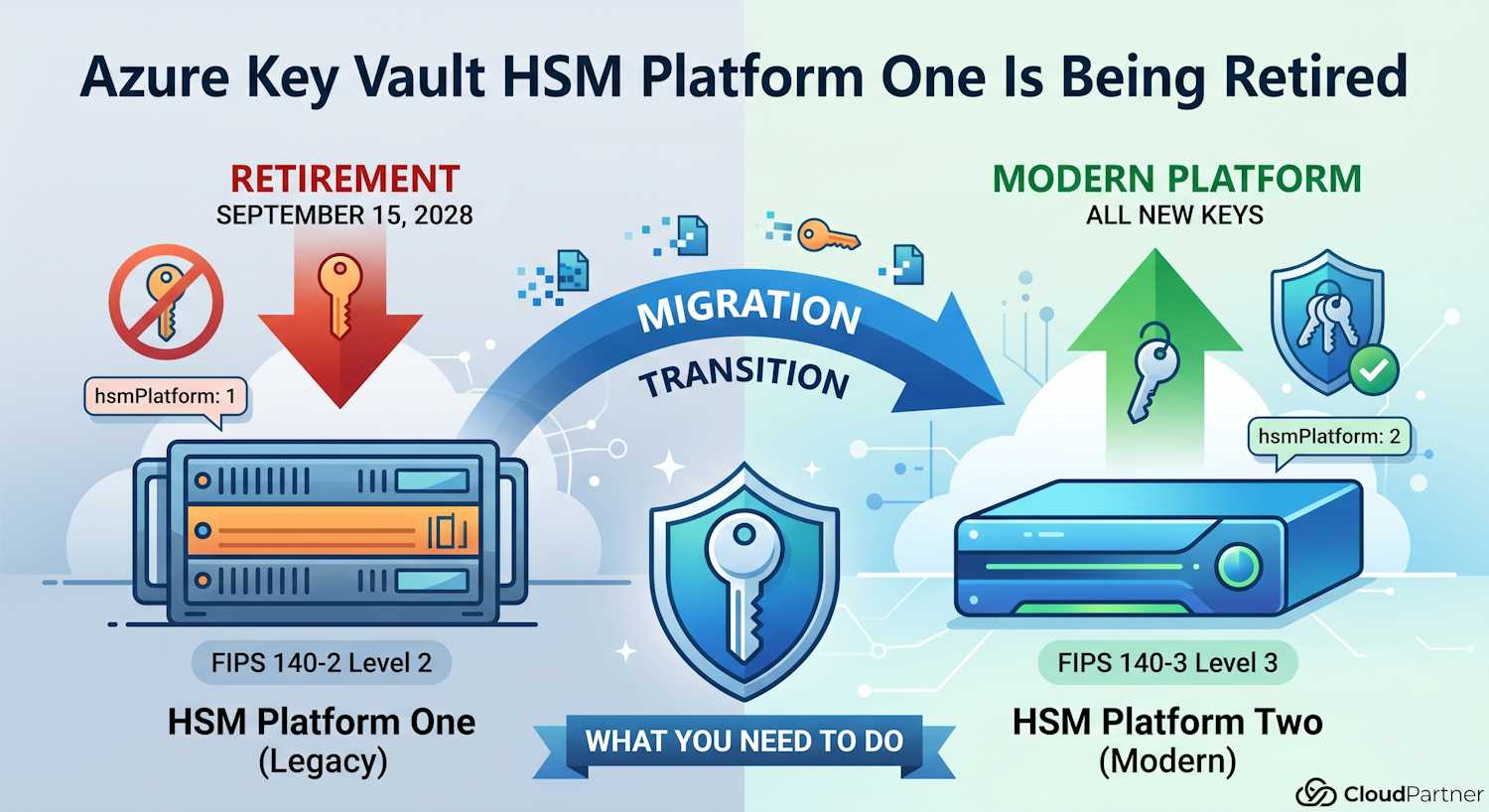
If you've been using Azure Key Vault Premium for any length of time, there's a retirement notice that deserves your attention. On April 13, 2026, Microsoft published an announcement confirming that the legacy HSM Platform One inside Azure Key Vault will be retired on September 15, 2028. The announcement targets Microsoft Purview Information Protection customers using BYOK, but the underlying platform change affects anyone with older HSM-protected keys in AKV Premium.
The deadline feels distant, but there's a specific reason Microsoft is pushing customers to act now rather than waiting — and if you use BYOK with Purview, that reason matters a lot.
What Platform One Actually Is
Azure Key Vault Premium has always delivered HSM-backed key protection, but the hardware underneath it has gone through generations. Keys created before early 2024 were provisioned on Platform One, which uses HSMs certified to FIPS 140-2 Level 2. In early 2024, Microsoft introduced a modernized HSM backend — Platform Two: running on FIPS 140-3 Level 3 certified hardware.
Any new HSM-protected key created in AKV Premium after that transition point lands on Platform Two automatically. Keys created before it are still sitting on the legacy hardware. That's what needs to change before September 2028.
| Platform | FIPS Certification | Status |
hsmPlatform Value
|
|---|---|---|---|
| Platform One (legacy) | FIPS 140-2 Level 2 | Retiring September 15, 2028 | 1 |
| Platform Two (modern) | FIPS 140-3 Level 3 | Current — all new keys land here | 2 |
How to Find Out Which Platform Your Keys Are On
Azure Key Vault exposes an attribute called hsmPlatform on each key version.
It's nested under the attributes object, so you need the right JMESPath
query to surface it:
az keyvault key show \
  --vault-name <your-vault-name> \
  --name <your-key-name> \
  --query "attributes.hsmPlatform" -o tsv
If that returns 1, the key is on Platform One and needs migrating before the
deadline. If it returns 2, you're on the modern platform already and
nothing needs to change.
Note: Software-protected keys (Standard tier) don't have
hsmPlatformset at all — the attribute will be absent or null. That's expected. Only HSM-backed keys in the Premium tier have this attribute populated.
If you have several key vaults and want to check everything in one go, you can loop over them:
# List all key vaults in the subscription, then check each key
for vault in $(az keyvault list --query "[].name" -o tsv); do
  echo "=== Vault: $vault ==="
  for key in $(az keyvault key list --vault-name "$vault" --query "[].name" -o tsv 2>/dev/null); do
    platform=$(az keyvault key show \
      --vault-name "$vault" \
      --name "$key" \
      --query "attributes.hsmPlatform" -o tsv 2>/dev/null)
    echo "  Key: $key | hsmPlatform: $platform"
  done
done
Anything showing hsmPlatform: 1 in that output is a key that will stop
working after September 2028 unless it's migrated.
Why BYOK Customers Have It Harder
For most AKV Premium scenarios, migrating a key is straightforward: you create a new key in the same vault (which automatically goes onto Platform Two) and update any references. The old key can be kept for decryption of old data you still need to access.
Microsoft Purview Information Protection customers using Bring Your Own Key (BYOK) face a different constraint. Azure Key Vault does not support exporting keys once they've been imported. That's by design — it's one of the security properties that makes HSM-backed BYOK meaningful. But it creates a specific migration problem here.
To move from Platform One to Platform Two with BYOK, you have to:
- Create a new Azure Key Vault on the modern HSM platform
- Re-import your original key material into the new vault
- Update your Purview tenant configuration to reference the new vault and new key
Step 2 is where it gets complicated. You need to have access to the original on-premises key material you used during the initial BYOK setup. If your organization has moved on, the HSM that held that key material has been decommissioned, or the people who ran the original setup have left — you may find yourself without the source key material needed to complete the migration.
Important: If encryption and decryption operations for Information Protection become unavailable after the retirement date, they stay unavailable until the migration is completed. There's no fallback path and no Microsoft-side recovery option once Platform One is shut down.
Why 2028 Is Not as Far Away as It Sounds
Two and a half years seems like plenty of time, and in isolation it is. The reason Microsoft is flagging this now is not the technical migration itself — it's the organizational work that may need to happen first.
Think about what "re-import your original key material" actually requires in practice for a BYOK deployment that was set up a few years ago:
- Locating which on-premises HSM holds the original key material
- Verifying the key is still intact and accessible
- Getting the relevant security and compliance teams involved (key ceremony documentation, approvals)
- Coordinating with whoever managed the original BYOK setup — which may involve external consultants or team members who've since moved on
If any of those steps reveals a gap — the key material isn't where it should be, the HSM was retired, the backup process didn't cover BYOK correctly — you then need to start a recovery or replacement process. That takes more time, and it may require working with Microsoft support to understand what options exist for your specific configuration.
Starting that investigation now means you have time to fix problems before they become urgent. Starting it in Q3 2028 means you probably won't.
Migration Steps at a Glance
The high-level process for BYOK customers is:
- Check whether your tenant key is on Platform One — use the
az keyvault key show --query "attributes.hsmPlatform"command against the vault referenced in your Purview BYOK configuration - If it is, locate your original key material — verify you still have access to the on-premises HSM or secure backup used during the original BYOK setup
- Create a new Azure Key Vault — any vault created now will use
Platform Two automatically; verify with
hsmPlatform: 2after importing - Re-import the original key material into the new vault following the BYOK import procedure
- Update your Purview configuration to point to the new vault and new key version
- If you've lost access to the original key material, open a support ticket with Microsoft now — not in 2027
Microsoft's updated guidance for managing BYOK with Information Protection is on Microsoft Learn: Manage the root key for your tenant's Azure Rights Management service.
What If You're Not Using BYOK?
If you're using AKV Premium for other workloads — TDE keys for SQL databases, disk encryption keys, secrets management, certificate store — the migration path is simpler. New keys created in any vault today automatically end up on Platform Two. You can create revised key versions in your existing vaults without building new infrastructure.
The practical steps:
- Run
az keyvault key show --query "attributes.hsmPlatform"on your critical keys - For any keys returning
1, create a new key version (or new key) in the same vault — this will land on Platform Two - Update any hardcoded key version references in your application configs or Terraform to use the new version
- Leave the old key version enabled long enough to complete any decryption operations that reference it, then disable it
The Purview BYOK case is the genuinely hard one because of the no-export constraint. Standard key rotation for other workloads is much more routine.
The Bottom Line
Run the CLI check today. If you see hsmPlatform: 1 on any keys — especially
the one referenced by your Purview BYOK configuration — start the migration work now.
The September 2028 deadline won't move, and the organizational steps needed to locate
and verify your original key material take time you don't want to burn under pressure.
For most non-BYOK workloads the migration is a routine key rotation. For Purview BYOK customers, it's worth treating this like an audit finding: document it, assign an owner, and set a goal of completing it well before 2028.
The full Microsoft announcement is here: Azure Key Vault HSM Platform One Retirement: What Purview BYOK Customers Need to Know.