


If you've been working with Azure for any length of time, you know that managing secrets, certificates, and encryption keys is one of the most critical—and most overlooked—aspects of your cloud architecture. The difference between storing your database passwords in a text file or a pipeline variable and managing them through Azure Key Vault isn't just a security best practice; it's a compliance and risk management imperative that touches your entire organization's posture.
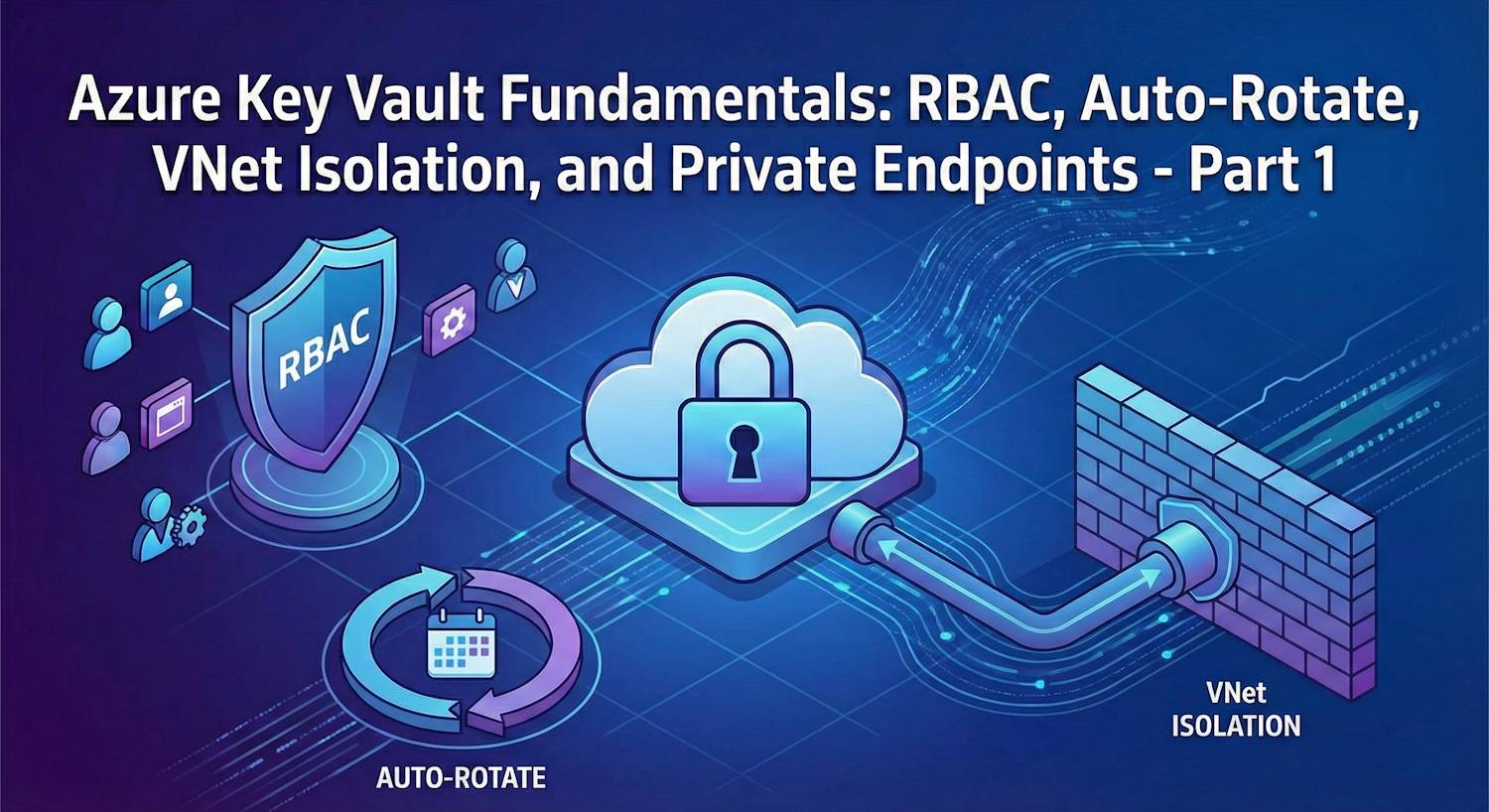
This is Part 1 of a two-part series. Here I want to walk you through the fundamentals of Key Vault—covering role-based access control (RBAC), automated key rotation, and network isolation with private endpoints. Part 2 picks up the practical side: how to actually get those secrets into your applications using App Service, Container Apps, AKS, and Function Apps, all through Azure CLI.
What Is Azure Key Vault, Really?
Azure Key Vault is a managed cloud service that acts as a centralized repository for your organization's cryptographic keys, secrets, and certificates. Unlike storing these sensitive items in application configuration files, environment variables, or pipeline secrets (which is frankly a security nightmare to audit), Key Vault provides:
- Centralized management - One place to store, rotate, and audit all your secrets
- Access control via RBAC - Fine-grained permissions tied to Entra ID identities, not IP addresses or shared API keys
- Encryption at rest and in transit - Secrets encrypted using industry-standard algorithms backed by Microsoft's hardware
- Complete audit logging - Full visibility into who accessed what and when, satisfying SOC 2, ISO 27001, and PCI audit requirements
- Automated rotation - Keys and secrets rotate on a schedule without application downtime or human involvement
- Network isolation - VNet firewall rules and private endpoints for zero-trust network architectures
In essence, Key Vault removes secret management responsibility from your applications and pipelines, letting Azure handle the heavy lifting while you focus on your business logic.
Why Should You Care? The Business Case
Let me be direct: storing secrets insecurely doesn't just expose your data—it exposes your organization to compliance violations and regulatory penalties. Here's what I see in organizations that haven't adopted Key Vault:
- Compliance violations - PCI DSS, HIPAA, SOC 2, and ISO 27001 all require centralized secret management with audit trails
- Manual rotation overhead - Developers manually updating connection strings and passwords, prone to errors and forgotten updates
- Lateral movement risk - Compromised application servers often contain hardcoded secrets that grant access to databases and other resources
- Audit trail gaps - No record of who accessed what, making forensics after a breach nearly impossible
- Secret sprawl - Multiple teams managing secrets in different systems, leading to inconsistency and forgotten rotations
Key Vault is your foundation for zero trust. It establishes the principle that secrets are never distributed—they stay in the vault, and only verified identities can access them.
Important: Key Vault isn't just a technical tool; it's a compliance requirement. If you're handling customer data, financial information, or healthcare records, your organization likely has a regulatory mandate to use centralized secret management with audit trails. Key Vault satisfies that mandate while also providing the technical controls you need.
Provisioning Your Key Vault
Before we talk about access or rotation, let's get the vault itself provisioned
correctly.
There's one flag that matters more than anything else at creation time:
--enable-rbac-authorization. This switches the vault from the legacy vault
access
policy model to Azure RBAC—and it's the right choice for all new deployments.
# Create a resource group
az group create \
  --name rg-keyvault-demo \
  --location westeurope

# Create a Key Vault with Azure RBAC authorization enabled
# --enable-rbac-authorization true: use Entra ID RBAC, not legacy vault access policies
# --enable-soft-delete true: prevent accidental deletion (on by default, shown for clarity)
# --retention-days 90: how long soft-deleted items are retained before permanent removal
az keyvault create \
  --resource-group rg-keyvault-demo \
  --name kv-company-prod \
  --location westeurope \
  --enable-rbac-authorization true \
  --enable-soft-delete true \
  --retention-days 90 \
  --sku standard
Once the vault exists, verify its configuration looks right:
# Confirm RBAC mode is on and note the resource ID (needed for role assignments)
az keyvault show \
  --name kv-company-prod \
  --resource-group rg-keyvault-demo \
  --query "{name:name, rbacEnabled:properties.enableRbacAuthorization, location:location}" \
  --output table
RBAC: The Foundation of Access Control
Azure Key Vault uses Role-Based Access Control (RBAC) integrated with Microsoft Entra ID. Access decisions are bound to the identity of users, applications, and services—not to IP addresses or static API keys. There are three main access models, and the model you choose affects everything downstream:
| Access Model | Best For | Compliance Fit | Recommended? |
|---|---|---|---|
| Azure RBAC | All new deployments. Fine-grained control at subscription, resource group, or vault scope | Excellent. Audit trails via Activity Log. Satisfies zero trust requirements | ✅ Yes |
| Vault Access Policy | Legacy systems. Per-vault permissions, less granular—permission applies to the whole vault, not individual secrets | Works but harder to audit granularly | ❌ Migrate away |
| Managed Identity | Applications in App Service, Container Apps, VMs, AKS. Azure assigns credentials automatically | Perfect. No credential distribution. Audit trails show identity principal ID | ✅ Yes (with Azure RBAC) |
The combination you want is Azure RBAC + Managed Identity. Your application gets an identity automatically from Azure, and that identity is granted exactly the roles it needs on the vault—nothing more.
Key Vault Built-in Roles
Key Vault has a set of built-in roles that follow the principle of least privilege:
| Role | What It Can Do | Who Gets It |
|---|---|---|
| Key Vault Secrets User | Read secret values only. Cannot list, create, update, or delete | Applications and services that consume secrets at runtime |
| Key Vault Secrets Officer | Full CRUD on secrets. Can create, update, delete, and set rotation policies | DevOps pipelines, administrators managing secrets lifecycle |
| Key Vault Reader | Read vault metadata and list secret names only. Cannot read actual values | Monitoring tools, audit systems |
| Key Vault Administrator | Full control including keys, certificates, access policies, and vault configuration | Security team lead, break-glass accounts only |
Assigning RBAC Roles via Azure CLI
Let's say your App Service needs to read secrets. Enable a managed identity on the app, then assign it the Secrets User role on your vault:
# Enable system-assigned managed identity on an App Service
az webapp identity assign \
  --resource-group rg-keyvault-demo \
  --name my-web-app

# Capture the principal ID of that identity
PRINCIPAL_ID=$(az webapp identity show \
  --resource-group rg-keyvault-demo \
  --name my-web-app \
  --query principalId \
  --output tsv)

# Get the vault's full resource ID
VAULT_ID=$(az keyvault show \
  --name kv-company-prod \
  --resource-group rg-keyvault-demo \
  --query id \
  --output tsv)

# Assign "Key Vault Secrets User" - read-only access, least privilege
az role assignment create \
  --role "Key Vault Secrets User" \
  --assignee-object-id $PRINCIPAL_ID \
  --assignee-principal-type ServicePrincipal \
  --scope $VAULT_ID
Key Insight: The managed identity is now the only credential your application needs. No connection strings, no service principal passwords. The identity is cryptographically bound to the compute resource. If that resource is deprovisioned, the identity is gone. This is how you eliminate credential sprawl across teams and environments.
You can verify the assignment and audit who has access to the vault at any time:
# List all role assignments on the vault - useful for compliance audits
az role assignment list \
  --scope $VAULT_ID \
  --query "[].{principal:principalName, role:roleDefinitionName, type:principalType}" \
  --output table
Storing and Managing Secrets
With access control in place, let's put some secrets in the vault. Key Vault stores three types of objects: secrets (arbitrary key-value pairs like passwords, connection strings, API keys), keys (cryptographic keys for encryption operations), and certificates (TLS/SSL certificates with lifecycle management). For most application scenarios, you'll primarily work with secrets.
# Store a database password
az keyvault secret set \
  --vault-name kv-company-prod \
  --name DatabasePassword \
  --value "YourCurrentSecurePassword123!"

# Store a third-party API key
az keyvault secret set \
  --vault-name kv-company-prod \
  --name ExternalApiKey \
  --value "sk-proj-abc123xyz456"

# Store a connection string
az keyvault secret set \
  --vault-name kv-company-prod \
  --name SqlConnectionString \
  --value "Server=myserver.database.windows.net;Database=mydb;Authentication=Active Directory Managed Identity;"

# List all secrets in the vault (names only, values are never exposed in listings)
az keyvault secret list \
  --vault-name kv-company-prod \
  --output table
You can also set an expiry date on a secret. This is important for compliance—auditors often want to see that secrets have a defined maximum lifetime:
# Set a secret with an expiry date 90 days from now
# Bash date command:
EXPIRY=$(date -u -d "+90 days" '+%Y-%m-%dT%H:%M:%SZ')

az keyvault secret set \
  --vault-name kv-company-prod \
  --name ThirdPartyToken \
  --value "token-value-here" \
  --expires "$EXPIRY"

# Read a specific secret value (useful for troubleshooting or script pipelines)
az keyvault secret show \
  --vault-name kv-company-prod \
  --name DatabasePassword \
  --query value \
  --output tsv
Automated Secret Rotation: The Set-and-Forget Protection
Rotating keys manually is how organizations forget to rotate them. One person leaves, another gets reassigned, and suddenly you have a database password that hasn't changed in three years. Automated rotation removes this human element entirely—and it's the difference between a compliance checkbox and actual security practice.
Key Vault supports rotation through two mechanisms:
| Mechanism | How It Works | Best For |
|---|---|---|
| Rotation Policy (Keys) | Key Vault automatically rotates cryptographic keys on a defined schedule. No external function needed—the vault creates a new key version natively | Encryption keys, signing keys where your application can always fetch the current version |
| Event-driven Rotation (Secrets) | Key Vault emits an Event Grid event when a secret is near expiry. An Azure Function catches that event, updates the backend system (e.g., resets the DB password), then writes the new value back to Key Vault | Passwords, API keys, connection strings—anything where you also need to update the source system alongside the vault |
Setting a Key Rotation Policy
For cryptographic keys, rotation is straightforward to configure directly on the key object:
# Create a cryptographic key in the vault
az keyvault key create \
  --vault-name kv-company-prod \
  --name DataEncryptionKey \
  --kty RSA \
  --size 2048

# Set rotation policy: rotate every 90 days, send notification 30 days before expiry
az keyvault key rotation-policy update \
  --vault-name kv-company-prod \
  --name DataEncryptionKey \
  --value '{
    "lifetimeActions": [
      {
        "trigger": {"timeBeforeExpiry": "P30D"},
        "action": {"type": "Notify"}
      },
      {
        "trigger": {"timeAfterCreate": "P90D"},
        "action": {"type": "Rotate"}
      }
    ],
    "attributes": {"expiryTime": "P180D"}
  }'
Once a rotation policy is set, Key Vault will automatically create a new key version at the scheduled time. Applications that always fetch the current version of the key pick up the new one transparently—no redeployment needed.
Event-driven Rotation for Secrets
For secrets (passwords, API keys), Key Vault can't rotate the value automatically because it doesn't know your backend system's API. Instead, you set an expiry on the secret and subscribe to Key Vault events. When the secret is near expiry, Key Vault fires an Event Grid event, and your Azure Function handles the rotation logic—regenerating the credential on the source system, then writing the new value back.
# Get the vault resource ID for event subscription scoping
VAULT_ID=$(az keyvault show \
  --name kv-company-prod \
  --resource-group rg-keyvault-demo \
  --query id \
  --output tsv)

# Get your rotation function's resource ID
FUNC_ID=$(az functionapp show \
  --resource-group rg-keyvault-demo \
  --name func-rotation-handler \
  --query id \
  --output tsv)

# Subscribe to SecretNearExpiry events from the vault
# When a secret's expiry is approaching, this fires the rotation function
az eventgrid event-subscription create \
  --name kv-secret-rotation-sub \
  --source-resource-id $VAULT_ID \
  --endpoint-type azurefunction \
  --endpoint "$FUNC_ID/functions/RotateSecret" \
  --included-event-types Microsoft.KeyVault.SecretNearExpiry
Critical Point: Your rotation function must update the backend system first—reset the actual database password, regenerate the API key—then write the new value to Key Vault. If you do it in reverse and the backend update fails, your applications will have a stale credential but Key Vault shows a new value. Design your rotation function with this ordering in mind, and always include rollback logic.
Network Isolation: VNet Integration and Private Endpoints
By default, your Key Vault is accessible from the public internet—though it still requires valid Entra ID authentication to do anything useful. For organizations operating under zero trust or with strict network isolation requirements, even that surface area is unacceptable. You want Key Vault to be unreachable from untrusted networks entirely.
Azure provides two mechanisms for network isolation:
| Mechanism | How It Works | Use Case | Cost |
|---|---|---|---|
| VNet Firewall Rules | IP-based firewall on the vault. Denies traffic unless it comes from approved IP ranges or service endpoints in specified VNets | Simpler architectures, dev/test environments, or when Private Endpoints aren't available for the subnet tier | Free |
| Private Endpoints | Azure creates a private NIC inside your VNet. Traffic to Key Vault flows through that NIC over Microsoft's backbone—never over the public internet. DNS resolves to the private IP automatically | Production environments, regulated industries (PCI, HIPAA, ISO 27001). The gold standard for Key Vault network isolation | ~$7/month per endpoint |
My recommendation for any production deployment: Use private endpoints. They eliminate the public endpoint attack surface entirely and satisfy network isolation requirements without complex firewall rules to maintain.
Setting Up a Private Endpoint for Key Vault
The setup has four steps: create the private endpoint, create a private DNS zone, link the DNS zone to your VNet, and lock the vault firewall to deny public access.
# Step 1: Create the private endpoint inside your VNet
az network private-endpoint create \
  --resource-group rg-keyvault-demo \
  --name pe-kv-company-prod \
  --vnet-name vnet-prod \
  --subnet snet-private-endpoints \
  --private-connection-resource-id $VAULT_ID \
  --group-ids vault \
  --connection-name conn-kv-company-prod
# Step 2: Create a Private DNS Zone for Key Vault
# This allows apps in your VNet to resolve the vault hostname to the private IP
az network private-dns zone create \
--resource-group rg-keyvault-demo \
--name "privatelink.vaultcore.azure.net"
# Link the DNS zone to your VNet so lookups inside the VNet use the private zone
az network private-dns link vnet create \
--resource-group rg-keyvault-demo \
--zone-name "privatelink.vaultcore.azure.net" \
--name link-vnet-prod \
--virtual-network vnet-prod \
--registration-enabled false# Step 3: Add the DNS record pointing to the private endpoint's IP
PRIVATE_IP=$(az network private-endpoint show \
--resource-group rg-keyvault-demo \
--name pe-kv-company-prod \
--query "customDnsConfigs[0].ipAddresses[0]" \
--output tsv)
az network private-dns record-set a create \
--resource-group rg-keyvault-demo \
--zone-name "privatelink.vaultcore.azure.net" \
--name kv-company-prod
az network private-dns record-set a add-record \
--resource-group rg-keyvault-demo \
--zone-name "privatelink.vaultcore.azure.net" \
--record-set-name kv-company-prod \
--ipv4-address $PRIVATE_IP# Step 4: Lock the vault firewall - deny all public internet access
# AzureServices bypass: allows trusted Azure services (Monitor, Backup) to still reach the vault
az keyvault update \
--resource-group rg-keyvault-demo \
--name kv-company-prod \
--default-action Deny \
--bypass AzureServicesNow only traffic arriving through the private endpoint—from inside your VNet—can reach the vault. Any attempt from the public internet, even with valid Entra ID credentials, is blocked at the network layer. This is defense in depth: you need both a valid identity and private network access to do anything with the vault.
Important: Once the private endpoint and DNS zone are in place, the vault hostname resolves to the private IP automatically for any resource inside the linked VNet. Applications don't need code changes—they resolve to the private IP through normal DNS. For Hub-Spoke architectures, link the private DNS zone to your hub VNet and enable DNS forwarding rules.
Enabling Diagnostic Logging and Monitoring
A vault without audit logging is a vault you can't investigate when something goes wrong. Enable diagnostic settings to send Key Vault logs to Log Analytics—this is typically a compliance requirement in itself under PCI DSS Requirement 10 and ISO 27001 Annex A.12.4.
# Create a Log Analytics workspace (if you don't have one already)
az monitor log-analytics workspace create \
  --resource-group rg-keyvault-demo \
  --workspace-name law-security-prod \
  --location westeurope

LOG_WORKSPACE_ID=$(az monitor log-analytics workspace show \
  --resource-group rg-keyvault-demo \
  --workspace-name law-security-prod \
  --query id \
  --output tsv)

# Enable diagnostic logging on the vault
# AuditEvent: who accessed which secrets, when, from where, whether access was allowed or denied
# AllMetrics: operational metrics like latency, availability, and saturation
az monitor diagnostic-settings create \
  --resource $VAULT_ID \
  --name kv-diagnostics \
  --workspace $LOG_WORKSPACE_ID \
  --logs '[{"category":"AuditEvent","enabled":true}]' \
  --metrics '[{"category":"AllMetrics","enabled":true}]'
With AuditEvent logging enabled, you can query who accessed which secrets
and
when directly from Log Analytics using KQL. This is the audit trail that satisfies your
compliance auditors and gives you full forensic capability after any incident.
Costs and Considerations
Key Vault pricing is simple to understand, and for most organizations the cost is low compared to the risk it mitigates:
| Cost Item | Price | Notes |
|---|---|---|
| Standard Vault Operations | $0.03 per 10,000 operations | Reads, writes, deletes all count. High-volume apps should use client-side caching to reduce call volume |
| Premium Vault (HSM-backed keys) | Higher per-operation rate | For FIPS 140-2 Level 2 compliance. See earlier posts in this series |
| Private Endpoint | ~$7/month per endpoint | Worth it for any production system. One endpoint covers all apps in the VNet |
| Log Analytics | Based on data ingestion | Key Vault audit logs are small per event. Expect minimal cost for most vaults |
| Event Grid (rotation events) | Per event | Very low cost. Rotation events fire only a few times per year per secret |
For a typical production deployment with one vault, one private endpoint, and 100,000 operations per month, you're looking at roughly $7–10/month. The compliance and audit value vastly outweighs that.
Wrapping Up Part 1
You now understand the foundational security architecture for Azure Key Vault. To summarize the key decisions:
- Enable Azure RBAC at vault creation—it's the right model for zero trust and compliance
- Use managed identities for application access—no credentials to distribute or rotate manually
- Scope roles tightly—applications get Secrets User (read-only), pipelines get Secrets Officer, humans rarely need more than Reader
- Enable rotation policies on keys and set expiry on secrets to trigger event-driven rotation workflows
- Deploy a private endpoint in production and lock the vault firewall to deny public access
- Turn on diagnostic logging to Log Analytics from day one—retrofitting it later is harder and leaves gaps in your audit trail
In Part 2, we'll take this secure foundation and show you how to wire secrets into your applications. We'll cover App Service Key Vault references, Container Apps secrets injection, AKS with the CSI Secrets Store driver, and Function Apps—all via Azure CLI, end to end.
For deeper dives, the Azure Key Vault documentation and RBAC authorization guide for Key Vault are the authoritative references.