


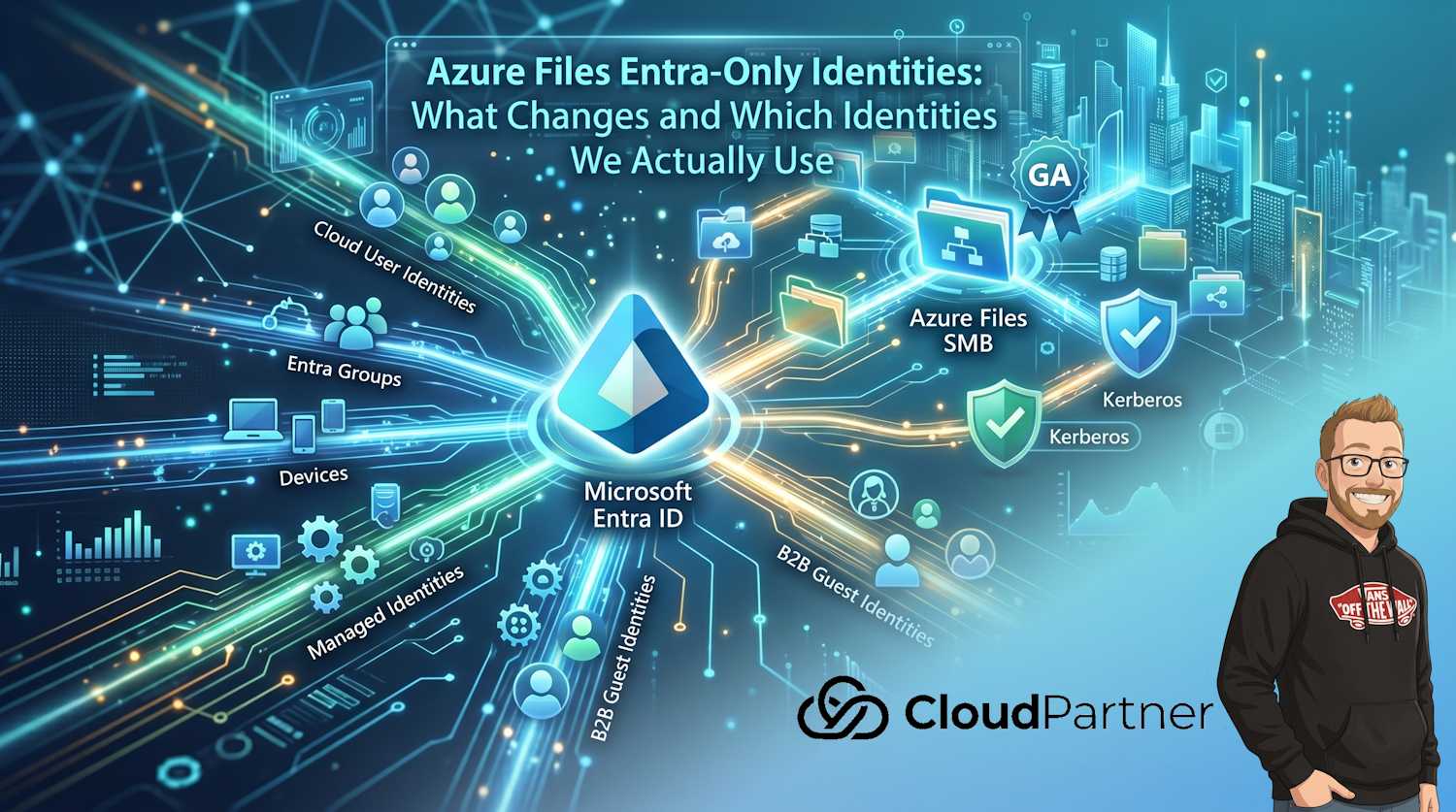
Microsoft announced general availability for Entra-Only identities with Azure Files SMB, and this one is important if you are trying to reduce hybrid identity baggage in file services. The short version: you can use Microsoft Entra ID as your primary Kerberos authority for Azure Files access, without forcing the old dependency chain of on-prem Active Directory, identity sync, and domain infrastructure for every scenario.
I wanted to write this as a practical follow-up because the big question I keep hearing is simple: which identities are we actually using now? If you are moving from hybrid to cloud-native, that question matters more than any product headline.
Source announcement: Azure Blog, Azure Files Entra-Only identities: Advancing cloud-native identity and security (published May 19, 2026).
What Is New in Practical Terms
From an operations perspective, the GA announcement changes day-to-day work in a few clear ways:
- SMB access can use native Entra-based authentication for cloud-only users.
- NTFS ACL management through the Azure portal is available, reducing dependence on legacy admin workflows.
- Share-level RBAC assignment for specific Entra users and groups is expanding (region availability still matters).
- Managed identities for Azure Files application access are GA, so app access can be keyless.
- MacOS client support for Entra-based access is in limited preview.
The core benefit is not just "modernization" as a slogan. It is fewer moving parts for identity trust, cleaner separation of access control layers, and less overhead when your workforce is distributed.
How Entra-Only Authentication Works for Azure Files SMB
The SMB protocol remains SMB. What changes is where Kerberos tickets are issued and how identity is validated.
- The client requests a Kerberos ticket from Microsoft Entra ID for Azure Files access.
- The ticket includes cloud identity claims and security identifiers used for authorization mapping.
- Azure Files validates the ticket during SMB session setup.
- Authorization is enforced through share-level permissions plus NTFS ACLs.
That keeps protocol compatibility while moving identity authority to Entra for the supported cloud-native path.
Important: Authentication and authorization remain separate concerns. Passing Kerberos authentication does not guarantee file access if share-level role assignments and NTFS ACLs are not aligned.
Which Identities Are We Using Now
This is where architecture decisions get real. In Entra-Only Azure Files deployments, you usually work with several identity types at once.
| Identity Type | Used For | Where You Grant Access | Common Pitfall |
|---|---|---|---|
| Cloud user identities | Interactive file access from Entra-joined clients | Share-level RBAC + NTFS ACL | User has RBAC but missing file/folder ACLs |
| Entra groups | Scalable permission assignment | Share-level RBAC + NTFS ACL on folders | Direct user grants create long-term permission drift |
| B2B guest identities | Partner access for AVD and collaboration scenarios | Group-based assignment, then ACL | Inviting guests without lifecycle controls and access reviews |
| Device identities | Trust context from Entra-joined or compliant endpoints | Conditional Access and endpoint policy layer | Treating device compliance as file permission itself |
| Managed identities | Application or service access to shares without secrets | RBAC for application path; app authorization design | Keeping storage account keys enabled "just in case" |
| Workload identities (for AKS and automation) | Pod/service access patterns where applicable | Federated identity + RBAC design | Mixing workload and human access patterns without guardrails |
Put differently, this is not one identity model. It is a layered model where user, group, device, and workload identities all have a role depending on who or what accesses the share.
Permission Model: Two Layers You Need to Keep Clean
Most access issues happen because these two layers get conflated:
- Layer 1: Share-level authorization through Azure RBAC roles.
- Layer 2: File and folder authorization through NTFS ACL entries.
If you map responsibilities correctly, operations become much easier:
- Platform team owns storage account, share creation, baseline RBAC.
- Data owner or application owner controls folder ACL model through approved groups.
- Identity team governs group lifecycle, guest sponsorship, and access reviews.
Note: Portal-based ACL management is a big productivity win, but it can also create accidental sprawl if every admin writes ACLs ad hoc. Keep a group-first convention.
Where This Helps Most Right Now
1. AVD and FSLogix profile containers
This is the strongest immediate use case. You can run a cloud-native profile path with Entra identities and remove part of the historical domain dependency for profile storage access.
2. Modern information worker file sharing
Teams spread across regions can access Azure Files over SMB with Entra-backed identity controls, without rebuilding old network assumptions for every new office or remote worker.
3. Application access without secrets
Managed identities reduce key handling and secret rotation burden for workloads that need file share access. This is especially useful where security teams are trying to remove long-lived credentials from pipelines and runtime services.
Migration Checklist: Hybrid to Entra-Only Without Breaking Access
If you are moving existing workloads, this sequence has worked well in practice:
- Classify workload identities first: users, groups, guests, service workloads.
- Map existing NTFS ACL entries to Entra groups where possible.
- Define share-level RBAC baseline by workload type, not by individual user.
- Validate client readiness (Entra join/compliance posture and supported platforms).
- Pilot a representative workload before bulk migration.
- Instrument logging and access review cadence before broad rollout.
Keep one rule throughout migration: avoid granting direct individual permissions unless there is a short-lived exception process. Group-driven access is the only model that scales.
Security and Governance View
Moving to Entra-Only identities for Azure Files is also a governance move. You centralize identity control in Entra, align policies with modern endpoint and conditional access posture, and reduce attack surface from legacy sync and domain dependencies.
It does not remove governance work. It moves governance into places where most teams already operate: Entra groups, RBAC, Conditional Access, lifecycle policies, and access reviews.
That is a healthier long-term operating model for both security and platform teams.
Final Thought
The announcement is about Azure Files, but the real shift is identity architecture. Entra-Only access means your file platform can follow the same cloud-native identity model as the rest of your estate. Once you define clearly which identities are used for users, partners, devices, and workloads, Azure Files becomes much easier to run at scale.
If you are planning this migration now, start by documenting identity ownership boundaries first. The technical rollout gets easier after that.