


Why this announcement matters
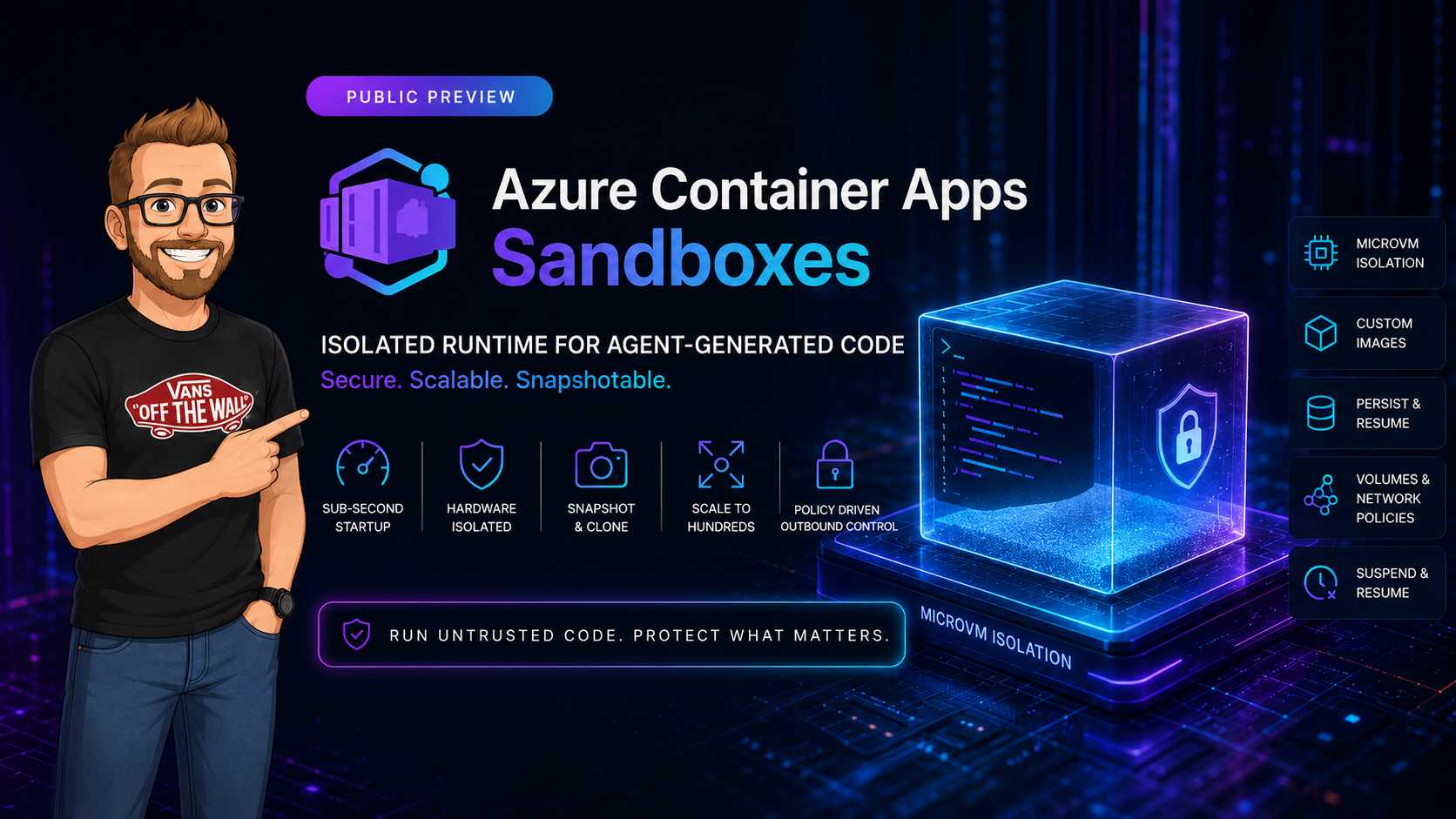
Most teams building coding agents hit the same wall: they trust the orchestration layer, but they cannot trust generated code. Azure Container Apps Sandboxes gives a managed isolation tier between those two planes.
In practice this means you keep your API, queue processors, and model gateways outside the blast radius while untrusted execution happens inside short-lived microVM-backed runtimes.
Execution model in one page
The preview service is exposed as Microsoft.App/SandboxGroups. A sandbox group is the
lifecycle boundary for runtime instances, snapshots, volumes, and outbound policy.
For design reviews and threat modeling, I split it into two planes:
| Plane | Endpoint | What you do there |
|---|---|---|
| ARM control plane | management.azure.com |
Create, update, and delete sandbox groups. Apply RBAC and environment-level policy. |
| ADC data plane | management.azuredevcompute.io |
Run sandboxes, manage files, snapshots, volumes, and egress controls. |
That split is useful because security ownership is usually different. Platform team owns control plane posture; app team owns data plane execution policy.
Capabilities that matter for engineering
- Prewarmed startup path that can reach sub-second cold-start behavior
- Arbitrary command execution for shell, Python, Node, and toolchains in custom OCI images
- Port exposure for temporary web workloads and interactive debug surfaces
- Suspend and resume semantics instead of forced teardown
- Snapshot and clone workflow for checkpointing multi-step agent tasks
- Scale from idle to high parallel fan-out for swarm patterns
Most teams underestimate the snapshot feature. It is not just persistence. It is a deterministic replay anchor for incident investigation and failed-agent reproduction.
The Build'26 announcement also positioned this as shared execution infrastructure for products like Cloud Sandbox in GitHub Copilot and Foundry Hosted Agents. That signal matters because it shows this runtime is not only a lab feature but part of production product architecture direction.
Threat model mapping
When model output is executable, treat it as hostile until proven safe. The table below maps common threats to controls you can enforce in sandbox design.
| Threat | Sandbox control | Operational check |
|---|---|---|
| Credential theft | Transform-based credential injection, no raw key in prompt context | Scan logs for secret-like output and redact on egress |
| Data exfiltration | Default-deny outbound policy with tight allowlist | Alert on deny hits and unknown host attempts |
| Malicious package install | Curated base image plus package mirror allowlist | Compare runtime package graph to golden baseline |
| Cross-tenant abuse | Per-tenant sandbox identity and storage partitioning | Validate tenant correlation IDs in all execution logs |
Important: Sandboxes reduce impact. They do not remove the need for command approval, policy checks, and artifact scanning before result promotion.
Container Apps Sandboxes vs Dynamic Sessions
Both can run model-driven code. The difference is control depth.
| Area | Dynamic Sessions | Container Apps Sandboxes |
|---|---|---|
| Lifecycle authority | Session pool behavior is mostly platform-managed | You own suspend, resume, clone, and retirement strategy |
| State handling | Mainly ephemeral execution | Ephemeral or stateful execution with snapshots |
| Policy surface | Limited environment-level control | Image, volume, network, and policy composition |
| Best-fit workloads | Simple interpreter-style scenarios | Persistent coding agents, CI workers, agent swarms |
Outbound policy and credential strategy
The safest preview posture is deny by default, allow by need. Sandboxes support policy actions such
as Allow, Deny, Transform, and Rewrite.
Traffic inspection mode is a practical tuning knob that is easy to overlook in first pilots:
| Mode | Behavior |
|---|---|
| Full | Inspects all traffic, enforces deny rules, blocks non-HTTP traffic. |
| Partial | Inspects only matching traffic. Non-HTTP traffic can pass. |
| Legacy | Inspects all traffic, allows non-HTTP traffic. |
| None | Disables policy inspection. Use only for trusted workloads. |
Keep policy definitions simple at first. A good pilot starts with two or three endpoints and expands only when logs prove need.
# Example allowlist scope for a coding agent
api.openai.com/v1/*
github.com/your-organization/*
api.nuget.org/v3/*
Use transform rules to inject short-lived credentials from managed identity or secrets at request time. This avoids storing long-lived keys in prompt context, scratch files, or process arguments.
For teams that want a concrete starting point, this is the minimum policy shape I recommend for a build-and-test agent profile:
{
    "defaultAction": "Deny",
    "inspectionMode": "Full",
    "rules": [
        {
            "name": "allow-openai",
            "action": "Allow",
            "match": { "host": "api.openai.com", "path": "/v1/*", "methods": ["POST"] }
        },
        {
            "name": "allow-github-org",
            "action": "Allow",
            "match": { "host": "github.com", "path": "/your-organization/*", "methods": ["GET"] }
        },
        {
            "name": "inject-auth-header",
            "action": "Transform",
            "match": { "host": "api.internal.contoso", "path": "/tools/*", "methods": ["POST"] },
            "transform": { "addHeaders": ["Authorization"] }
        }
    ]
}
State management and checkpoint design
Preview currently provides two suspension modes:
- Memory mode: process memory and disk survive suspension, good for iterative agents with warm context.
- Disk mode: disk survives but process restarts, good for cost-controlled resumable jobs.
For long-running workflows, create checkpoints at deterministic boundaries:
- After dependency install
- After source retrieval and validation
- After build pass
- After test pass
This turns flaky pipeline retries into resume-from-checkpoint behavior instead of full reruns.
A practical checkpoint cadence for coding agents is:
- Snapshot after dependency hydration to avoid repeated package restore.
- Snapshot after static analysis and policy checks pass.
- Snapshot after successful unit test run, before integration test fan-out.
- Delete snapshots automatically after promotion or rollback window expiry.
Lifecycle states and sizing decisions
Teams usually spend more time on image hardening than on state transitions. In practice, transition behavior determines cost and operator experience.
| State | Operational meaning |
|---|---|
| Running | Actively executing workload. |
| Idle | No recent traffic or exec activity. |
| Suspended | Compute released according to lifecycle policy. |
| Resuming | Sandbox reactivation in progress. |
For initial sizing, start with lowest usable tier and measure memory pressure under real prompt fan-out. Avoid over-sizing only to chase startup speed. Startup is strongly tied to warm pools and image shape, not only CPU/memory count.
Storage patterns
- Blob volumes: shared artifact exchange between independent sandboxes
- Data disk: high IOPS scratch, package cache, local build database
One practical pattern is blob for immutable inputs and results, data disk for mutable intermediate state. Keep disk mounts single-owner to avoid race conditions and cross-job contamination.
Keep artifact contracts explicit. I usually enforce this directory model in every sandbox image:
/workspace/input      # read-only mounted source bundle
/workspace/build      # mutable build/test output
/workspace/result     # signed output for promotion stage
/workspace/logs       # structured run logs, copied out before teardown
Minimal production pattern
If you are moving from pilot to controlled production, this is the smallest architecture that has worked well in audits:
- Separate orchestrator identity and sandbox runtime identity.
- Enforce one sandbox group per trust boundary (tenant or workload class).
- Use immutable base images with scheduled rebuild and CVE scanning.
- Export execution logs to central SIEM with sandbox ID, tenant ID, and request ID.
- Gate output promotion on static checks, malware scan, and policy scan.
Note: If your workflow only needs short Python snippets with no state carryover, Dynamic Sessions is usually simpler. Use Sandboxes when you need lifecycle control and durable execution context.
Failure modes you should test before go-live
| Failure mode | What it looks like | Mitigation |
|---|---|---|
| Policy over-blocking | Build jobs fail on package restore or repo fetch. | Start with staged allowlist and alert-only dry run in pre-prod. |
| Snapshot sprawl | Storage growth without corresponding job value. | Retention tiers by workload class and automatic cleanup jobs. |
| Identity over-permission | Sandbox can access resources outside run scope. | Split runtime identities and enforce least privilege per class. |
| Cross-run contamination | Unexpected artifacts appear in new runs. | Use clean mount paths and per-run work directories. |
Reference architecture for agent execution
- Agent API receives task and stores job metadata.
- Policy gateway validates task class and required tool permissions.
- Sandbox allocator selects image profile and outbound policy bundle.
- Execution controller submits job to sandbox and streams logs.
- Result scanner checks output artifacts before promotion.
- Checkpoint manager snapshots or retires sandbox based on workflow state.
This structure keeps orchestration and untrusted execution isolated by design.
Preview caveats to plan for
- Sandbox recreation may be required after platform updates
- CLI and SDK contracts can change during preview
- Work accounts in Microsoft Entra ID are required
- Some capabilities require preview feature registration
- Use Container Apps SandboxGroup Data Owner RBAC for data-plane operations
- Data-plane endpoint:
management.azuredevcompute.io
Pilot checklist I would use
- Define execution classes: read-only, build, networked, privileged.
- Map each class to its own image profile and outbound policy.
- Instrument every run with tenant ID, job ID, sandbox ID, and model run ID.
- Set snapshot retention budget and cleanup automation before launch.
- Red-team at least one prompt-injection plus exfiltration scenario per class.
My assessment
Sandboxes fill a missing layer between simple session abstractions and full AKS worker isolation. If your agent needs durable workspace behavior, strict egress policy, and reproducible checkpoints, this preview is worth piloting now.
I would still avoid production dependency until API and lifecycle contracts settle. Build your integration with an adapter layer so SDK or endpoint changes stay local to one component.